
Configuration Overview
All settings live in one place: Stores → Configuration → Webkul → Quote System.
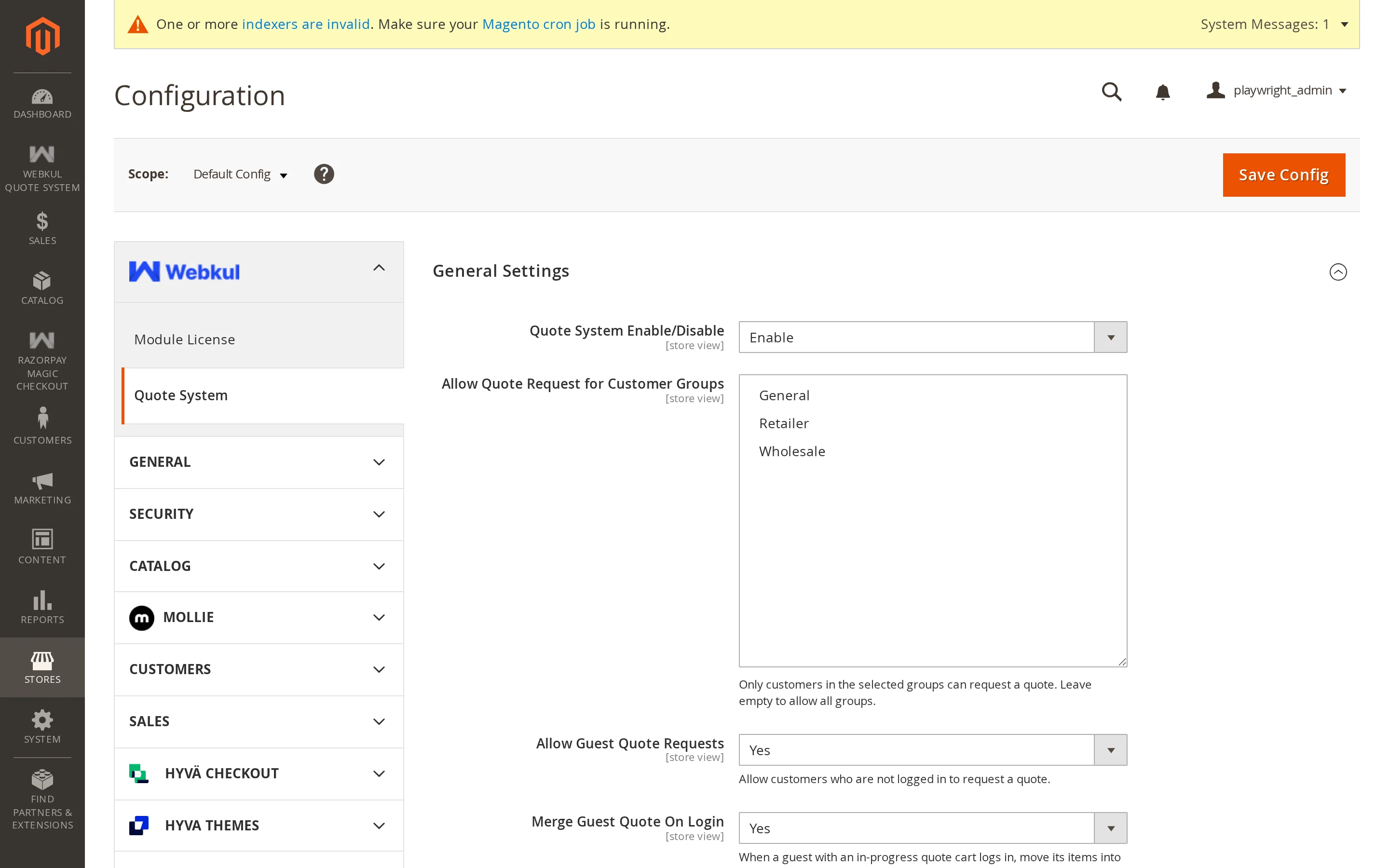
The section is split into groups, each covered by its own page here.
| Group | What it controls |
|---|---|
| General | The master switch, who can request quotes, guests, and email verification |
| Product Display | Whether Add to Cart and the price stay visible, out-of-stock products, and minimum quantity and amount |
| Button & Cart | Where the button appears, its label, what happens after adding, and discounts on negotiated lines |
| Conversation | The two-way messaging on a quote |
| Workflow | Automatic approval, quote expiry, and expiry reminders |
| Attachments | Whether customers can attach files, and the limits |
| Dynamic Form | Your own questions on the quote form |
| The notification address and the six transactional templates |
Scope
Settings are stored at store view scope, so you can run different rules per store view — for example, allow guest quotes on one site and require an account on another. Use the scope switcher at the top left of the configuration page.
After changing settings
Flush the cache:
php bin/magento cache:flush
Most settings apply immediately, but the storefront pages are full-page cached, so a stale page can otherwise keep showing the old behaviour.
Tips
If a setting appears to do nothing, check the scope you edited it in. A value set at Default Config is overridden by anything set at website or store-view level.