
Dynamic Form
Stores → Configuration → Webkul → Quote System → Dynamic Form
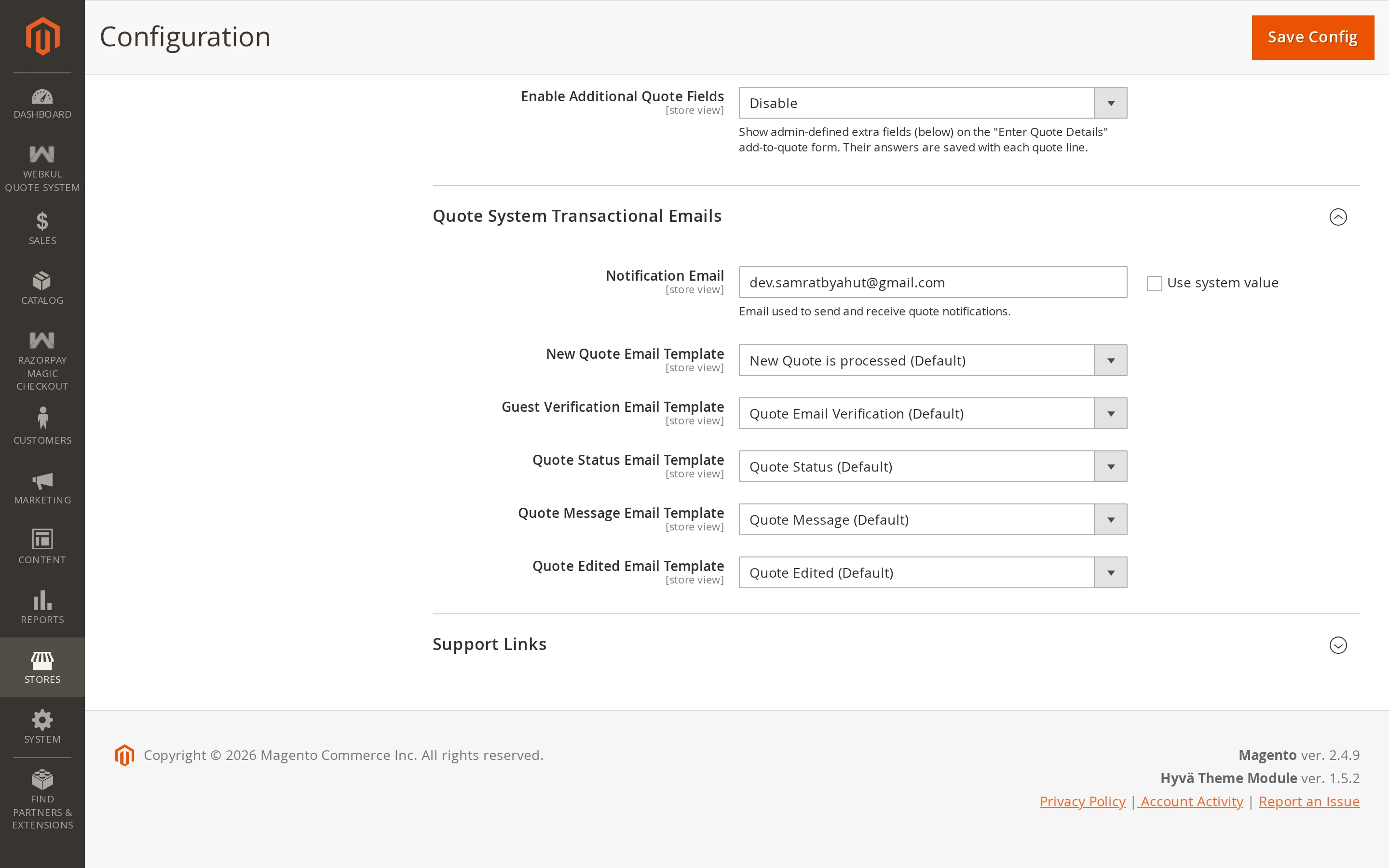
Ask your own questions on the quote form. Useful when a price depends on something the catalogue does not capture — a delivery deadline, a site address, a finish, a licence number.
| Setting | Description |
|---|---|
| Enable Dynamic Form | Show your custom fields on the quote form. |
| Fields | The fields themselves. |
Adding a field
Click Add in the Fields table and fill in:
| Column | Meaning |
|---|---|
| Code | The internal identifier. Letters, numbers and underscores; must be unique. |
| Label | What the customer sees above the field. |
| Type | Text, Textarea, or Select. |
| Options | For Select only — the choices, one per line. |
| Required | Whether the customer must answer. |
Fields appear on the quote form in the order you list them, under the quantity, price and note.
Where the answers appear
Answers travel with the line they were given for, and are shown:
- on the quote cart page, under the product name
- on the quote detail page in admin
- in the customer's own view of the quote
For a grouped product, each child gets its own copy of the fields, so a customer can answer differently for each item in the group.
Warning
Changing a field's Code after quotes exist orphans the answers already stored against the old code. They stay in the database but no longer show under the new field. Change the label freely; leave the code alone once it is in use.