
Introduction
Webkul AI ChatBot for Magento 2 is an intelligent conversational AI extension designed to transform e-commerce customer experience. It connects your Magento storefront directly with state-of-the-art Large Language Models (LLMs), semantic vector search, and automated store workflows.
With AI ChatBot, shoppers can discover catalog products through conversational inquiries, check real-time order summaries and tracking details, get instant answers to store policies via FAQ embeddings, and submit support tickets directly from the chat window.
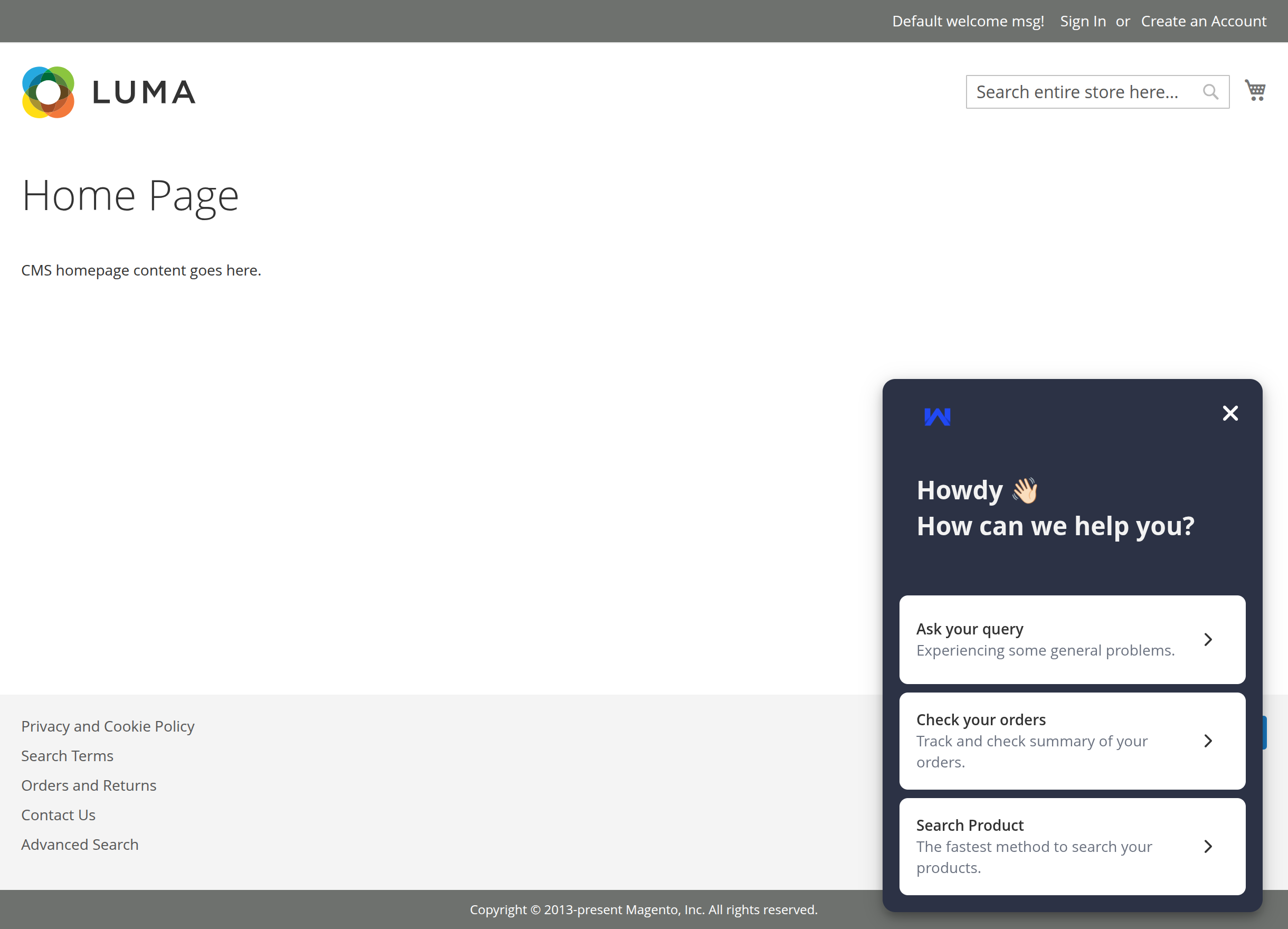
Storefront Experience
The extension injects a responsive, customizable chat widget on the storefront. Customers can interact with quick starter prompts, browse catalog recommendations, or converse naturally.
Key Features
- Multi-Model AI Support: Seamlessly integrate with cloud LLM providers (OpenAI GPT-4o, Google Gemini, Anthropic Claude, OpenRouter, Cerebras, DeepSeek), dedicated Pre-Configured inference servers, or lightweight Intfloat E5 transformer models.
- High-Performance Vector Storage: Leverage built-in HNSW vector indexing or ChromaDB storage for sub-second semantic retrieval across products, FAQs, and CMS pages.
- Conversational Product Discovery: Customers can describe what they are looking for in natural language (e.g., "Show me waterproof hiking backpacks with laptop sleeves"). The chatbot renders interactive product cards with direct store links, prices, and ratings.
- Order Lookup & Tracking: Logged-in customers can browse recent orders, query item summaries, check shipping and tracking numbers, or view detailed billing/shipping breakdowns without navigating away.
- Customer Issue Reporting: Built-in "Report to Admin" modal enables shoppers to submit support inquiries and issue descriptions directly to the backend.
- Automated FAQ & Knowledge Retrieval: Store managers can manage FAQs with store-view scoping. The chatbot automatically indexes and retrieves FAQ answers to resolve customer queries 24/7.
- Comprehensive Admin Dashboard: Complete chat transcript logs, issue reporting inbox, FAQ manager, and interactive statistics dashboard for tracking engagement.
- Tailored UI Branding: Fully customizable storefront widget with configurable position, avatar icons, solid or image backgrounds, and custom color themes.
Architecture Overview
Next Steps
- Check the System Requirements before installing.
- Proceed to the Installation Guide for composer commands and setup instructions.
- Follow Activation to enable the extension and access the admin control panel.