Magento 2 AI ChatBotMagento 2 AI ChatBot
Live Demo
Buy Now
Support
Live Demo
Buy Now
Support
  • Getting Started

    • Introduction
    • System Requirements
    • Installation
    • Activation
  • Configuration

    • Configuration Overview
    • Chatbot Configuration
    • LLM Provider
    • Pre Configured Model
    • Intfloat E5
    • Vector Index & Attribute Settings
    • Chat Context Settings
    • Frontend Chat Window Options
  • Storefront Chat

    • Storefront Chat
    • Conversational Product Search
    • Order Lookup & Tracking
    • View Order Details
    • Report Issue to Admin
  • Admin Panel

    • Admin Areas Overview
    • Chat History
    • Manage FAQ
    • Chat Reports
    • Statistics Dashboard
    • Generate Product Embeddings
  • Help

    • Chat Widget Not Visible
    • No AI Response
    • Empty Search Results
    • ChromaDB Connection Failure
    • Further Support
    • FAQ

Report Issue to Admin

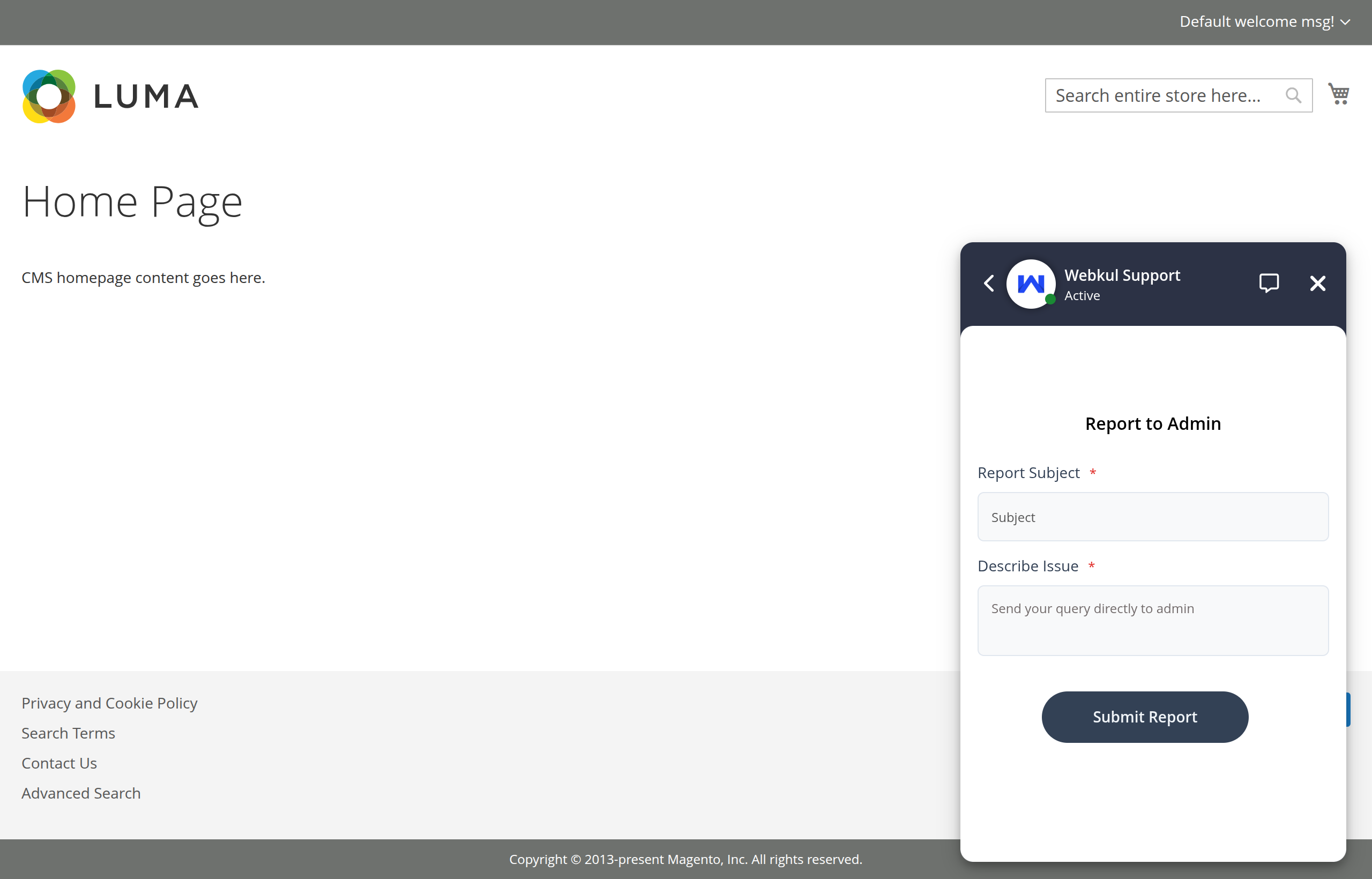
If a customer encounters a problem or requires human assistance, they can submit an issue report directly from the chat header.

Submit an Issue Report

  1. Click the Report to Admin icon in the chat header.
  2. Enter the Report Subject and Describe Issue in the modal form.
  3. Click Submit Report.

Report issue form

The inquiry is immediately logged in the Magento Admin under AI ChatBot > Chat Reports for administrator review.

Prev
View Order Details