
Chatbot Configuration
Controls core module behavior, AI model selection, API credentials, vector storage backends, and embedding rules.
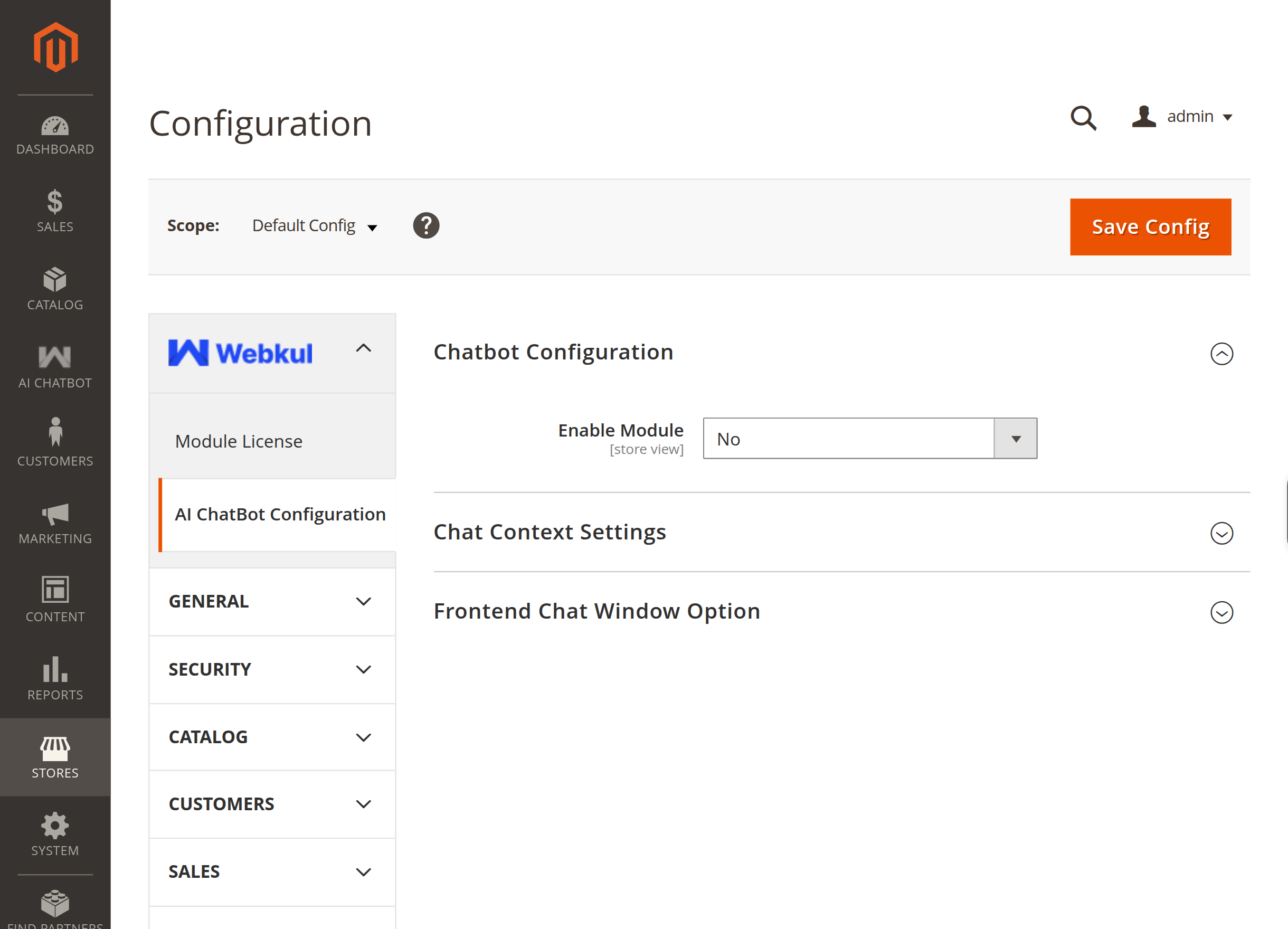
Core Settings
| Field | Description |
|---|---|
| Enable Module | Set to Yes to activate the AI ChatBot on the storefront and enable the admin menu. |
| Vector Storage | Choose the vector database for storing product, FAQ, and CMS embeddings: • Default Vector Storage: Built-in HNSW index (no external server required).• ChromaDB Storage: Connect to a standalone ChromaDB instance. |
| ChromaDB Endpoint | (Shown when Vector Storage is ChromaDB) Enter the URL and port of your ChromaDB server (e.g., http://127.0.0.1:8000). |
| ChromaDB API Version | (Shown when Vector Storage is ChromaDB) Select v1 or v2 matching your ChromaDB deployment. |
| Delete Collections | Action button to purge all existing vector collections from storage and reset indexes. |
| AI Model Type | Select the AI inference engine mode: • LLM Provider: Cloud AI providers via Symfony AI Agent.• Pre Configured Model: Dedicated inference server.• Intfloat E5 (Browser Based): Local/browser-based transformer embeddings. |
See the dedicated pages for each AI Model Type and Vector Index & Attribute Settings.