
Purchasing a Quote
Turning an approved quote into an order.
What the customer does
- My Account → My Quotes, open the approved quote.
- Click Proceed to Purchase.
- The lines are added to their shopping cart at the offered price and quantity.
- They check out as normal.
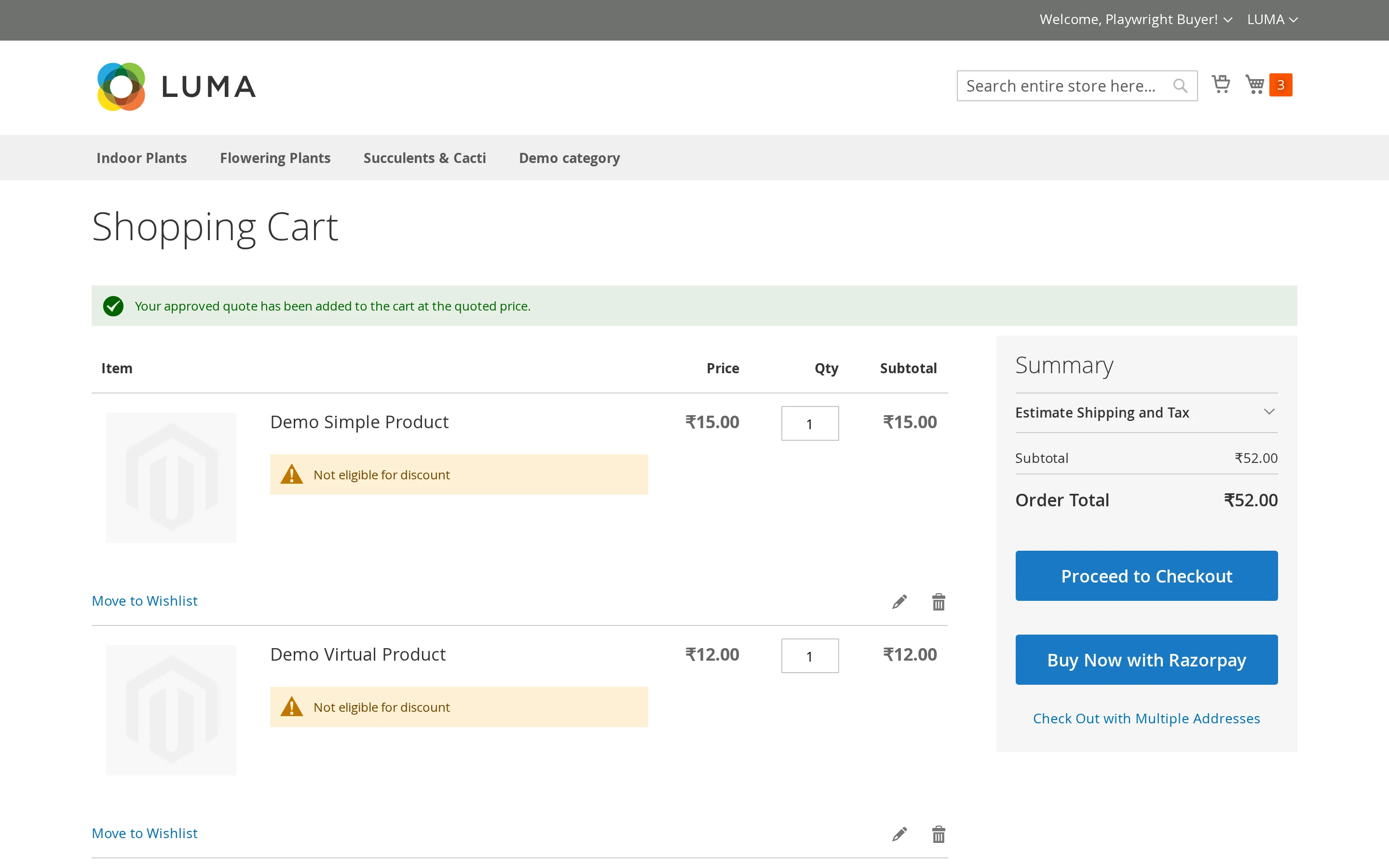
Product options are replayed exactly as they were quoted, so a configurable bought from a quote is the same variant that was quoted, and a bundle keeps its selections.
Protecting the negotiated price
The negotiated price is applied as a custom price on the cart line, which sits below your catalogue price and any tier pricing.
Whether discounts can then be stacked on top is up to Allow Discount on Quote Items:
| Setting | Behaviour |
|---|---|
| No (default) | Cart and catalogue price rules skip quoted lines. Other items in the same cart still get their discounts. |
| Yes | Quoted lines behave like any other line and rules apply on top. |
Warning
With discounts allowed, a customer can combine a negotiated price with a coupon and pay less than you agreed. Leave the setting off unless you specifically want that.
After the order is placed
When the order is saved, the quote is linked to it and closed:
- the quote's status becomes Ordered
- the order number and its status appear in My Quotes and in the admin grid
- the quote can no longer be purchased again
Quotes that cannot be purchased
| Status | Why not |
|---|---|
| Pending, Processing | No offer has been made yet |
| Declined | You closed it |
| Expired | The offer lapsed — see Workflow |
| Ordered | Already bought |
An expired quote is not lost. Set it back to Approved in admin and the customer can buy it again.