
Product Events
These events fire on the product detail page and around product-level intent (wishlist, compare).
Events
| Event | Fires when | Key payload |
|---|---|---|
product_viewed | A product detail page opens. | single item with item_id, item_name, price, currency |
wishlist_item_added | A product is added to the wishlist. | the item |
product_compared | A product is added to compare. | the item |
Example — product view
{
  "event": "product_viewed",
  "data": {
    "currency": "USD",
    "value": 49.00,
    "items": [
      {
        "item_id": "24-MB01",
        "item_name": "Joust Duffle Bag",
        "price": 49.00,
        "item_brand": "Webkul",
        "item_category": "Bags",
        "quantity": 1
      }
    ]
  }
}
item_brand, item_category, and any other enrichment come from your attribute mapping. Whether item_id is a SKU or numeric ID depends on Data Tuning.
Configurable & grouped products
For configurable products, the payload reflects the selected simple product where applicable, so item_id matches the SKU/ID a shopper can actually buy — keep this aligned with your catalog feed for dynamic remarketing.
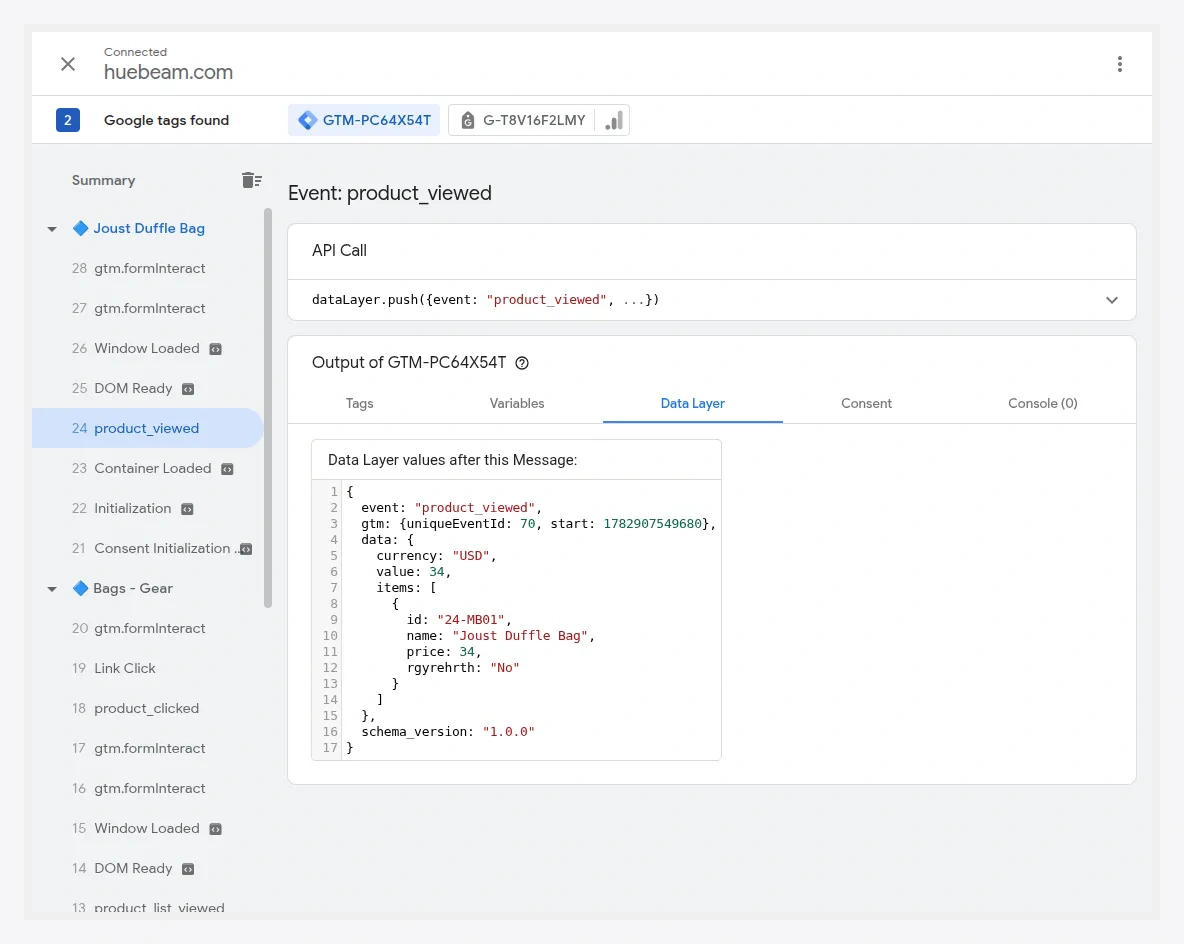
Verify
Open a product page in GTM Preview mode and confirm product_viewed fires once with the correct item_id and price.