
Price Rule
Price Rule
The admin can automatically update the price of synced products using Price Rules.
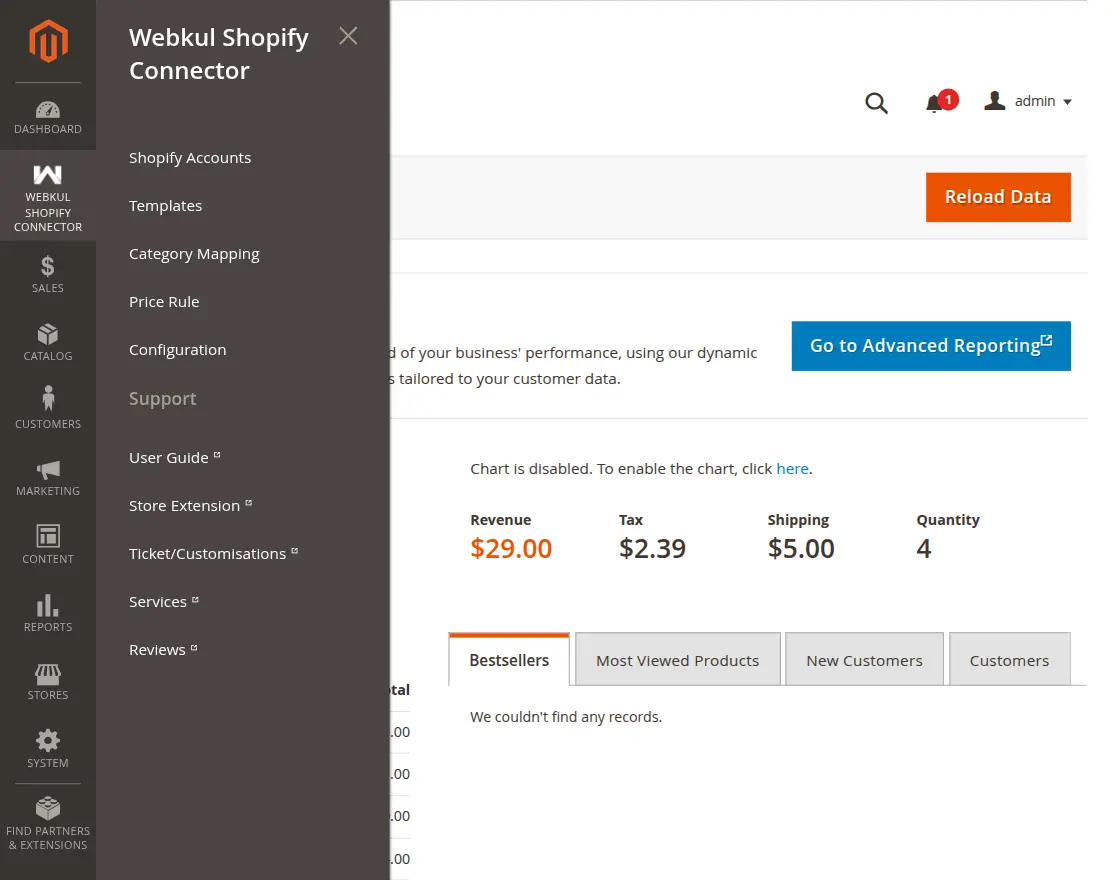
Navigate to Webkul Shopify Connector -> Price Rule.
Here, you can see all the created price rules.
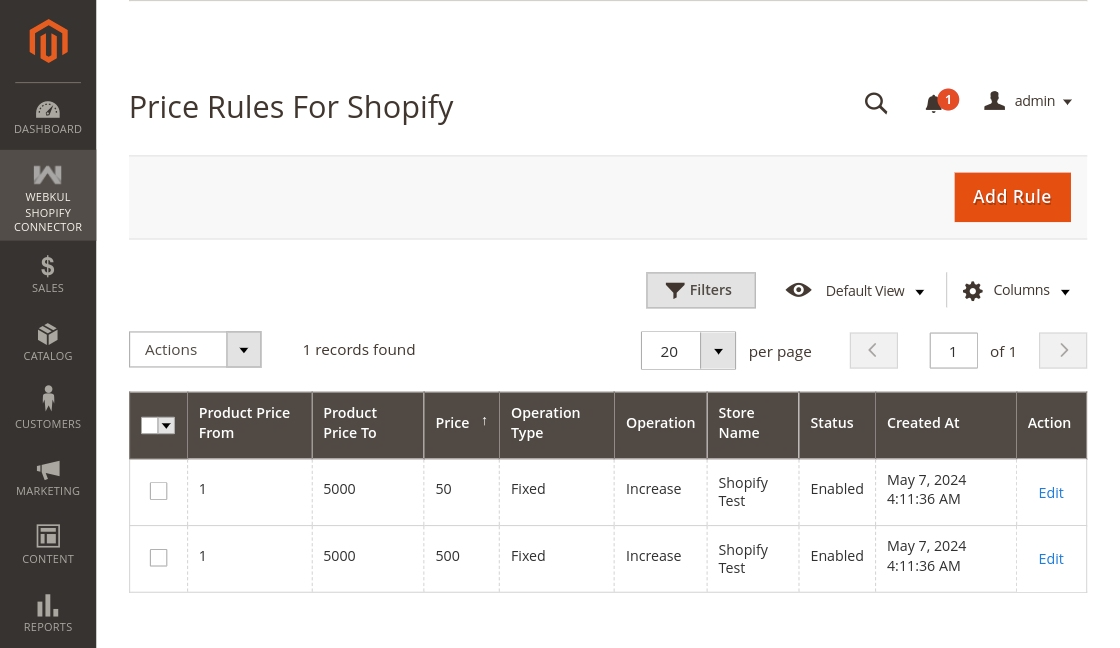
Click Add Rule to create a new price rule:
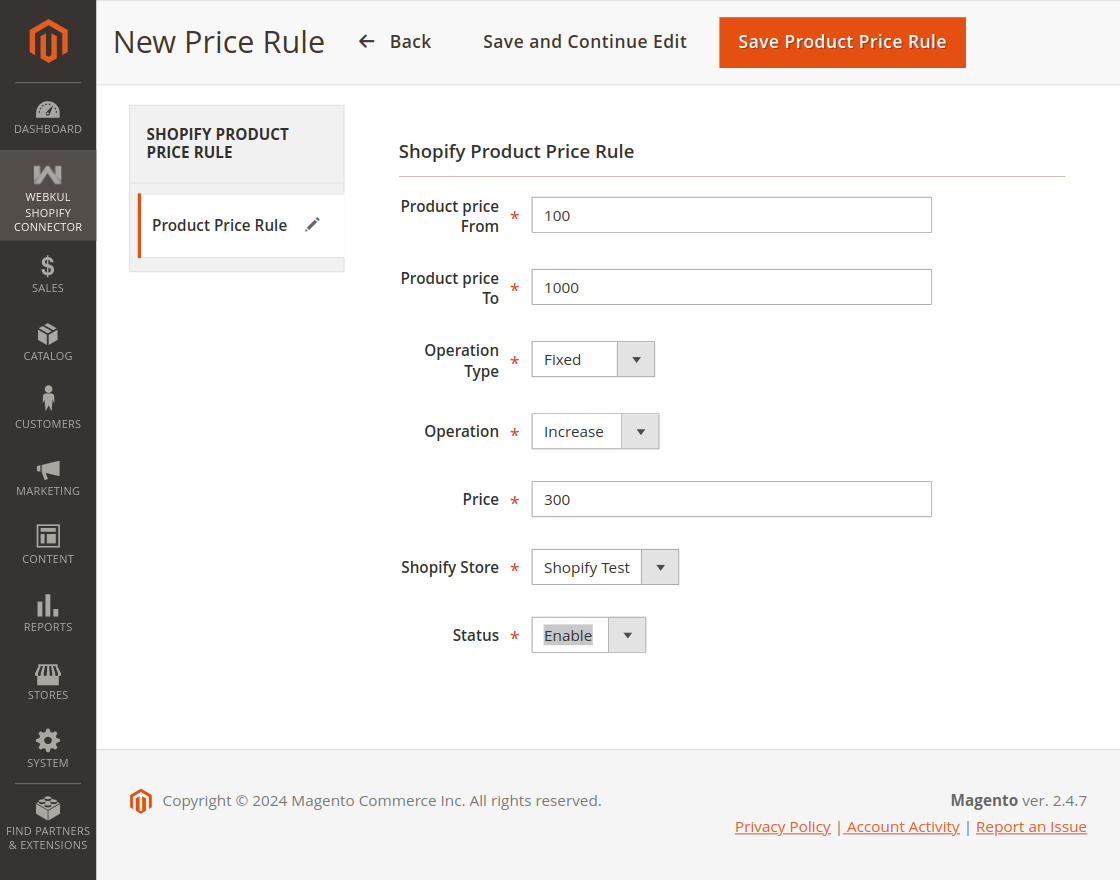
- Product Price From: Minimum price for the rule to be active.
- Product Price To: Maximum price for the rule to be inactive.
- Operation Type: Fixed or Percentage.
- Operation: Increase or Decrease.
- Price: Enter the amount.
- Shopify Store: Select the store.
- Status: Enable or disable the price rule.
Example
Suppose the product price is 100:
Operation Type: Percentage
Operation: Increase
Price: 10 Result: 10% of 100 gets added (100 + 10 = 110).
Operation Type: Fixed
Operation: Decrease
Price: 10 Result: 100 - 10 = 90.