Export Products
Export Products To Shopify
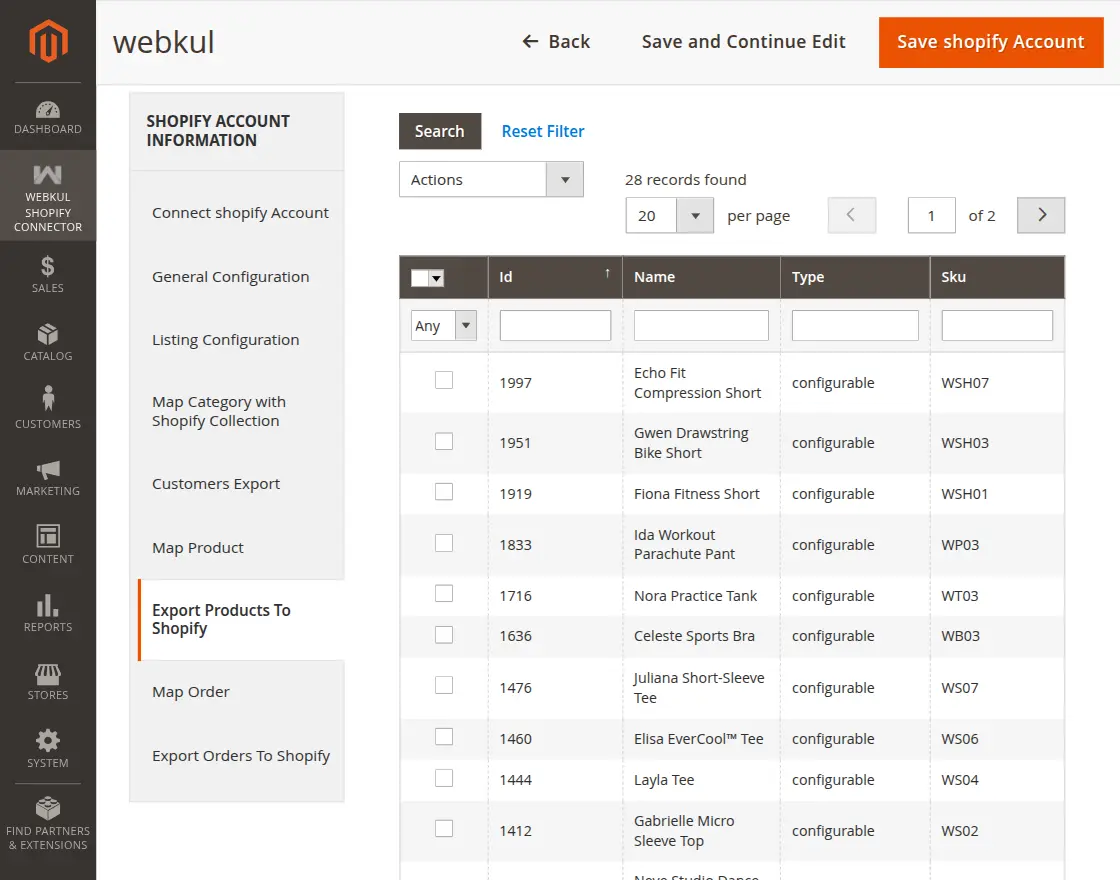
The admin can export products from the Magento store to their Shopify store by clicking on the Export Products To Shopify tab.
- Select the products you want to export.
- Select Export to Shopify from the Action dropdown.
- Click the Submit button.
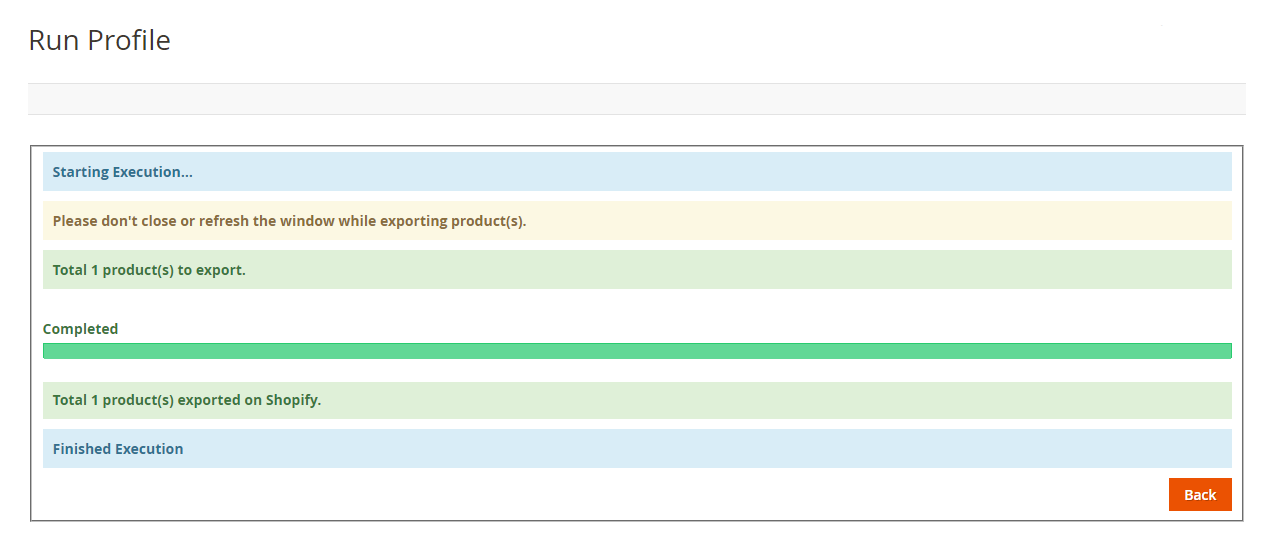
- This navigates you to the "Run Profile" page where the execution occurs.
Note
- If category mapping is not done for the Shopify product category, the products will not be exported.
- Both Simple and Configurable products can be exported.
- Product information such as the base image, name, price, and quantity are exported.
- If exporting a product with no description, its name will be used as the description (Shopify requires a description).
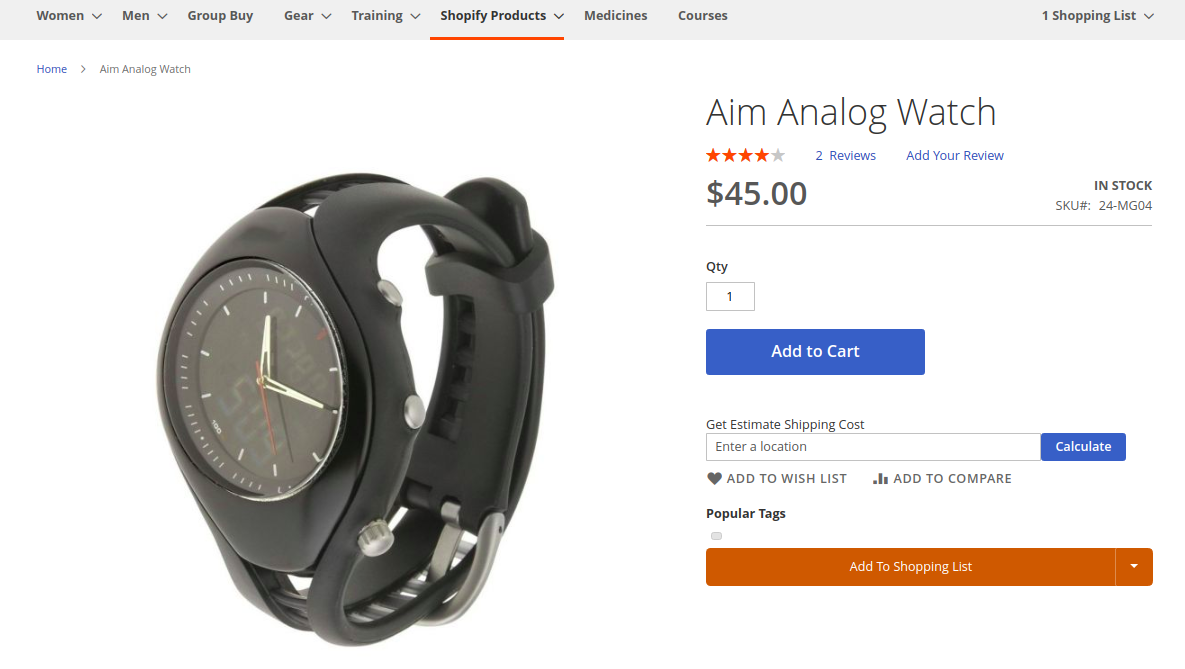
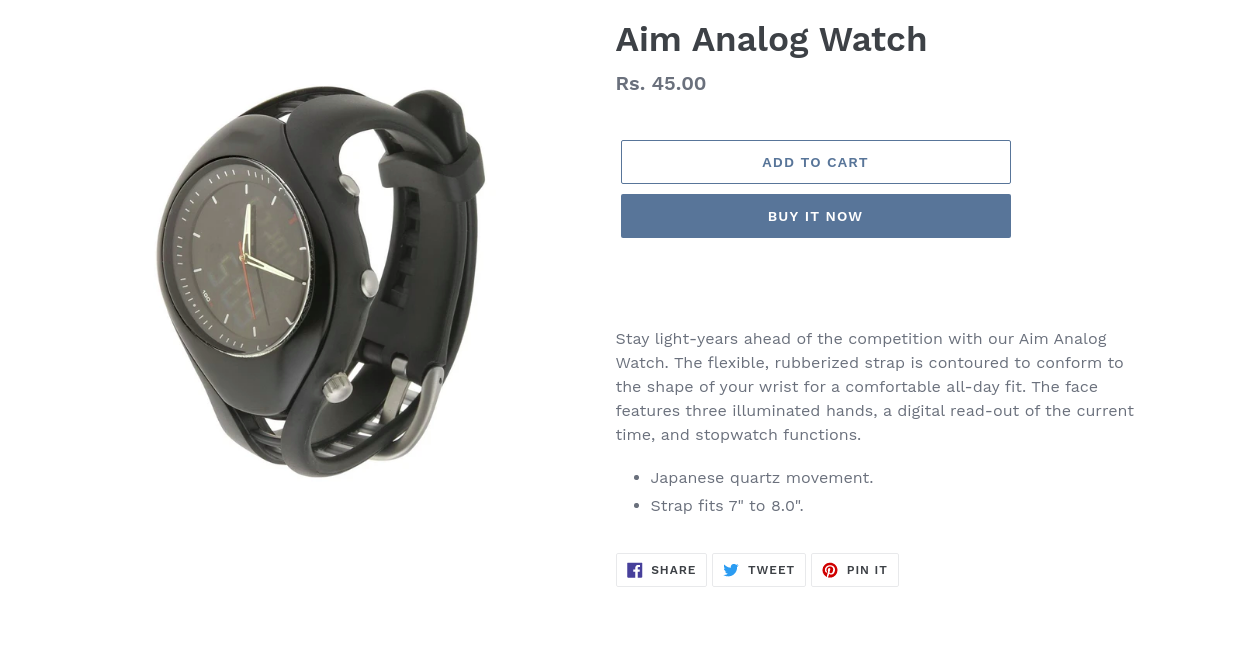
After successful execution, you can see the exported products in the Shopify Store.