Import Products
Import Products From Shopify
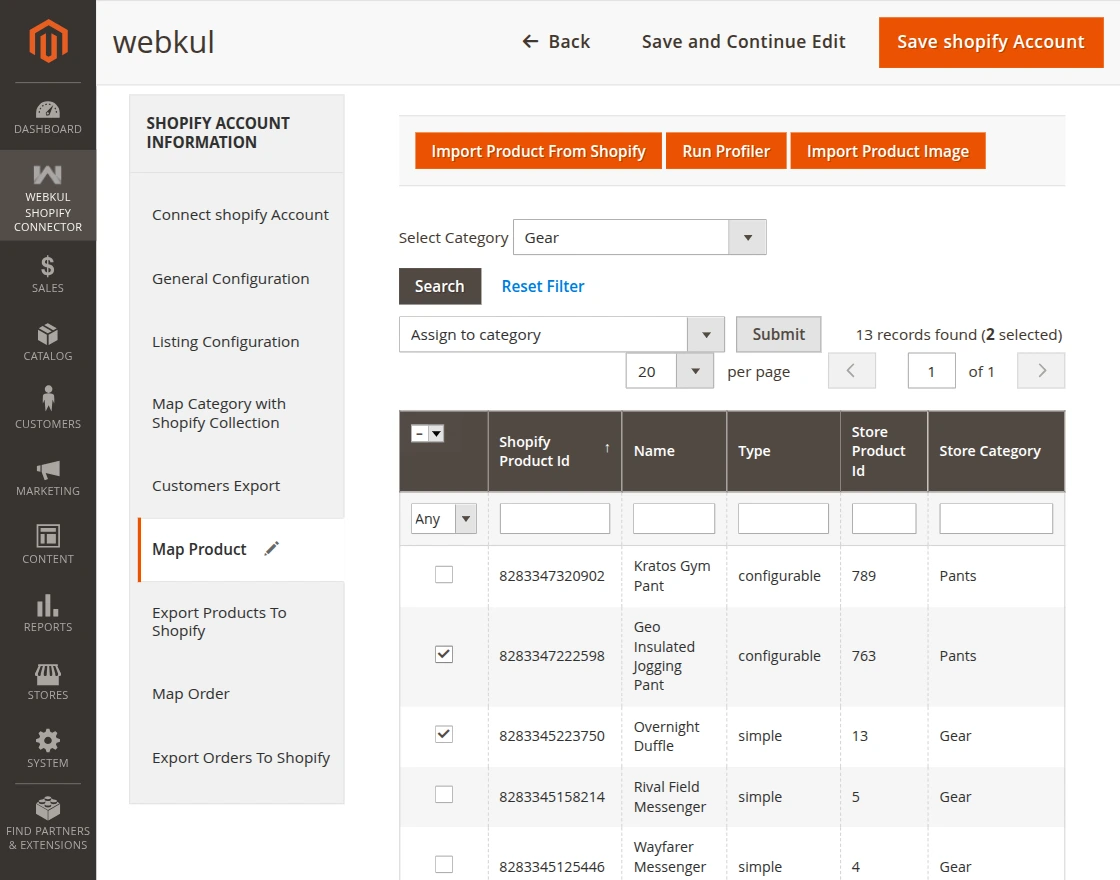
The admin can import products from the Shopify store to the Magento store by clicking on the Map Product tab.
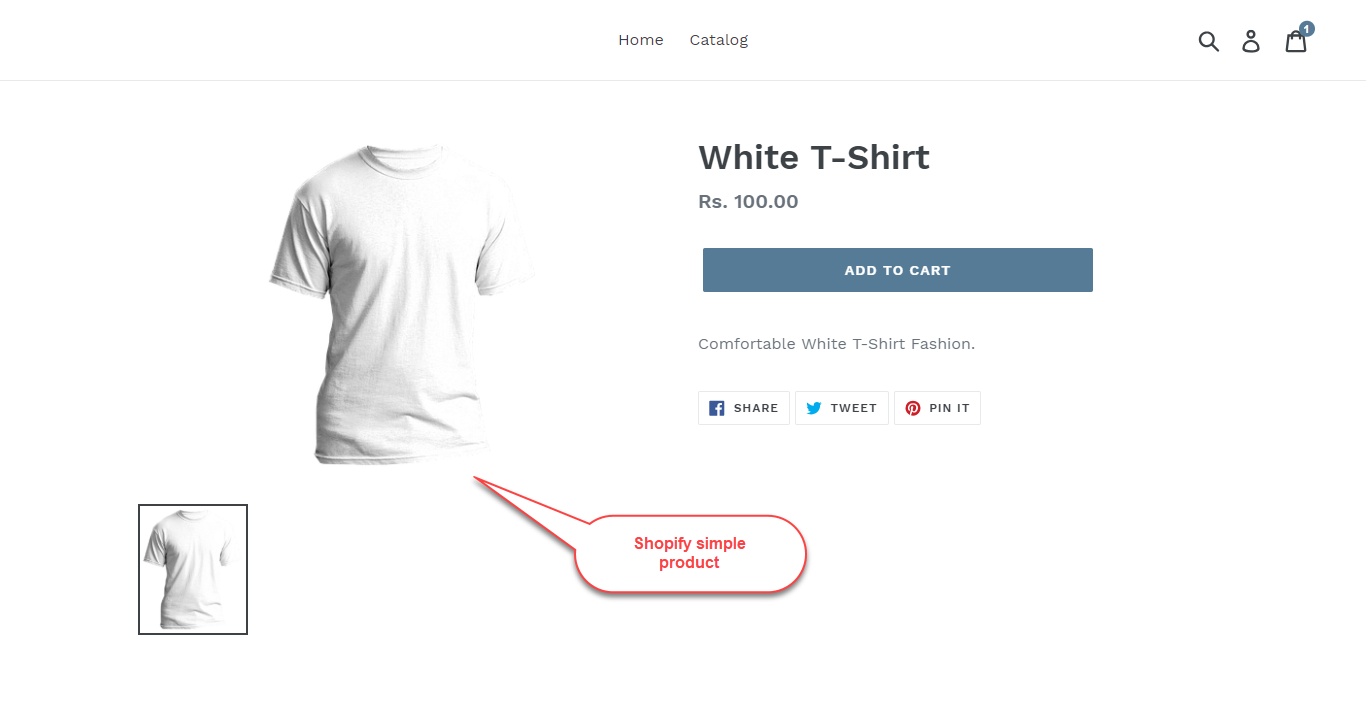
- Import Product From Shopify: Creates temporary product data in the Magento 2 database.
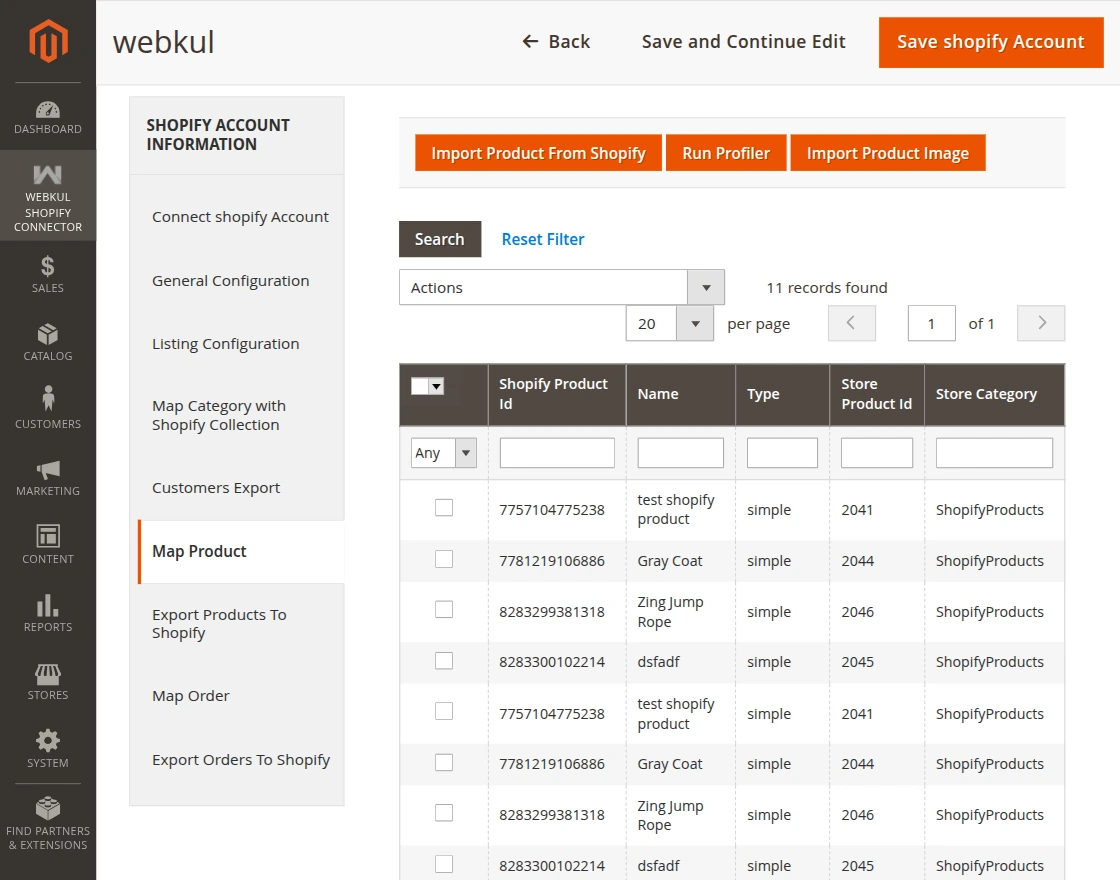
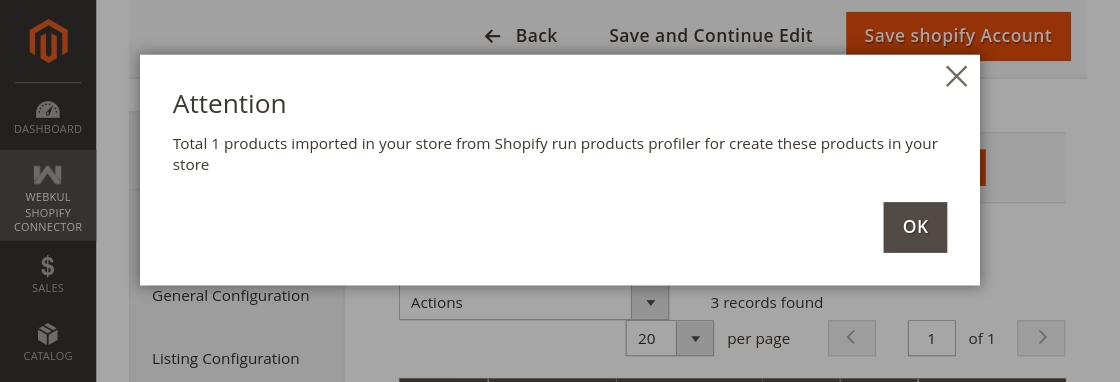
- Run Profile: Adds the imported products to the Magento 2 store.
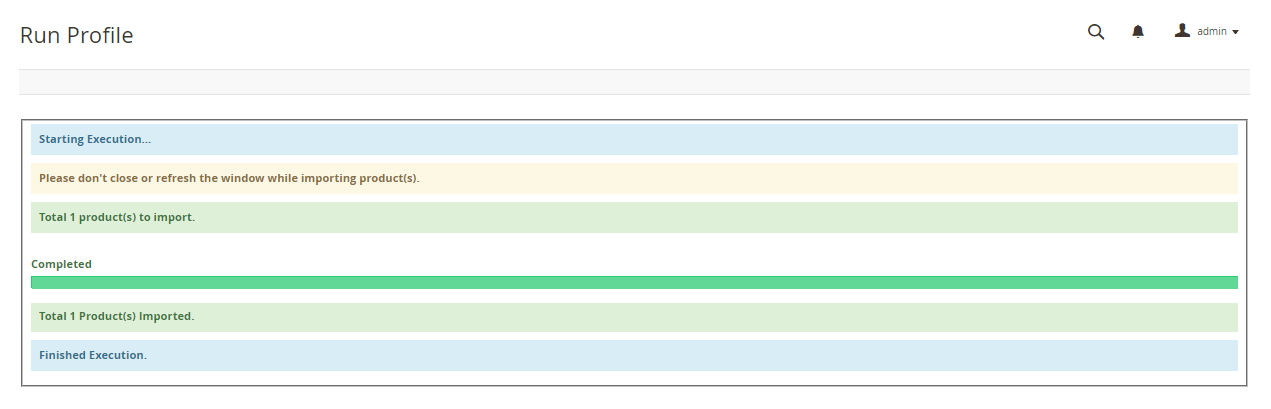
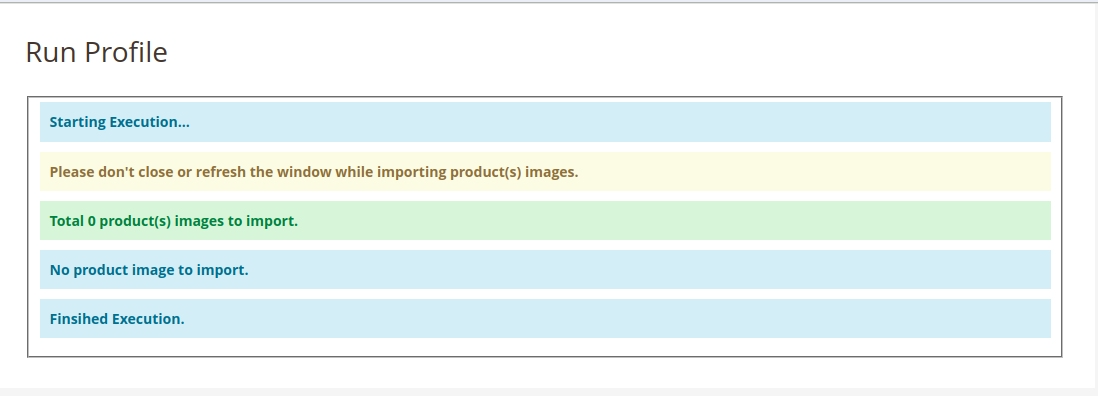
- Import Product Image: Imports product images from Shopify.
Note
- If category mapping is done, imported products are assigned to the mapped category. Otherwise, they use the default category.
- Simple and Configurable products are supported.
- If importing a product that has no weight, it will have a default weight of 1 in Magento.
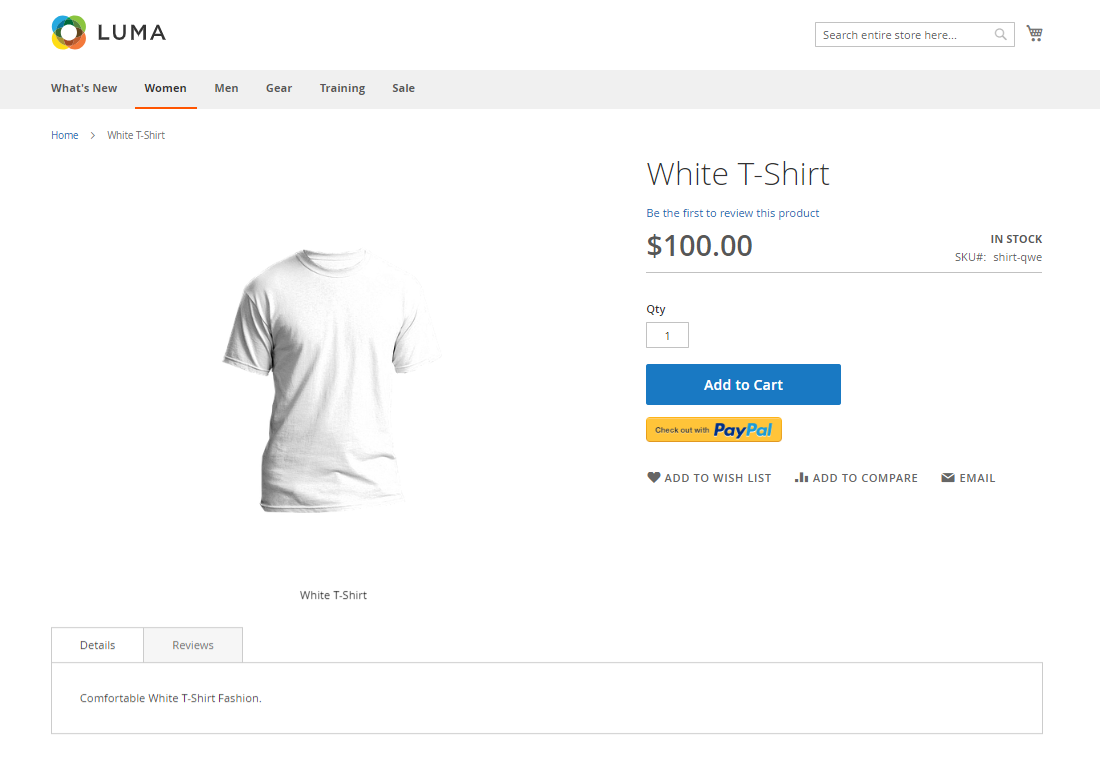
- Imported Product: Imported products will act as Magento products.
Change the Category of Imported Products
- Select one or more products from the imported products list.
- Select Assign to Category option from the Actions dropdown.
- Select the desired category from the Category dropdown.
- Click Submit.