Map Category with Shopify Collection
Map Magento Category with Shopify Collection
The admin can map Magento 2 store categories directly with Shopify Collections by clicking on the Map Category with Shopify Collection tab in the Shopify Connect account side panel.
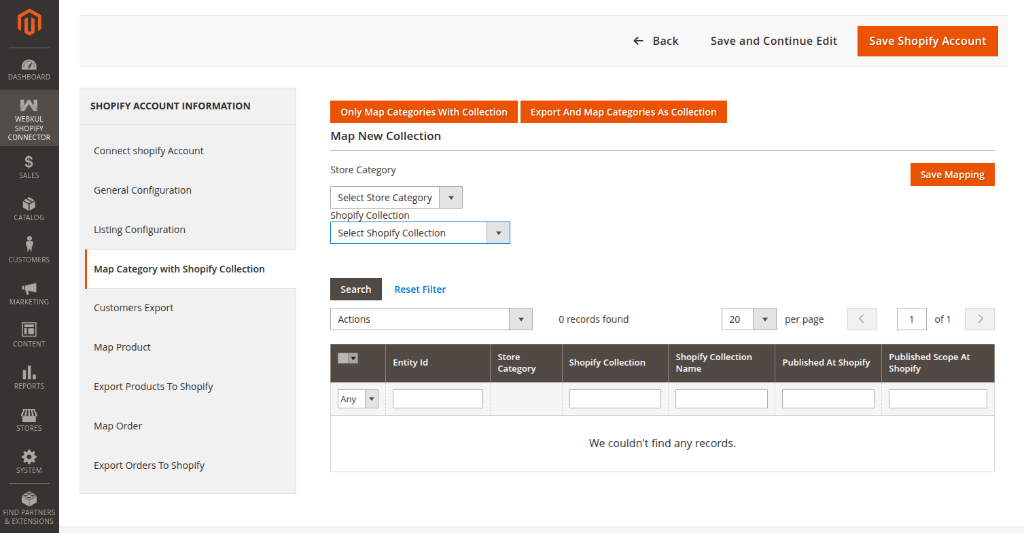
Here we can map the Magento category with a Shopify collection:
- Under the Only Map Categories With Collection tab, select the Store Category (Magento category).
- Select the corresponding Shopify Collection from the drop-down list.
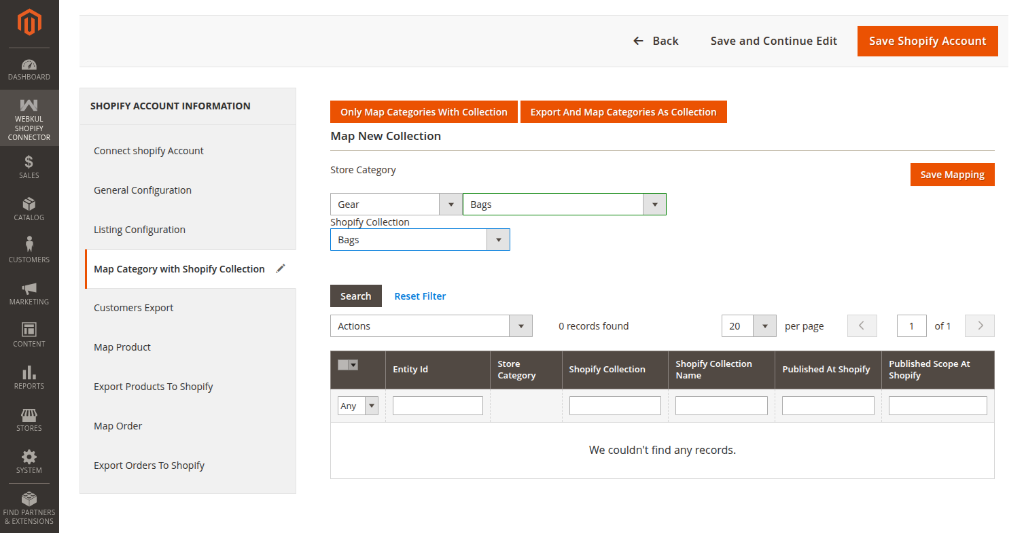
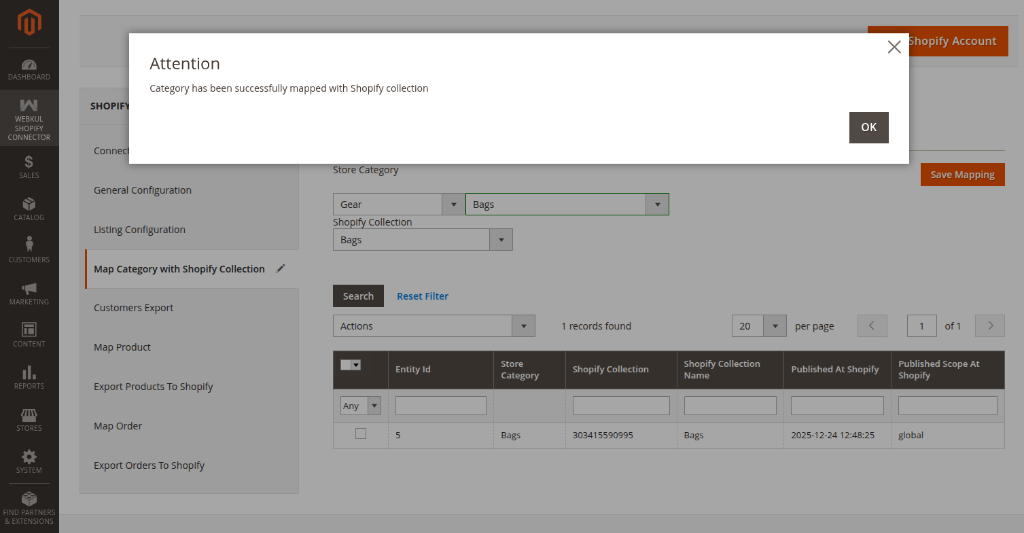
- Click on the Save Mapping button.
- A success message will appear confirming the mapping.
Export And Map Categories As Collection
The other button, Export And Map Categories As Collection, allows you to export Magento categories and automatically map them as Shopify collections.
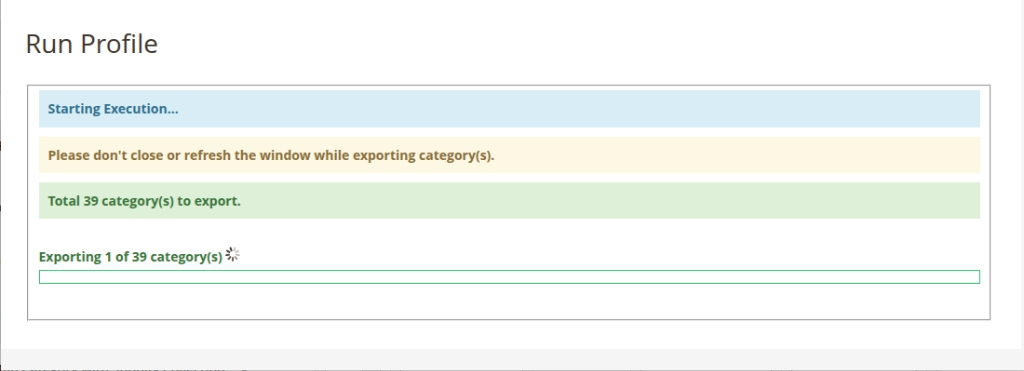
Clicking this button will navigate you to the Run Profile page, where the execution occurs and exports your Magento categories to Shopify.