
Automatic Translation
Every save of a review fires Magento's review_save_after event. The module's observer listens for it.
What the observer checks
- Enable Module is
Yes. - The review's status is Approved.
Both true, and it publishes the review to the aireview.translation.generate topic and returns. The admin save finishes immediately — no LLM call happens inside the request.
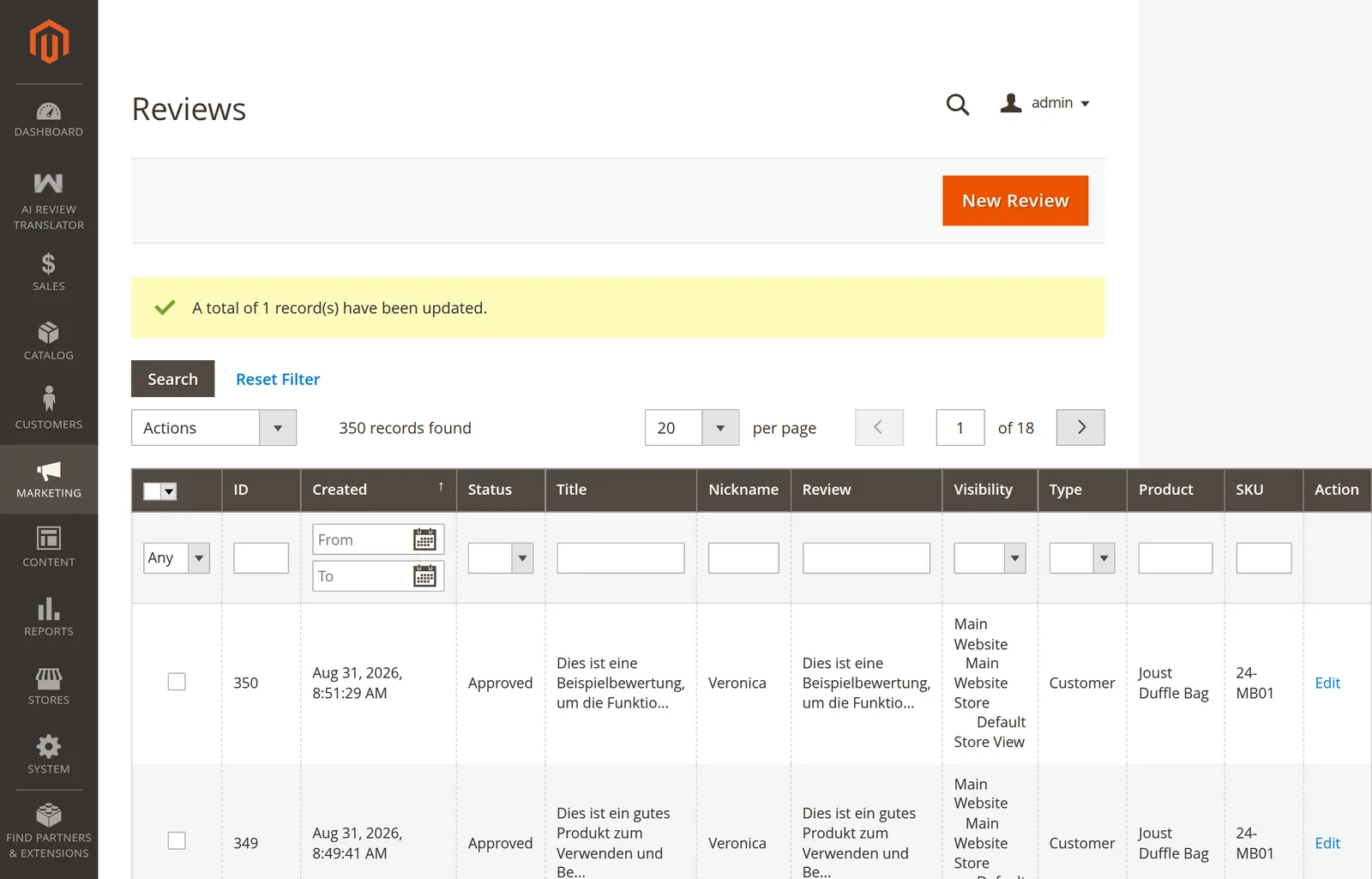
Approving is the trigger
A customer-submitted review starts as Pending and is ignored. Approving it in Marketing → User Content → Reviews is itself a save, so approval is what queues the work.
| Action | Queued? |
|---|---|
| Customer submits a review | No — it is pending |
| Admin approves it | Yes |
| Admin edits an approved review | Yes — the row is updated in place |
| Admin sets it back to pending | No |
| Admin creates an approved review directly | Yes |
Every store view, every time
Handling one approved review means translating it into every store view, one API call each. Five store views is five calls for that single review.
Watch your rate limits on many-store-view setups
Approving twenty reviews across five store views is a hundred API calls arriving at once. Turn the module off on store views that do not need translation — see Store Views & Languages.
Nothing happens without a consumer
The observer only publishes a message. If no consumer is running, messages accumulate and nothing is ever translated. See The Queue Consumer.
Bulk operation records
Each publish also registers a bulk-operation summary, so queued translation work is visible under System → Bulk Actions with the description Generating Review Translation for product.