
Provider Overview
Nine providers are supported. Eight are hosted APIs that need a key; one — Ollama — runs on your own hardware.
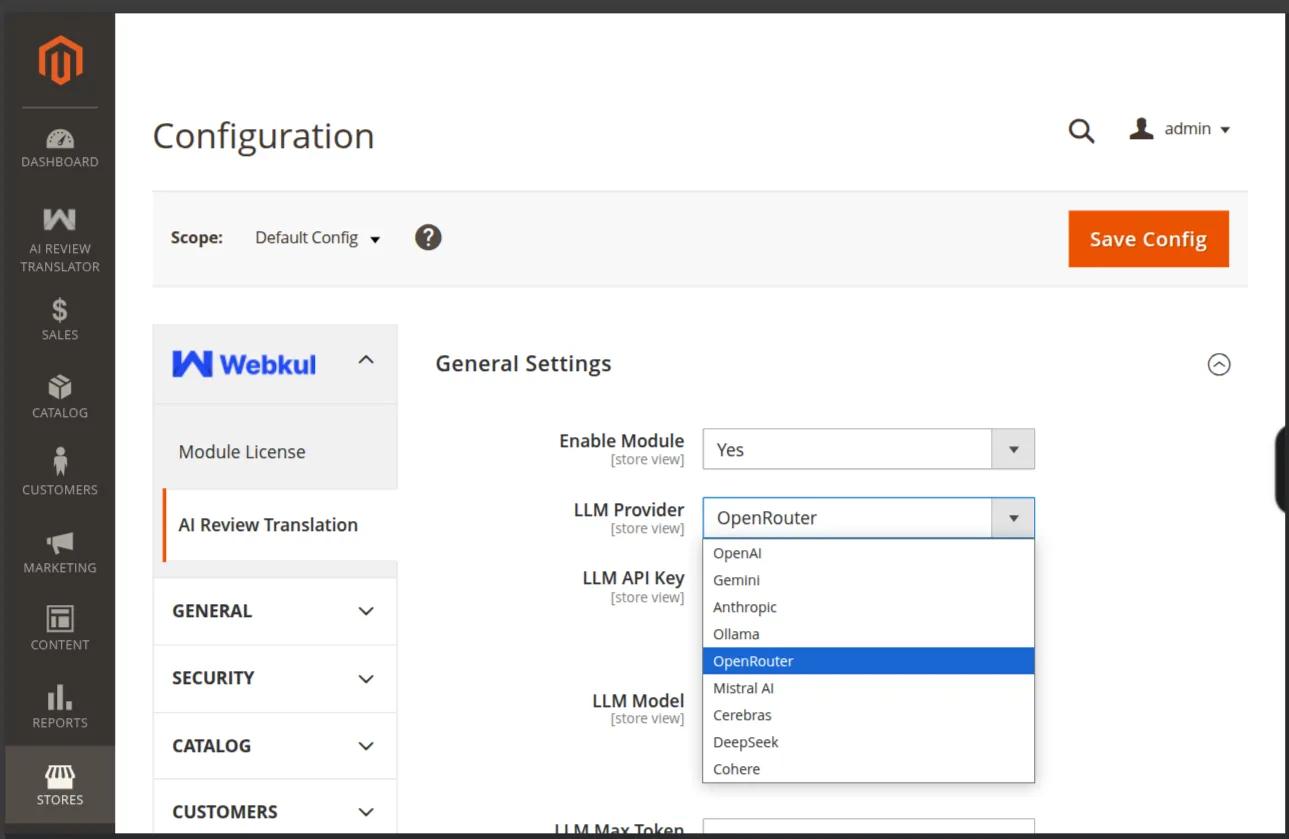
The list
| Provider | API key | Where to get it |
|---|---|---|
| OpenAI | Required | platform.openai.com/api-keys |
| Gemini | Required | aistudio.google.com/apikey |
| Anthropic | Required | console.anthropic.com |
| Ollama | Optional | Self-hosted — an endpoint instead of a key |
| OpenRouter | Required | openrouter.ai/keys |
| Mistral AI | Required | console.mistral.ai |
| Cerebras | Required | cloud.cerebras.ai |
| DeepSeek | Required | platform.deepseek.com |
| Cohere | Required | dashboard.cohere.com/api-keys |
Every provider except Ollama refuses to validate with an empty key.
Hosted or self-hosted
| Hosted | Ollama | |
|---|---|---|
| Cost | Per token, billed by the provider | Your hardware only |
| Setup | Paste a key | Install a server, pull a model |
| Speed | Fast, no local resources | Depends on your hardware |
| Data | Review text leaves your server | Stays on your infrastructure |
| Quality | Frontier models available | Limited to open-weights models |
Billing is between you and the provider
Webkul does not resell tokens or proxy traffic. The key you paste calls the provider directly from your Magento server.
Each provider needs its bridge package
A provider only works when its symfony/ai-*-platform package is installed. The module checks for all of them before reporting the packages as available, so install the whole set — see Install the AI Packages.