
On the Storefront
Shoppers see the review in their store view's language, with a link to read what the customer actually wrote.
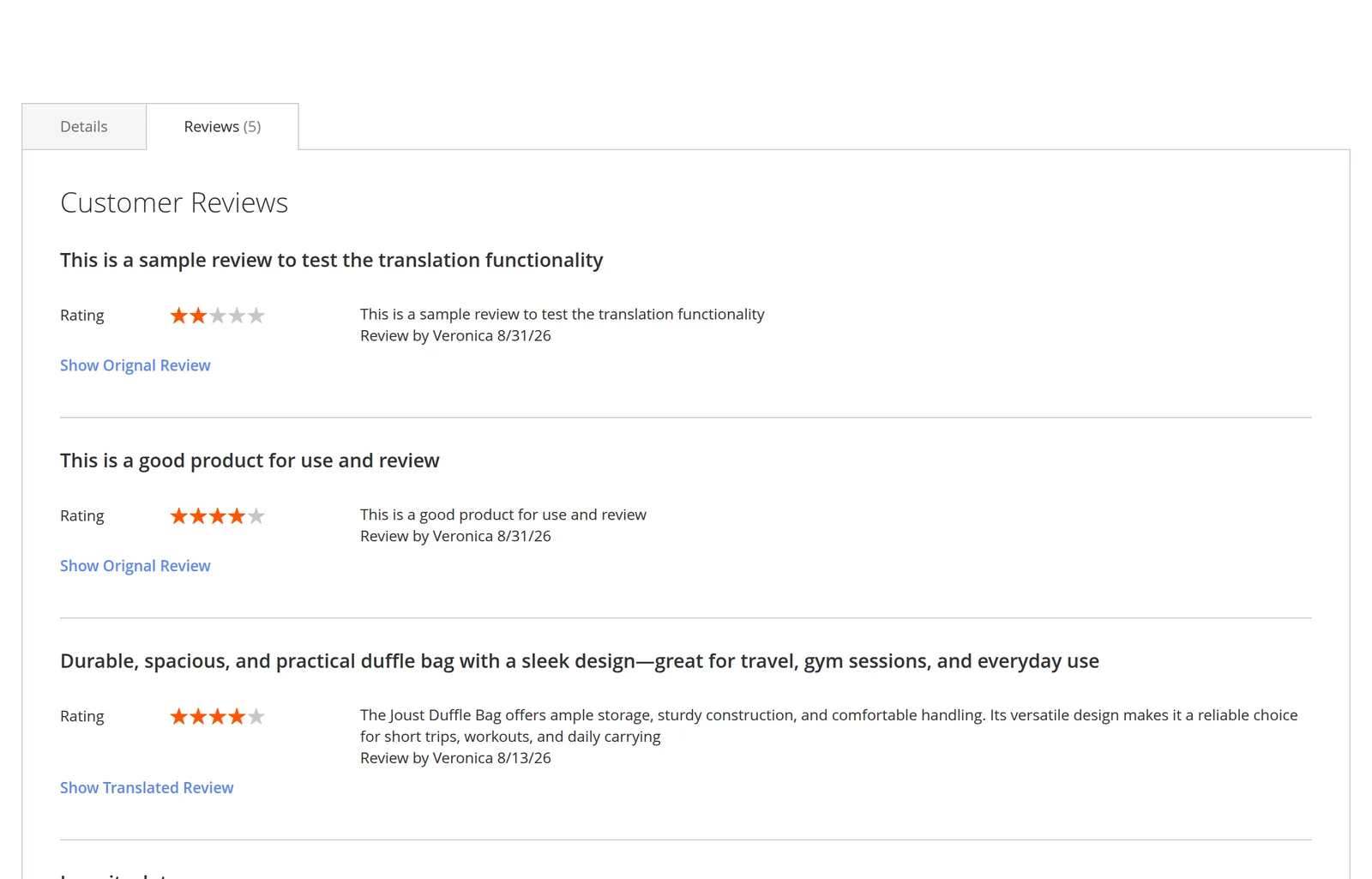
Where it appears
| Page | Behaviour |
|---|---|
| Product page → Reviews tab | Translated text plus toggle. |
| Product reviews list page | Same. |
| AJAX-paginated review lists | Same — the toggle is re-bound after each page of reviews loads. |
What is rendered
With the module enabled for that store view, each review shows:
- the translated title and body, when a translation exists;
- a link beneath it to switch to the other version.
Rating stars, author, and date are shared between both versions and never move.
The mechanics of the switch are on The Toggle.
When there is no translation yet
The module never blanks a review. If no row exists for this review and store view — the queue has not caught up, or the review predates the module — the original title and body are shown for both states, so the toggle appears to do nothing.
The same applies field by field: an empty translated title falls back to the original title, even if the body translated fine.
A toggle that does nothing means "not translated yet"
Check the queue consumer is running, then backfill with the bulk CLI command.
When the module is disabled
Set Enable Module to No for a store view and its product pages render stock Magento reviews — original text, no toggle. Existing translations stay in the database and come back when you re-enable it.
Headless storefronts
There is no toggle to render in a headless setup. Query both versions and decide in your own UI — see GraphQL API.