
Validate the Key & Load Models
LLM Model stays read-only until you validate. That is deliberate: the module fills the dropdown from the provider, so you cannot select a model your key has no access to.
Validate
Click Validate Key and Load Models, below the fields.
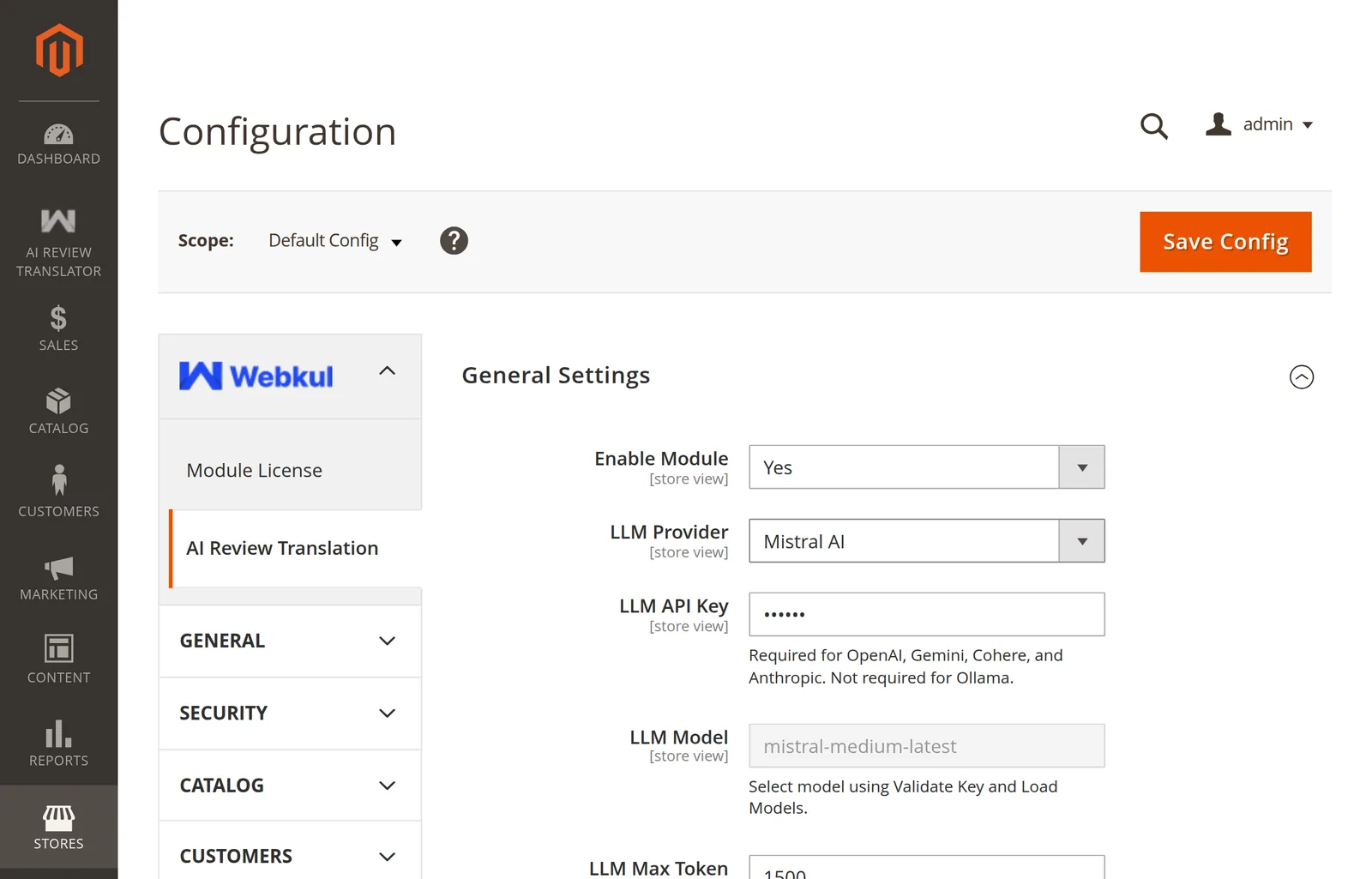
A green Validated badge means the key works and the model list has loaded:
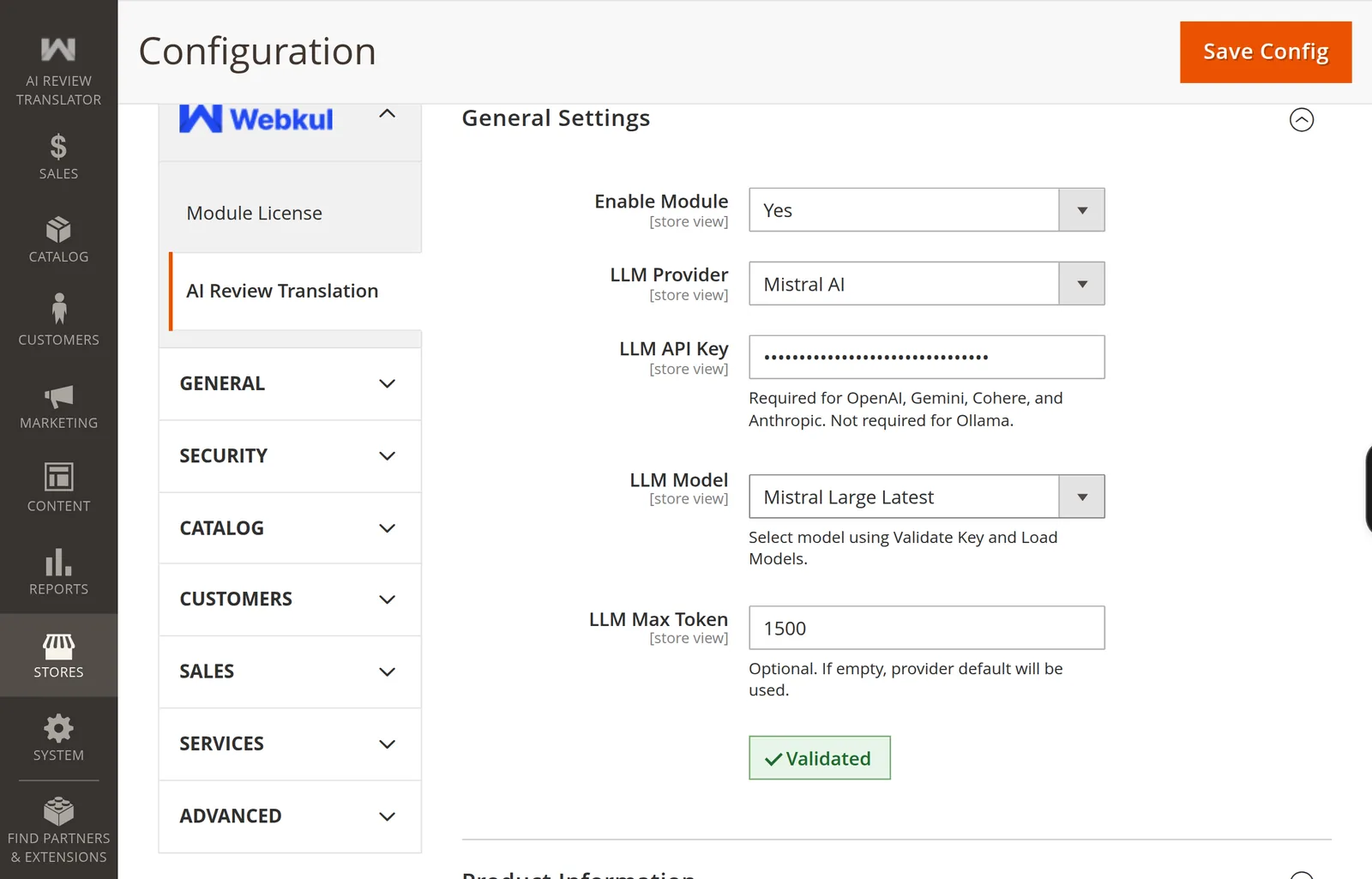
Pick a model
The dropdown now lists the chat-capable models your key can use:
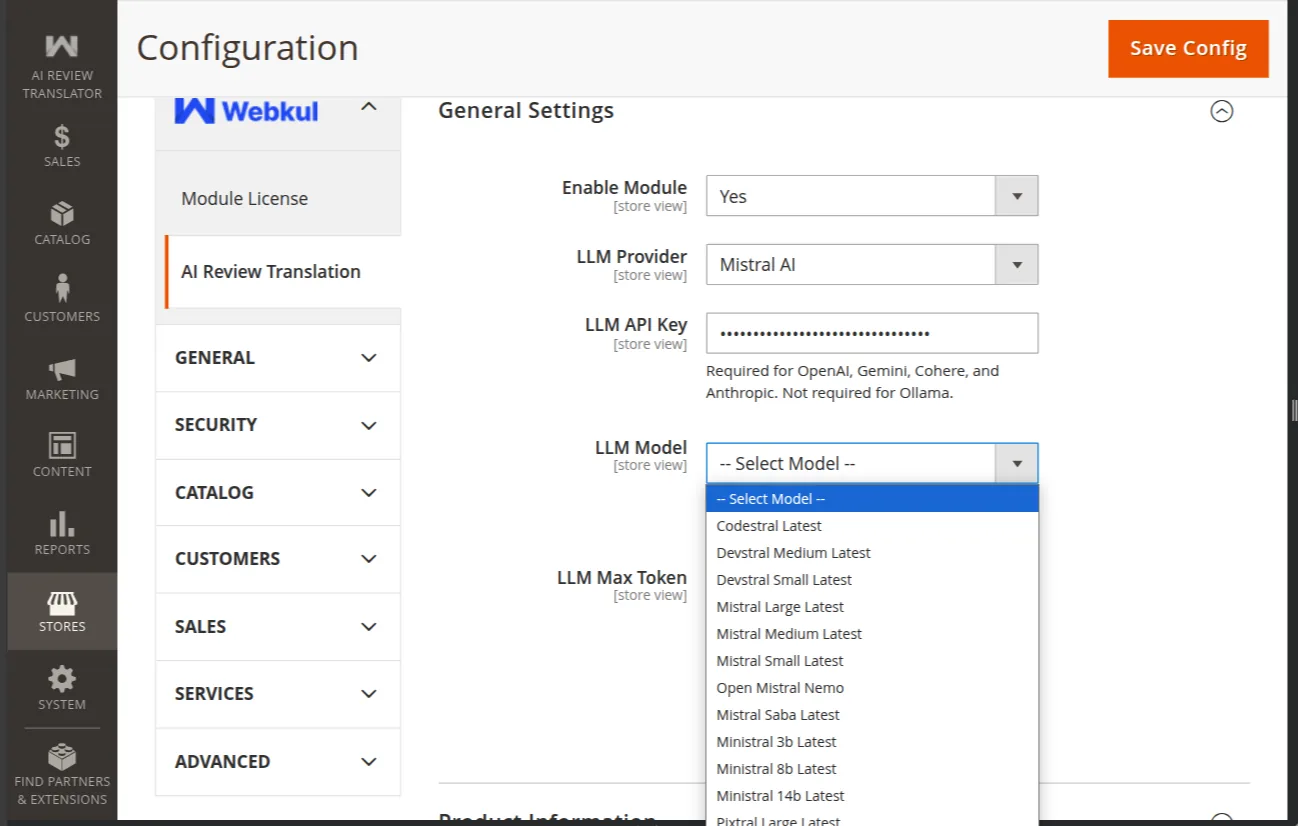
Guidance on which to pick is in Choosing a Model.
Save
Save Config, then:
php bin/magento cache:flush
If validation fails
| Message | Meaning |
|---|---|
| Invalid API Key | Key is empty, or the provider rejected it. |
| Unable to validate API key due to a network error. | Magento cannot reach the provider. |
| Unable to validate API key for <provider> | The bridge package for that provider is missing. |
| Provider is required. | No provider selected. |
| Ollama endpoint is required. | Ollama chosen with an empty endpoint. |
More detail — including why the button is a real API call and why a rate-limit error still passes — is in How Validation Works, and fixes are in Setup Problems.
Next: First Translation.