
Magento 2 AI Review TranslatorMagento 2 AI Review Translator
Live Demo
Buy Now
Support
Live Demo
Buy Now
Support
  • Getting Started

    • Introduction
    • Key Features
    • How It Works
  • Installation

    • Requirements
    • Install the Module
    • Install the AI Packages
    • Enable & Compile
    • Verify the Installation
    • Content Security Policy
    • Translating the Interface
  • Setup

    • Enable the Module
    • Activate Your Licence
    • Select an LLM Provider
    • Validate & Load Models
    • First Translation
  • Configuration

    • Overview
    • General Settings
    • Limits & Timeouts
    • Store Views & Languages
    • Admin Menu
    • Access Control
  • LLM Providers

    • Provider Overview
    • How Validation Works
    • Choosing a Model
    • Switching Providers
  • Ollama (Self-Hosted)

    • Install Ollama
    • Connect to Magento
    • Timeouts & Batch Size
    • Troubleshooting
  • Translating Reviews

    • Translation Basics
    • What Is Sent to the Model
    • Fallback Behaviour
    • Automatic Translation
    • The Queue Consumer
    • Running the Consumer
    • Bulk CLI Command
    • Batch Size
    • CLI Output & Exit Codes
  • Storefront

    • On the Storefront
    • The Toggle
    • Styling
  • Developers

    • GraphQL API
    • Querying from Code
    • Data Model
    • Useful SQL
  • Help

    • Setup Problems
    • Translation Problems
    • Queue Problems
    • Storefront Problems
    • FAQ

How Validation Works

Validate Key and Load Models is not a format check. It opens a real connection.
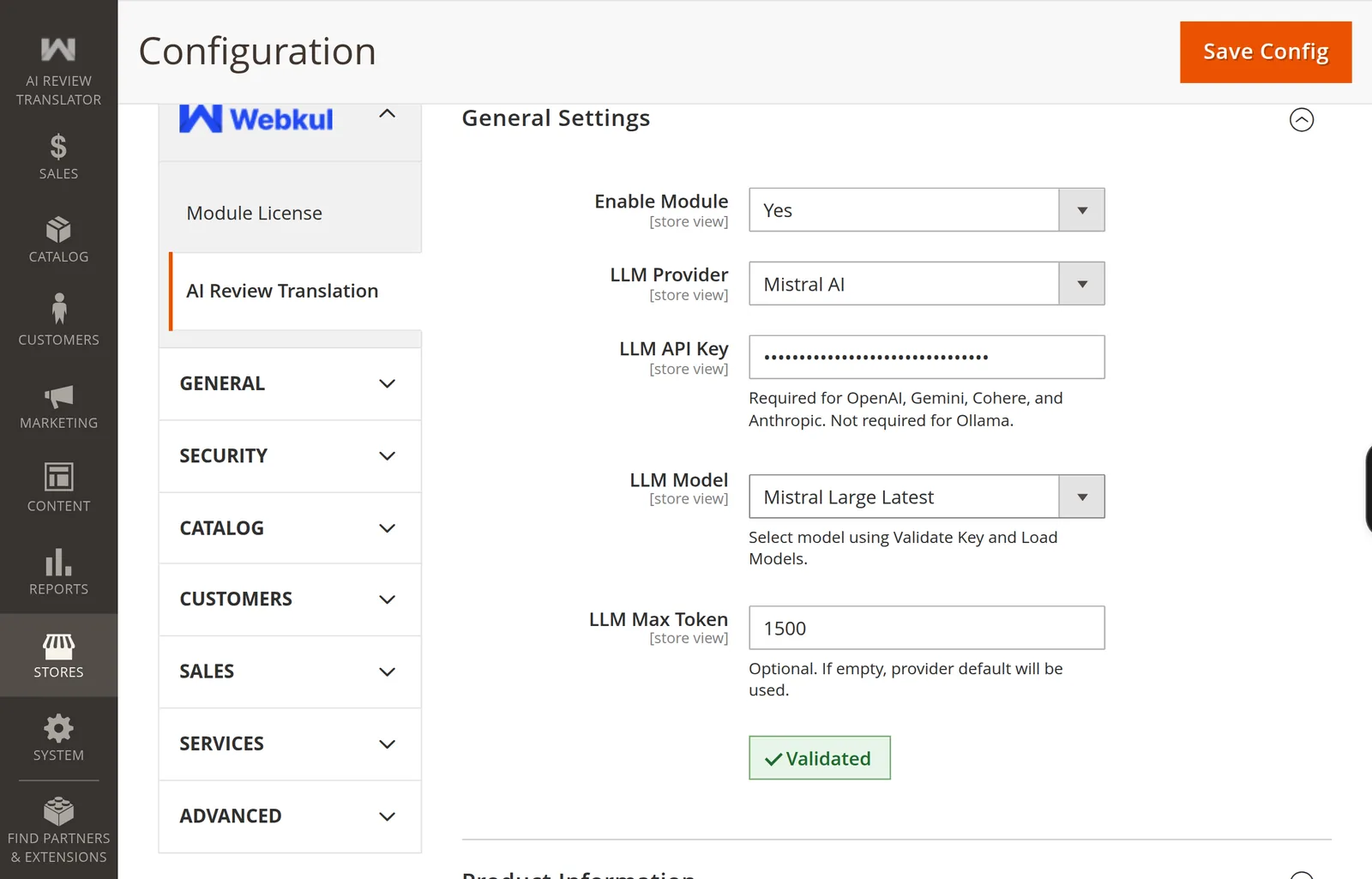
The Validated badge

Two consequences

Validation costs a token or two. It is a real, minimal API call against a small default model, not a free metadata lookup.

A rate-limit or quota error still counts as valid. If the provider answers with a rate limit, a quota message, a 429, resource_exhausted, or "insufficient balance", the module treats the key as working — because it clearly is, it is just throttled or out of credit. You will see Validated and translation will still fail until the limit clears.

Why the model list is shorter than the provider's

After validating, the module asks the provider for its catalogue and filters it. A model survives only if it declares text input and text output. Anything advertising embeddings, image, audio, speech-to-text, text-to-speech, or video capability is dropped — none of those can return a translated review.

A provider offering 60 models may show 12 here. That is the filter working, not a fault.

Ollama validates differently

For Ollama there is no ping. The module calls /api/tags on your endpoint and lists what is installed, adding an Authorization: Bearer header only when Is Authorized is Yes. See Connect Ollama.

When it fails

Messages and fixes are in Setup Problems.

Prev
Provider Overview
Next
Choosing a Model