Cart Rules & Checkout
Purchasing recurring subscriptions follows specialized cart validation rules and dedicated payment gateway routing to guarantee synchronized recurring billing schedules.
Multiple Subscription Cart Rules
When the administrator sets Allow Multiple Subscriptions in Cart to Yes, customers can bundle more than one subscription item in a single cart session, subject to two important business conditions:
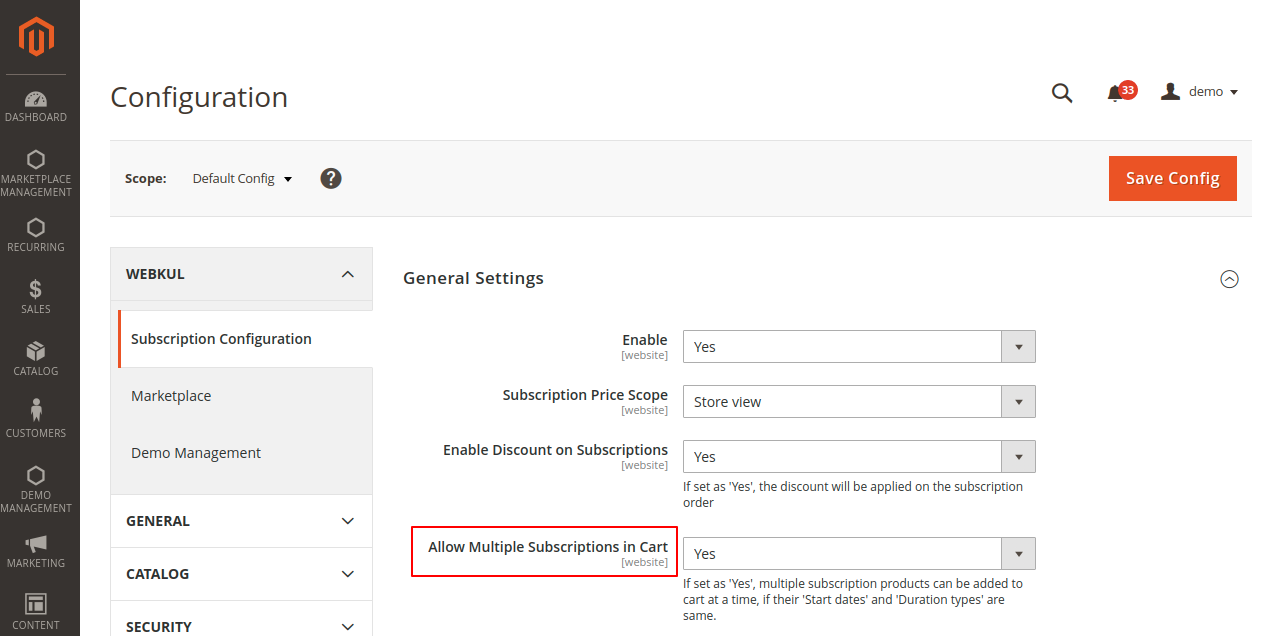
Rule 1: Non-Subscription Products Cannot Be Mixed
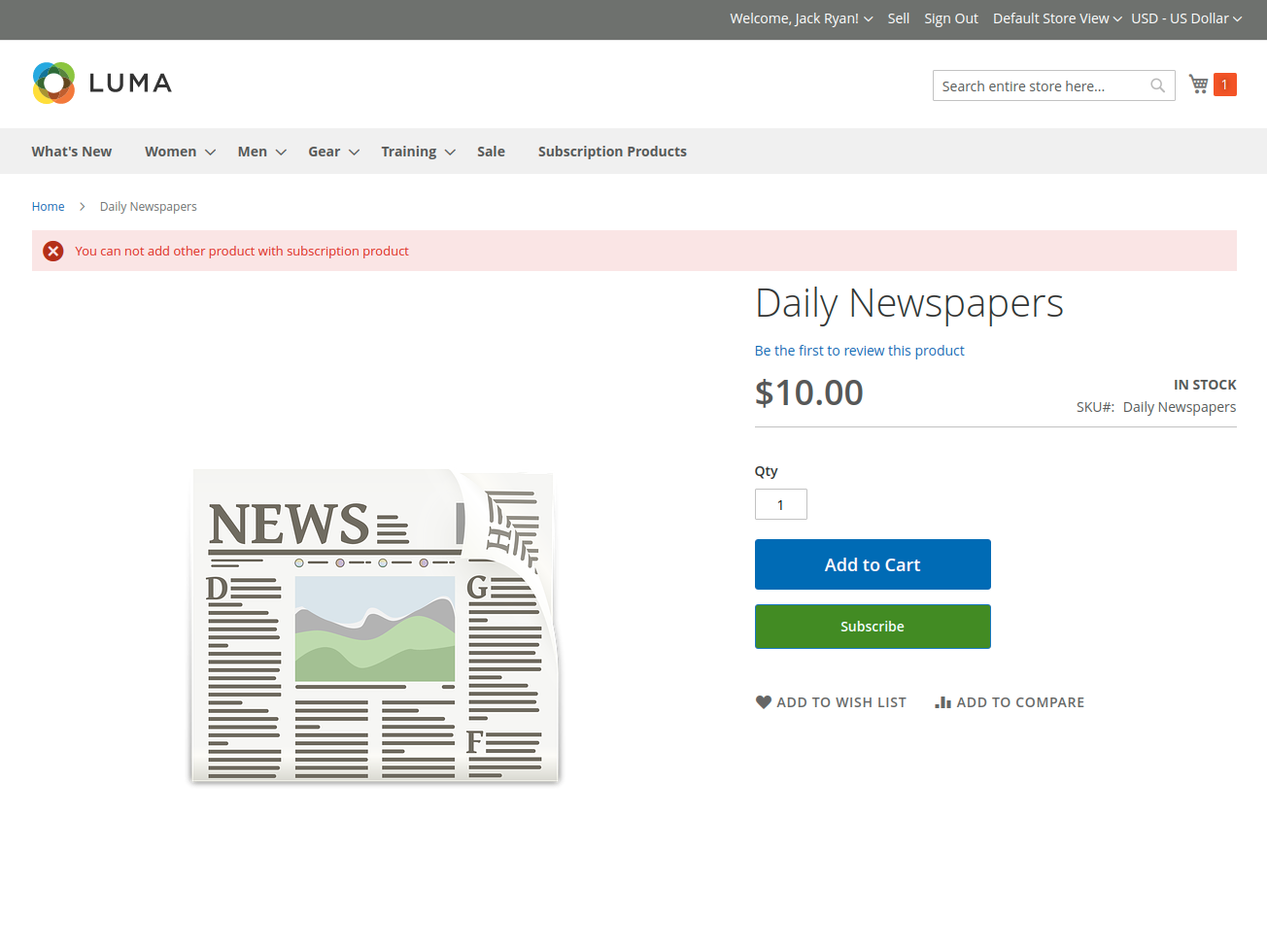
If a subscription product is in the cart and a customer attempts to add a regular one-time purchase item (or clicks Add to Cart without selecting a subscription plan), the system blocks the addition:
"You can not add other product with subscription product"
Rule 2: Start Dates and Durations Must Match
When purchasing multiple subscription items together, payment processors require identical billing cycles so future renewal invoices can process simultaneously.
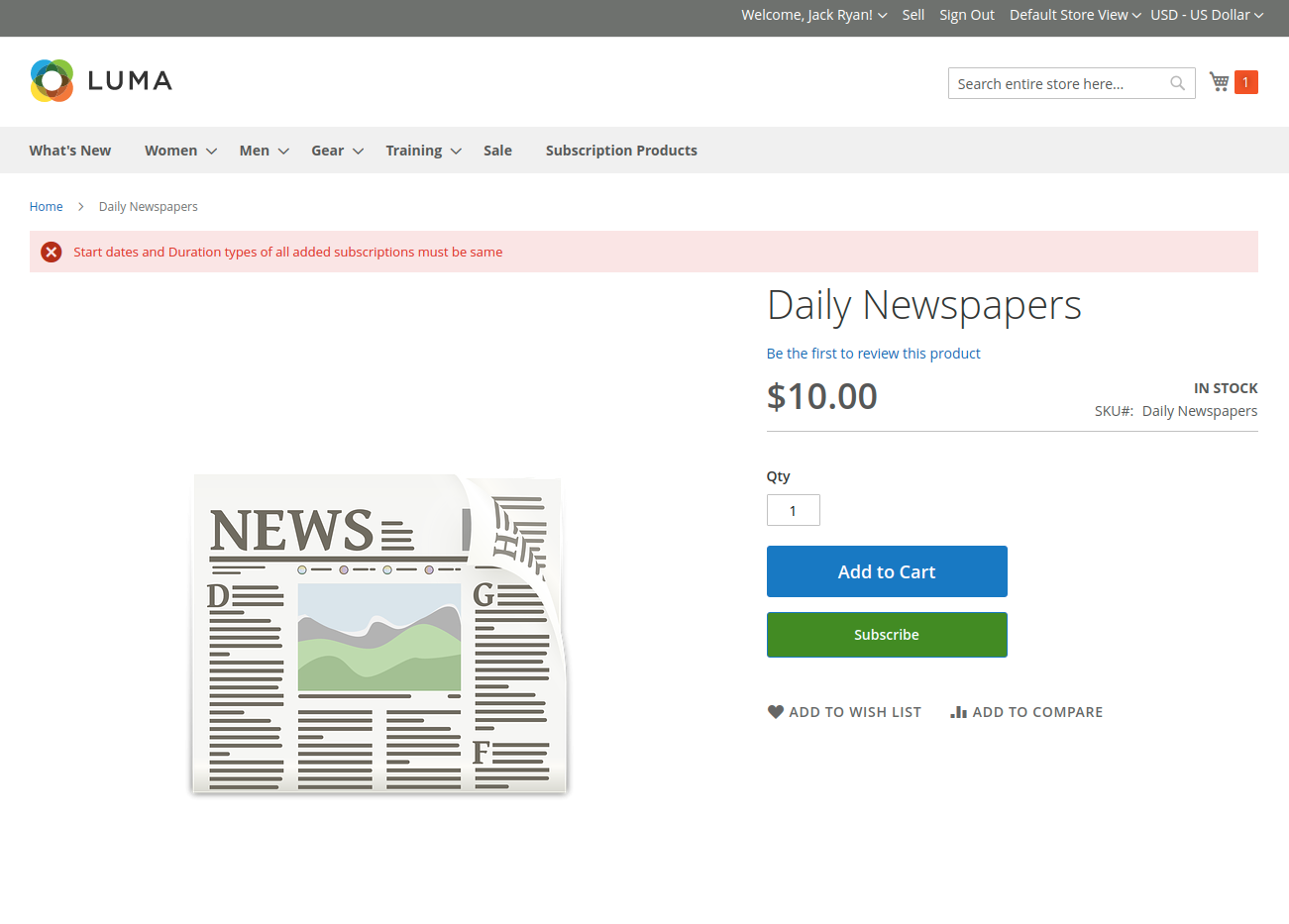
If a customer tries to add a second subscription product with a different duration frequency or start date:
"Start dates and Duration types of all added subscriptions must be same"
To successfully add multiple subscription items:
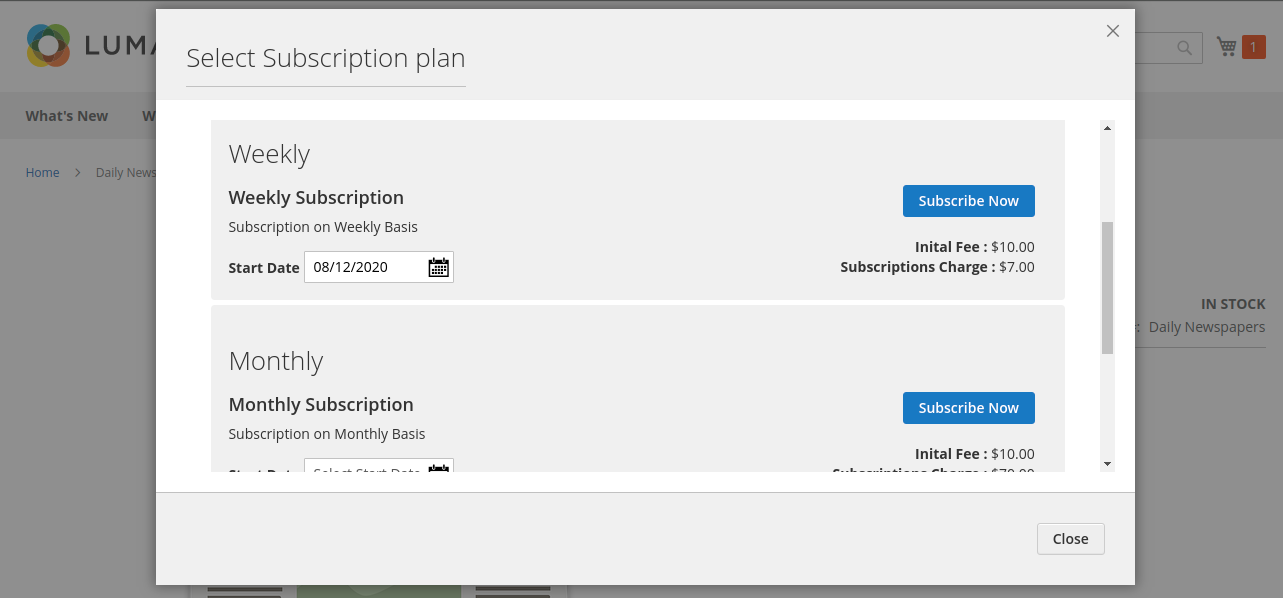
- Select the exact same Duration Type (e.g. Weekly) and the same Start Date as the item already in the cart:
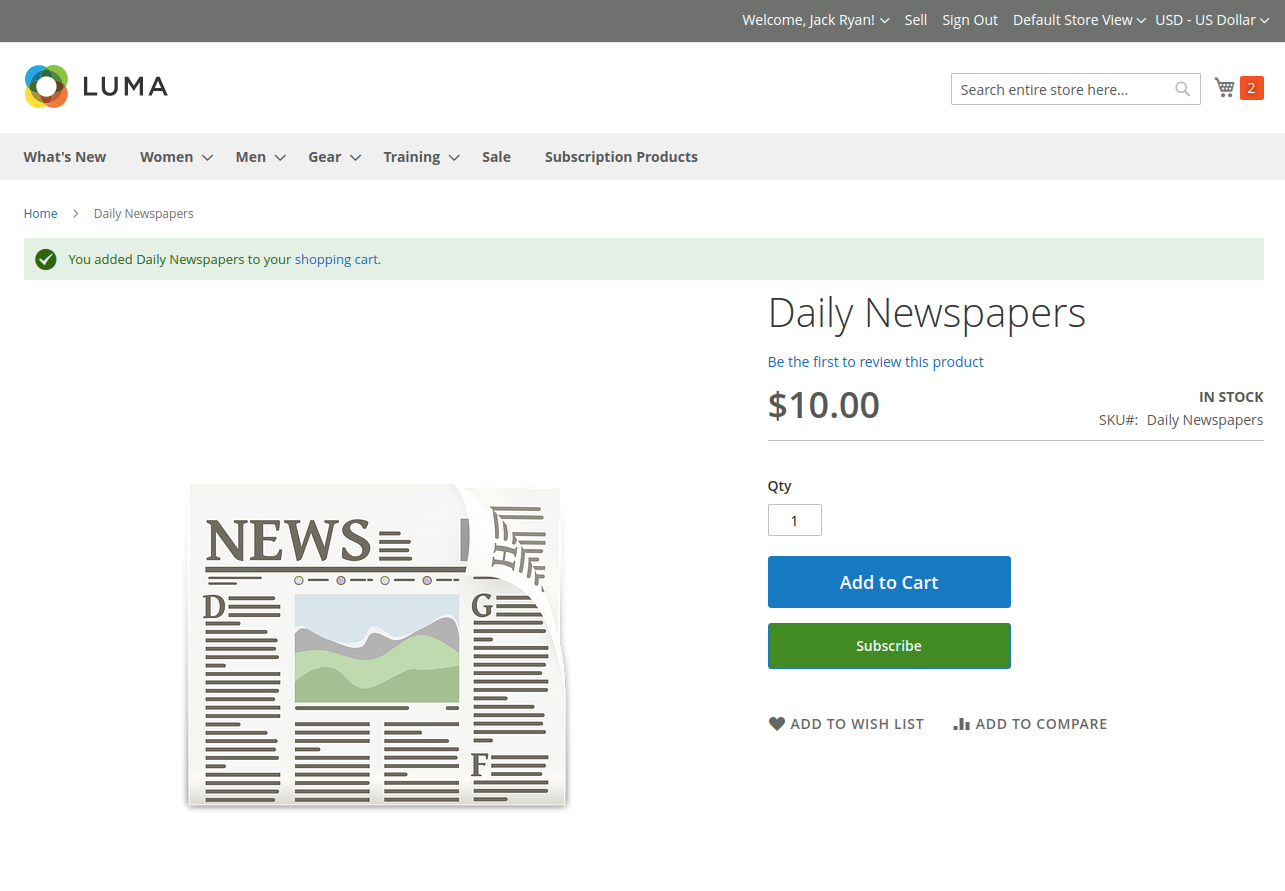
- Both subscription items will be added cleanly into the cart:
Checkout Flow
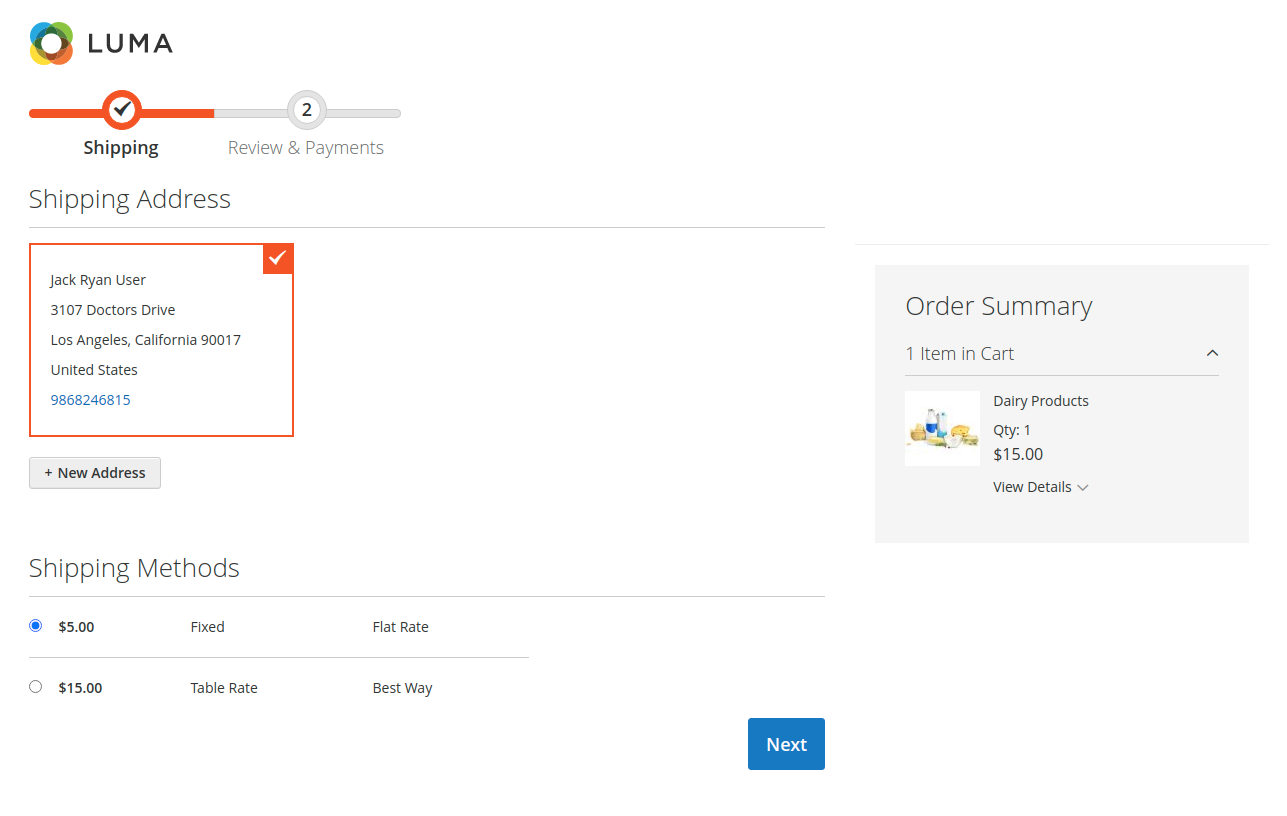
Step 1: Shipping Address & Rates
Customers proceed to checkout and select their desired shipping address and method as usual:
Step 2: Payment Gateway Selection
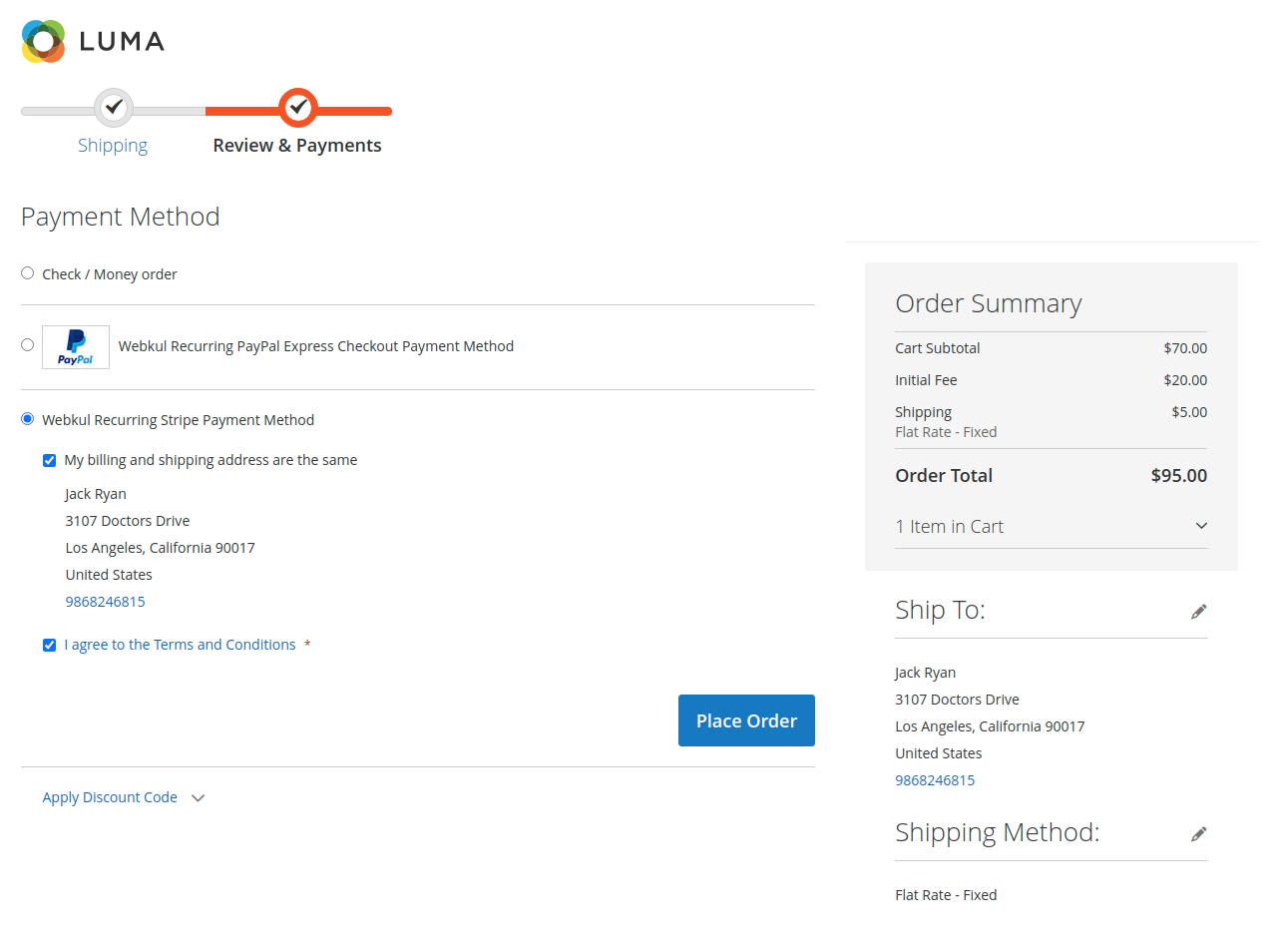
On the Review & Payments step, only the allowed recurring payment methods are displayed:
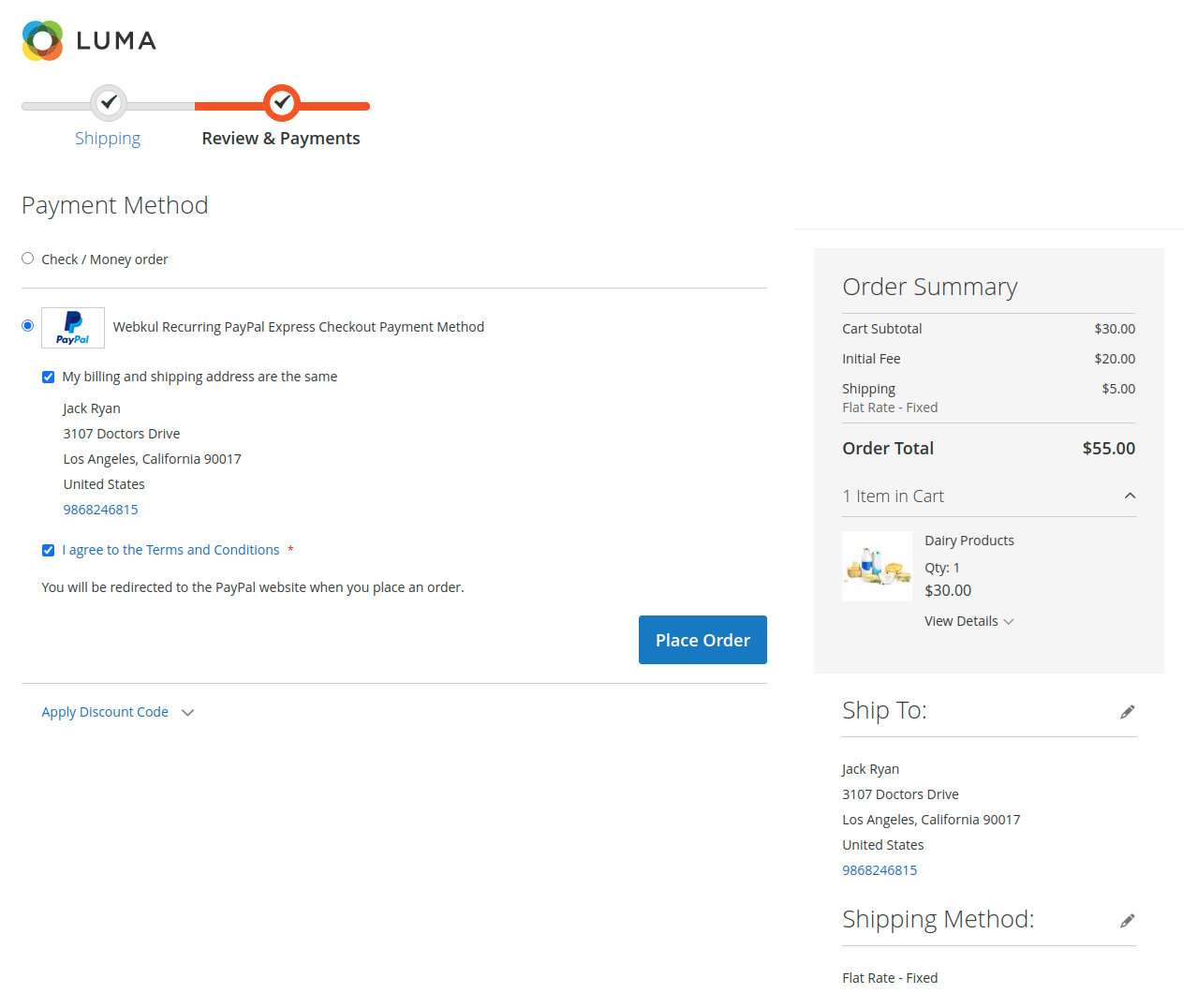
Option A: PayPal Express Checkout
- Customer selects PayPal Express Checkout (Recurring).
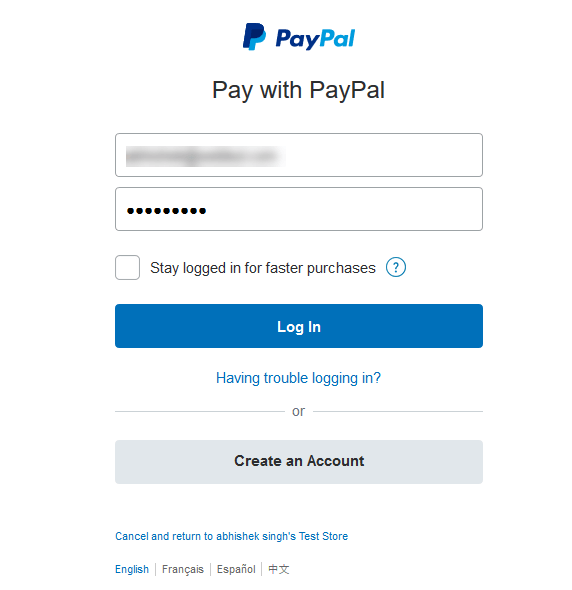
- Clicking Continue to PayPal opens the PayPal authentication and billing agreement window.
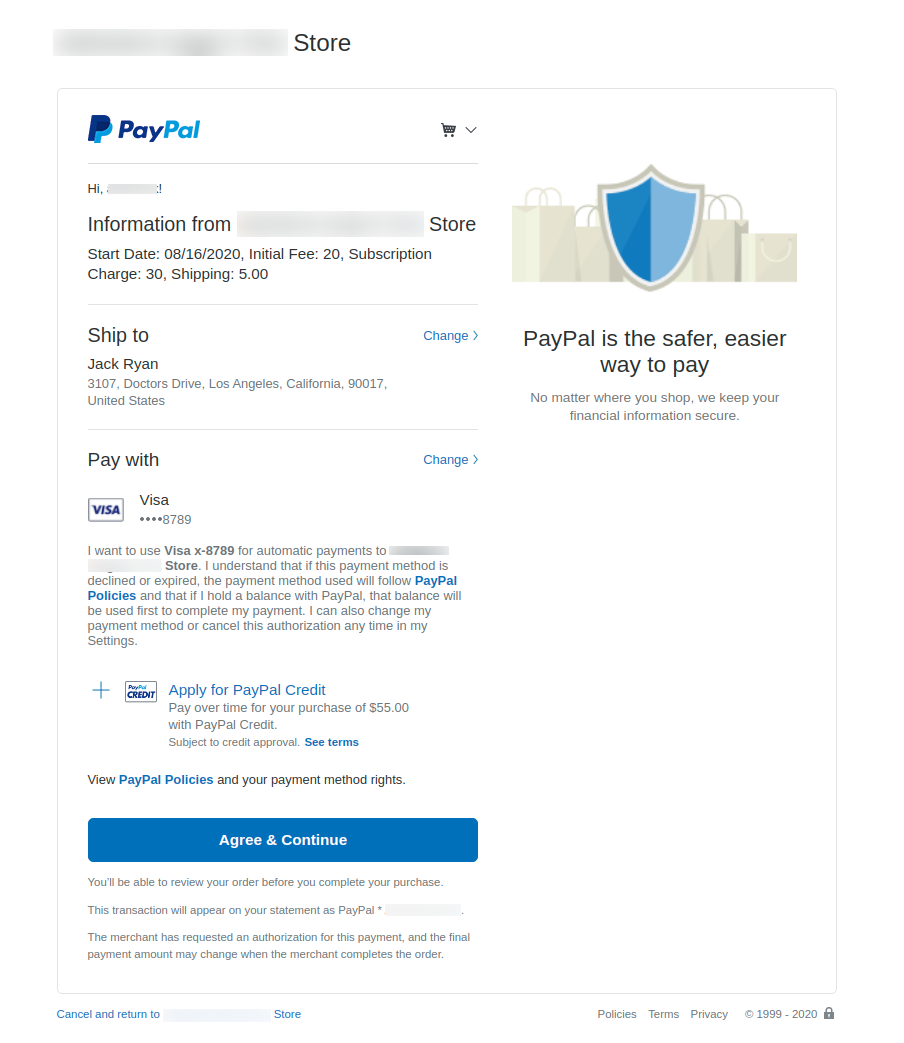
- The customer reviews the recurring billing schedule and approves the mandate.
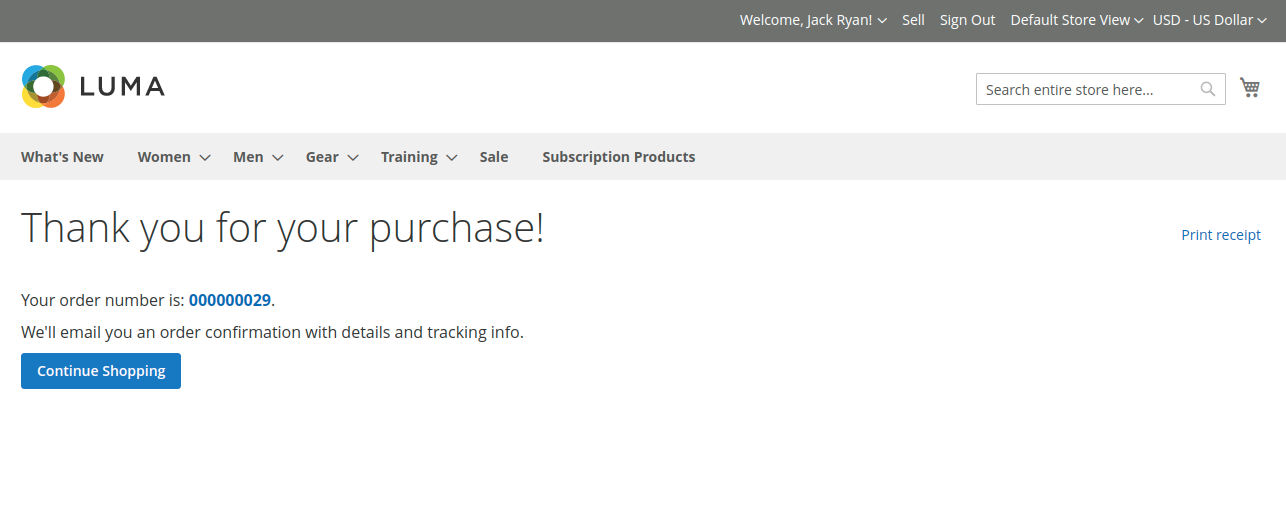
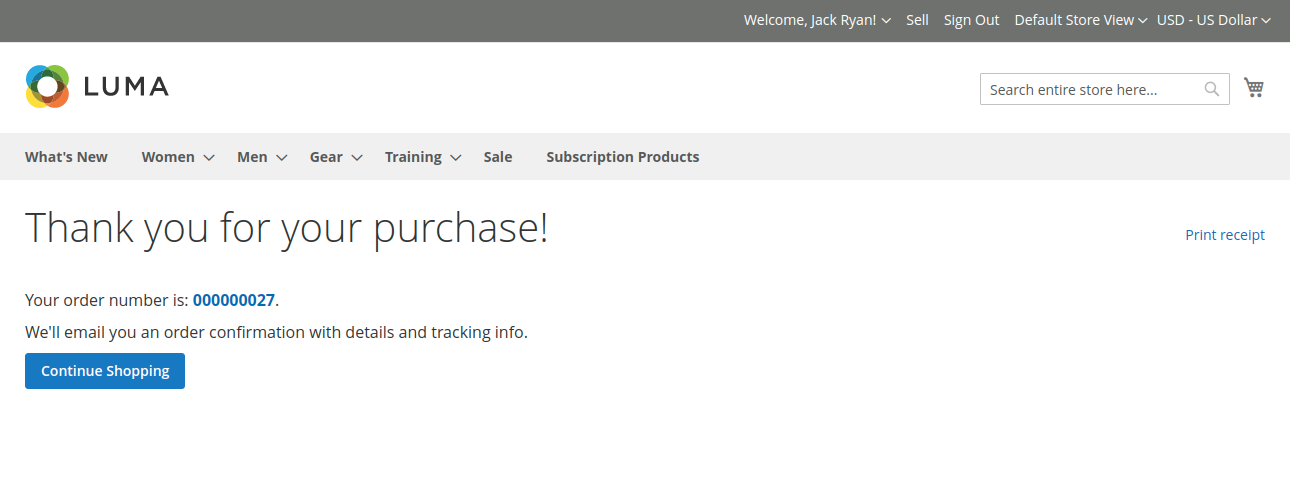
- The customer is returned to the store's order success page.
Option B: Stripe / Credit Card Checkout
- Customer selects Webkul Recurring Stripe Payment.
- The customer enters their cardholder name, credit/debit card number, expiration, and CVC via Stripe's embedded Elements.
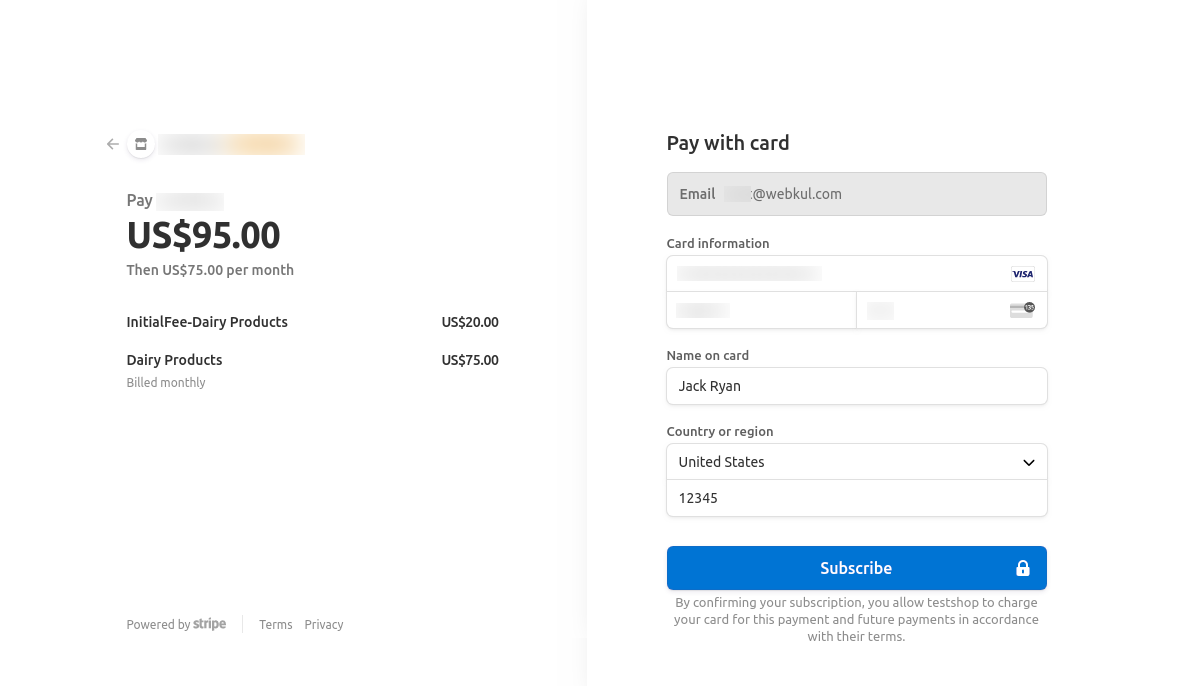
- Clicking Subscribe tokenizes the card details securely, creates the recurring customer profile on Stripe, and places the initial order.