
Manage PayPal Details
To receive subscription payout distributions via the administrator's PayPal Mass Payment system, marketplace sellers must configure their personal or business PayPal recipient information.
Configuring PayPal Details
- In the seller account sidebar, navigate to Recurring Subscriptions > Manage PayPal Details.
- The Manage PayPal Details page opens.
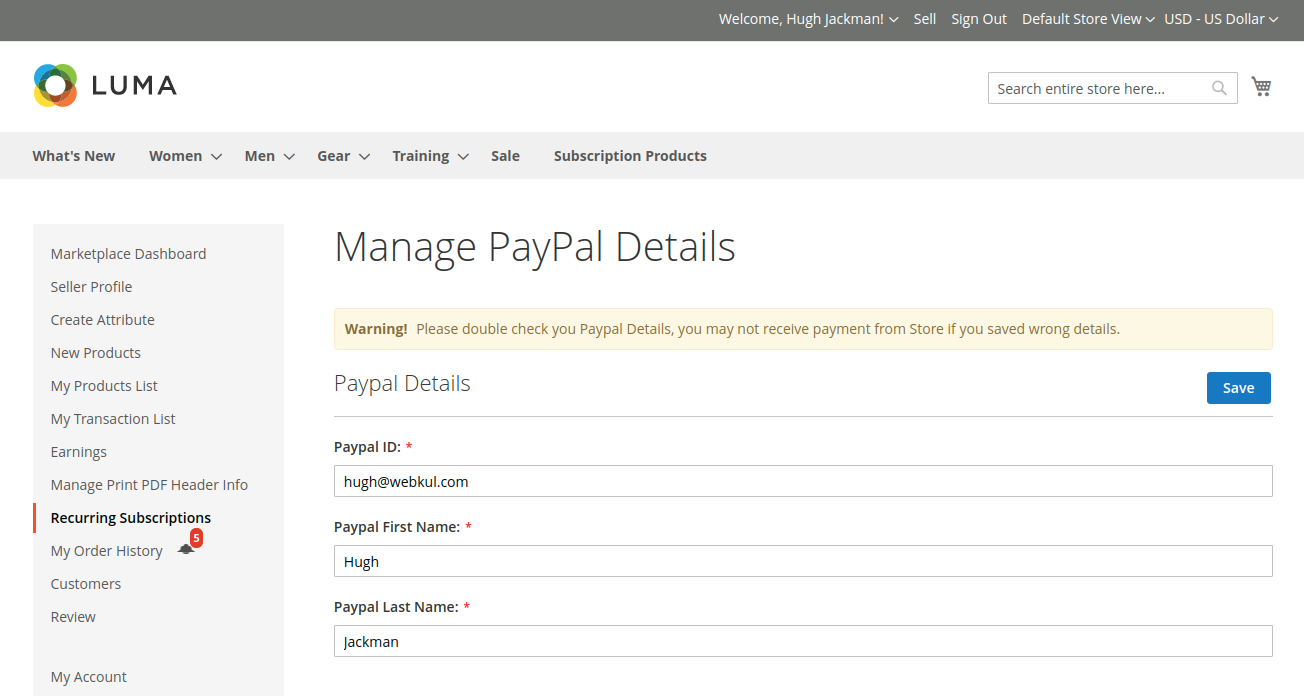
- Complete the following mandatory fields:
- PayPal ID: The email address registered with the seller's active PayPal account (where payout funds will be sent).
- PayPal First Name: First name matching the seller's PayPal account profile.
- PayPal Last Name: Last name matching the seller's PayPal account profile.
- Click the Save button.
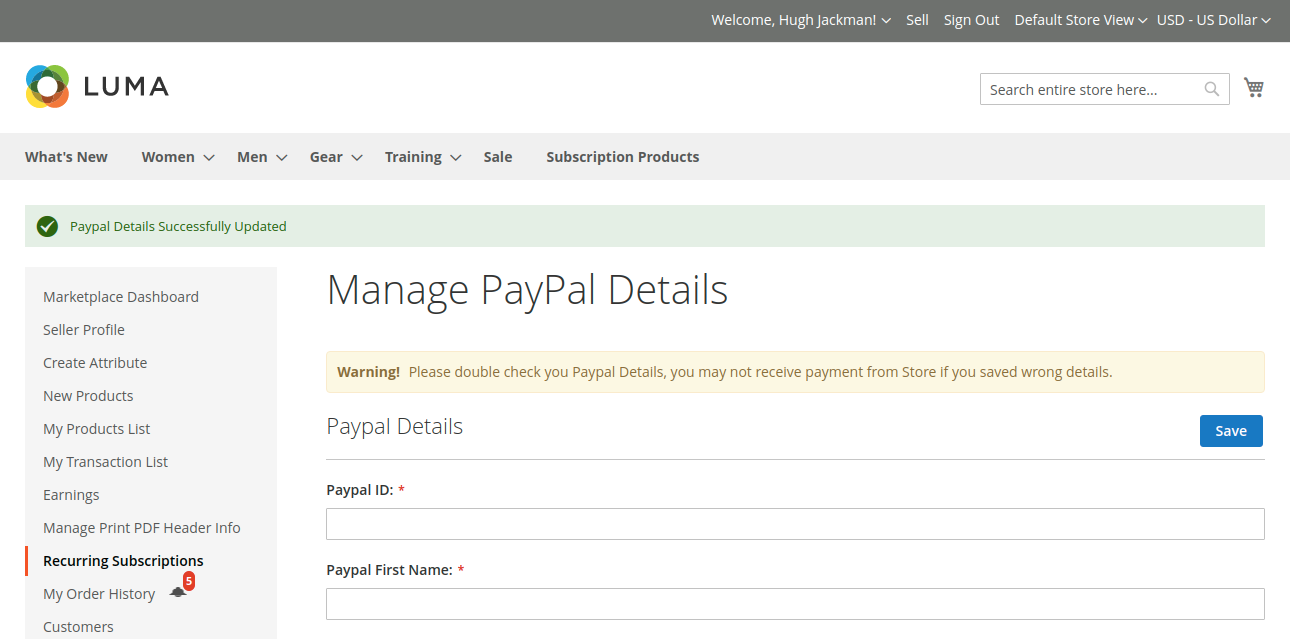
- A confirmation notification stating "PayPal Details Successfully Updated" will appear at the top of the screen.
Accurate Email Address
Vendors must ensure that their registered PayPal email address is active and verified with PayPal. Incorrect email addresses may lead to failed payouts during admin Mass Payment batches.