
Media library
Instagram Feed → Media Library
Every synced or uploaded post lands here first. Nothing reaches the storefront that you have not allowed.
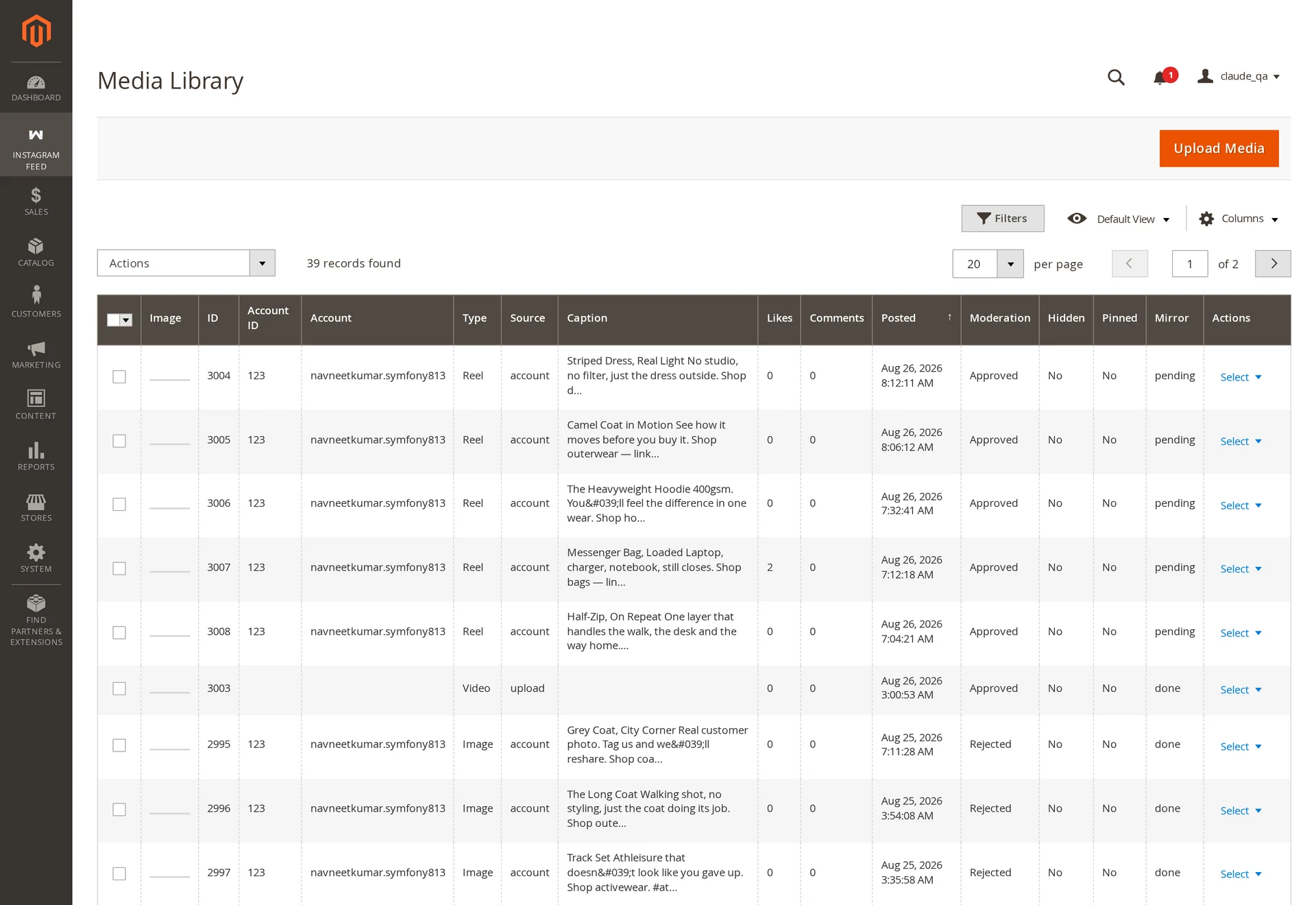
The grid
| Column | Meaning |
|---|---|
| Account | Which connected handle it came from |
| Type | Image, Video, Reel, Story, Carousel Album |
| Source | account (yours), tagged (UGC), upload (added by you) |
| Status | Approved, Pending, Rejected |
| Posted | Date on Instagram, which is also the sort order |
| Likes / Comments | Counts captured at sync time, not live |
Moderation
Your own posts arrive Approved. Posts other people tagged you in arrive Pending — publishing someone else's photo is a rights decision, not a layout one.
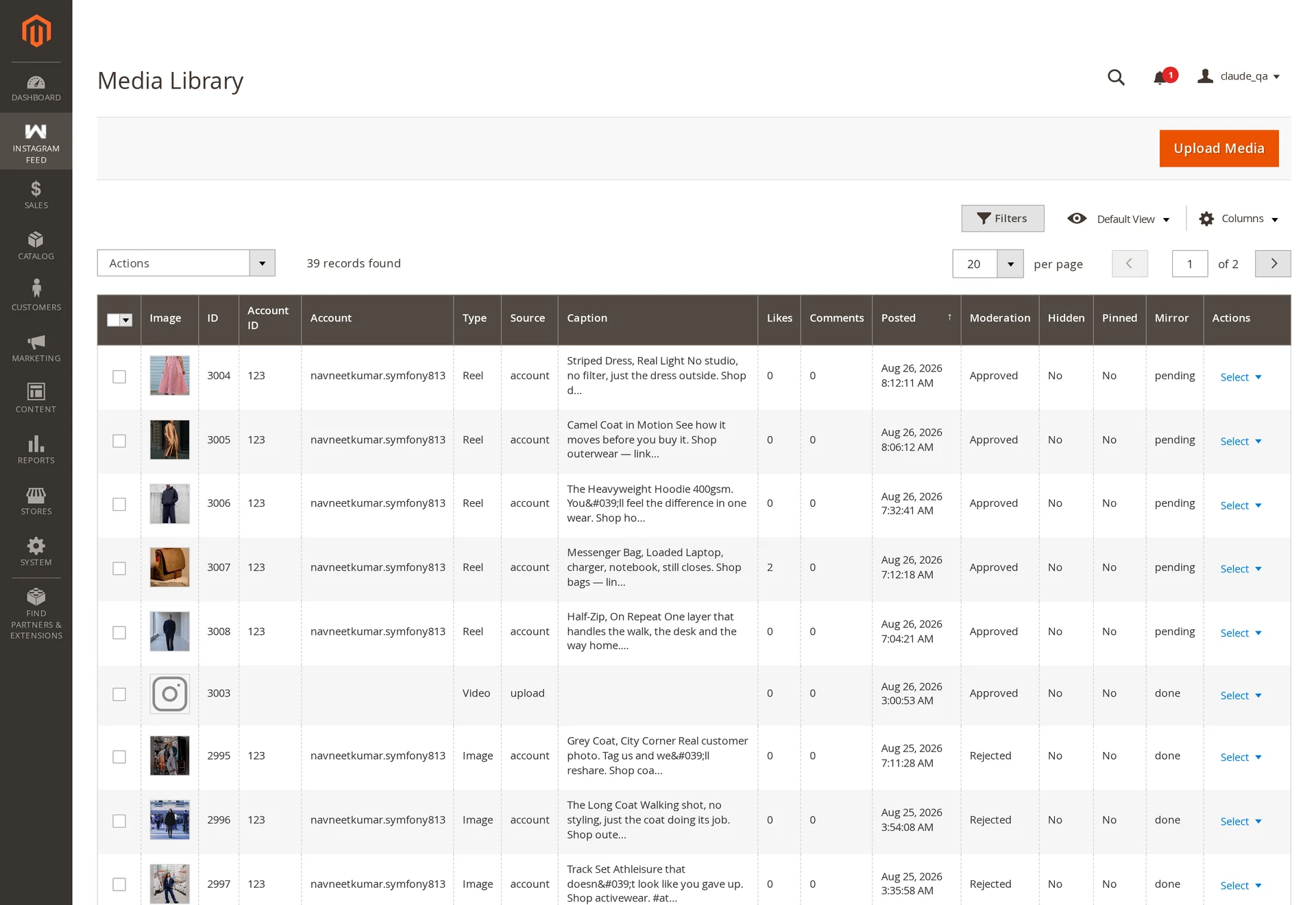
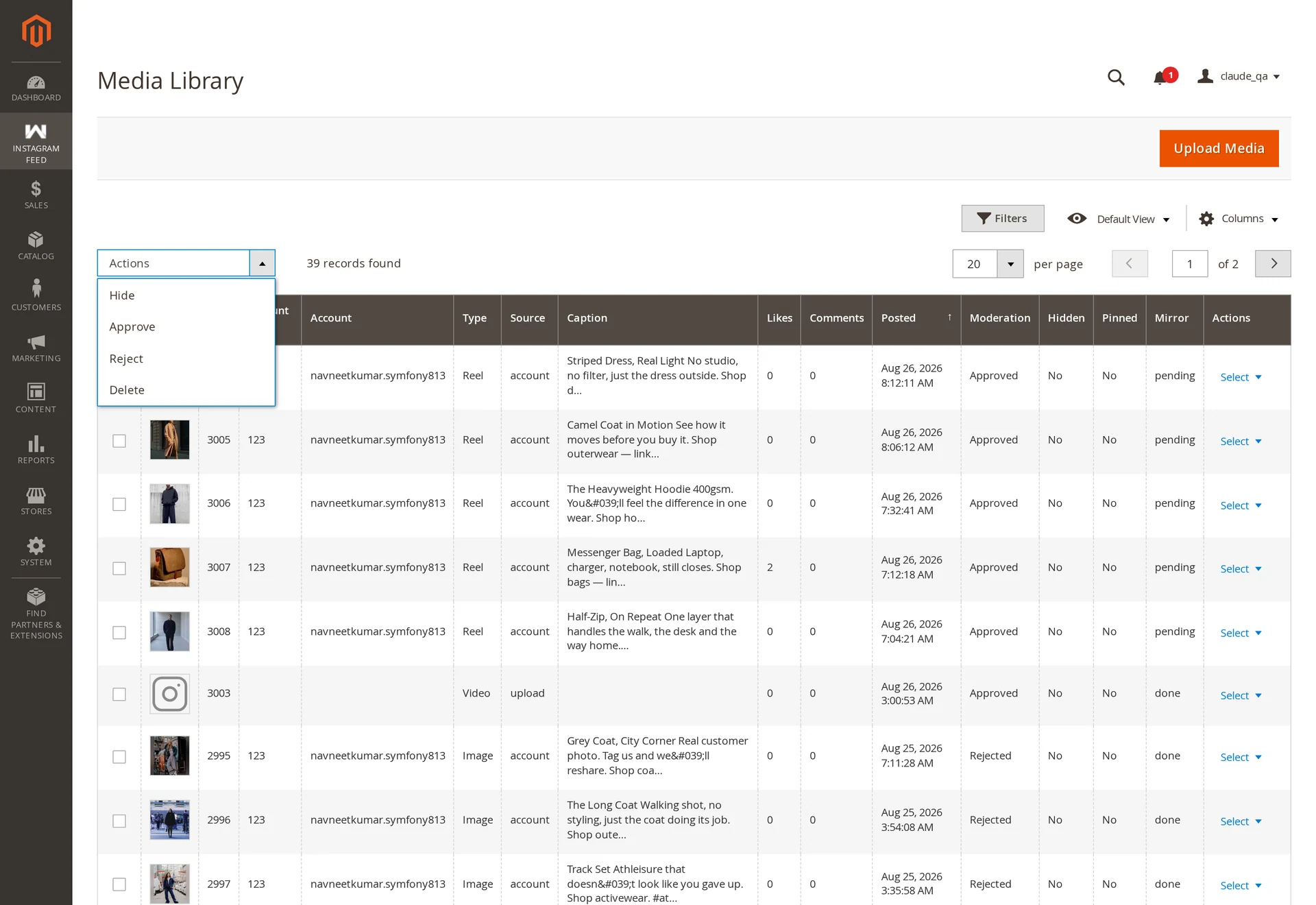
Per post from the Select menu, or in bulk with the checkboxes:
| Action | Effect |
|---|---|
| Approve | Eligible for feeds |
| Reject | Never rendered, anywhere |
| Hide / Show | Temporarily out of feeds without rejecting |
| Pin / Unpin | Pinned posts sort to the front of every feed |
| Delete | Removes the post and its mirrored files |
Rejection is enforced in the query
Filtering happens where feeds are built, not in the template — a rejected post cannot slip through a widget, a cached page or a custom theme.
Uploading your own media
Add Media accepts a file or a URL.
| Formats | JPG, JPEG, PNG, WEBP, MP4 |
| Maximum size | 20 MB |
| URL import | HTTPS only |

Uploads are validated twice: the extension must be allowed and the sniffed MIME type must match it, so a script renamed to .jpg is rejected. URL imports are fetched with redirects disabled, a hard byte ceiling, and address validation that blocks requests to internal hosts.
An upload is stamped with the moment you added it, so it takes its place among your synced posts by date — add one today and it leads the feed, which is what makes uploads usable for a campaign or a promotion rather than an archive.
Uploaded posts are never purged by retention and can be tagged like any other.
Local copies
Instagram CDN links expire in about a day, so each image and video is mirrored into pub/media/instagramfeed/. Mirroring runs on the wkInstagramMediaMirror queue; until it finishes, tiles fall back to the Instagram URL.
Broken images almost always mean the mirror has not run — see Troubleshooting.
Retention
Keep Posts For (days) in configuration purges old synced posts nightly. Never purged: pinned, product-tagged, curated into a manual feed, or uploaded. 0 keeps everything.