
Configuration Overview
All configuration options for the Canva Connector extension are located in the Magento 2 Admin Panel under:
Stores > Configuration > Webkul > Canva Connect Settings
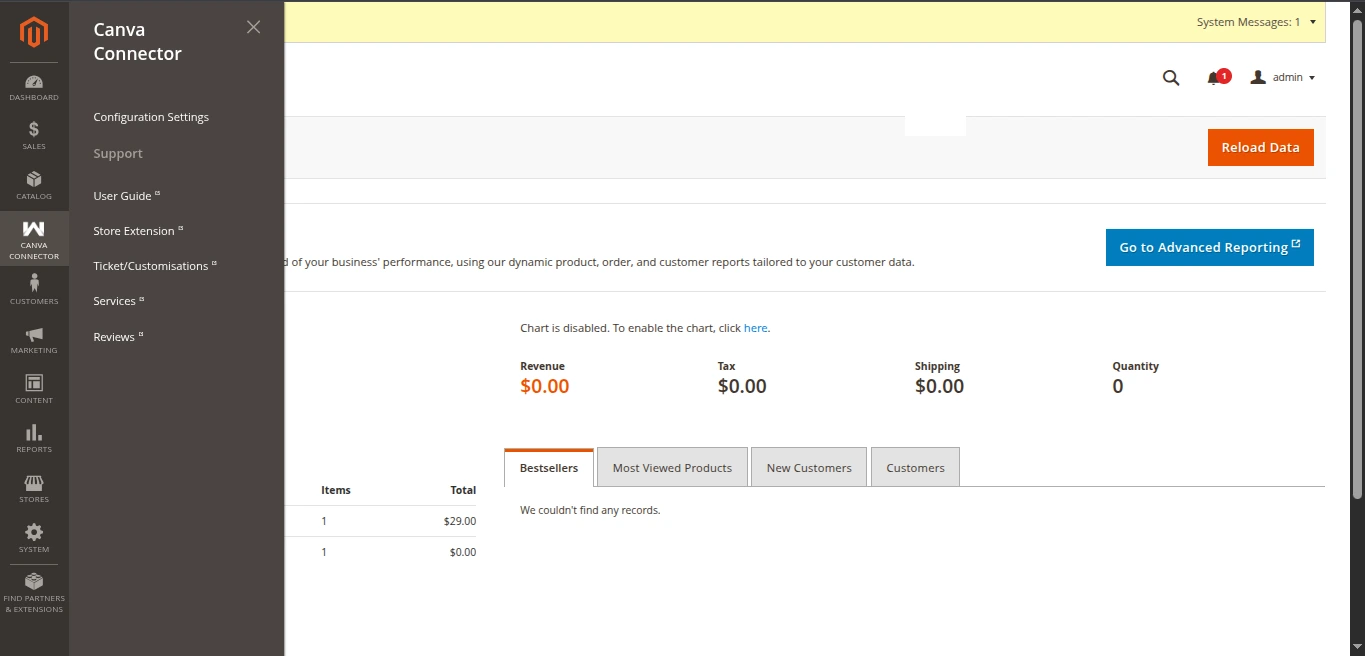
Configuration Sections
Canva Connect Settings
├── 1. General Settings
│   ├── Enable Module
│   ├── Canva App ID
│   ├── Client ID
│   ├── Client Secret
│   ├── Redirect URI (System Generated)
│   └── Return Navigation URI (System Generated)
│
├── 2. Product Image Import Settings
│   ├── Media Roles to Assign (Base, Small, Thumbnail)
│   ├── Auto Replace Product Image (Yes / No)
│   └── Allowed Formats (JPG, PNG, WebP)
│
└── 3. Canva App Frontend & API Configuration
    ├── Canva Frontend App Server Path
    ├── Magento Backend Base URL
    ├── Frontend Service Port (8083)
    ├── Backend / Node Port (3001)
    ├── Canva App Origin
    ├── Enable HMR (Hot Module Replacement)
    └── REST API Endpoints (Products, Context, Save Export)
Next Steps
Explore the detailed configuration guides for each section:
- General Settings — API credentials and OAuth URIs.
- Product Image Import Settings — Media role mappings and image format filters.
- Frontend App & API Configuration — Node service path, ports, endpoints, and automated
.envsynchronization.