
Email Verification Link (One-Click)
The Sending Email Link channel provides a passwordless-style second factor. Instead of copying and entering a 6-digit number, customers click a secure, time-limited verification link sent directly to their inbox.
Configuration
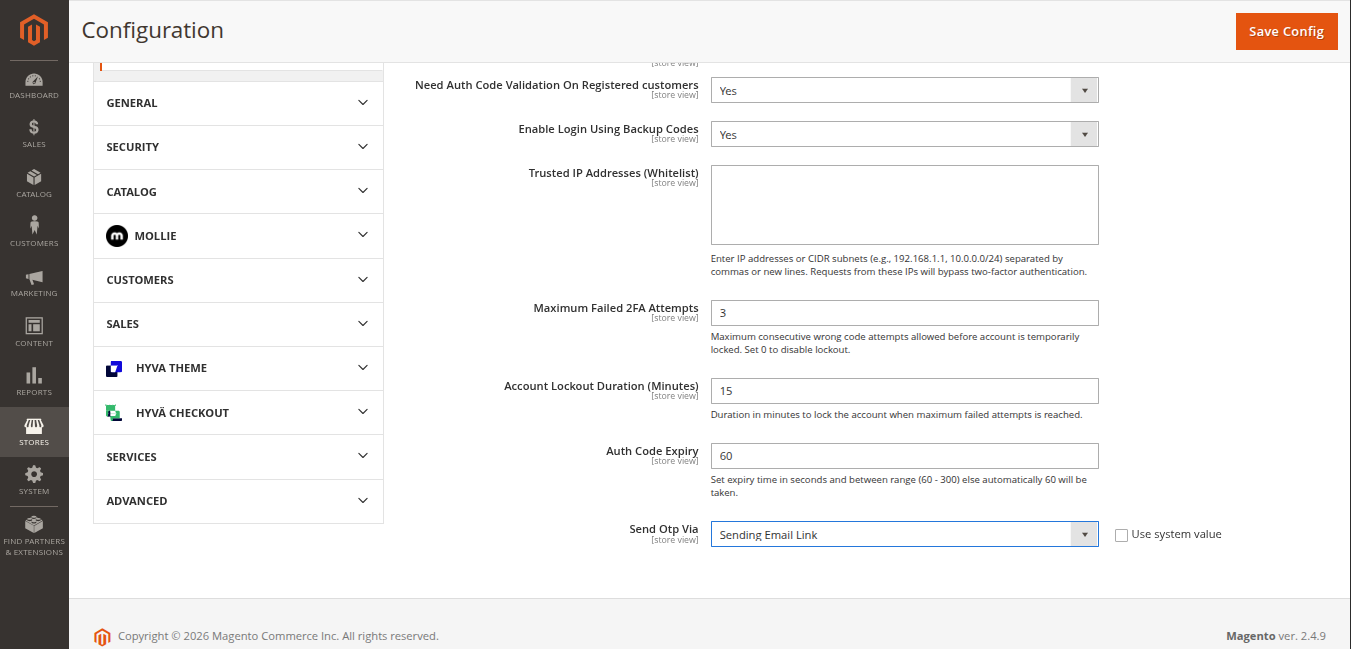
In Stores > Configuration > Webkul > Two Factor Auth, set Send Otp Via to Sending Email Link.
Workflow 1: New Customer Registration
- The customer enters their registration details on the storefront and clicks Create an Account.
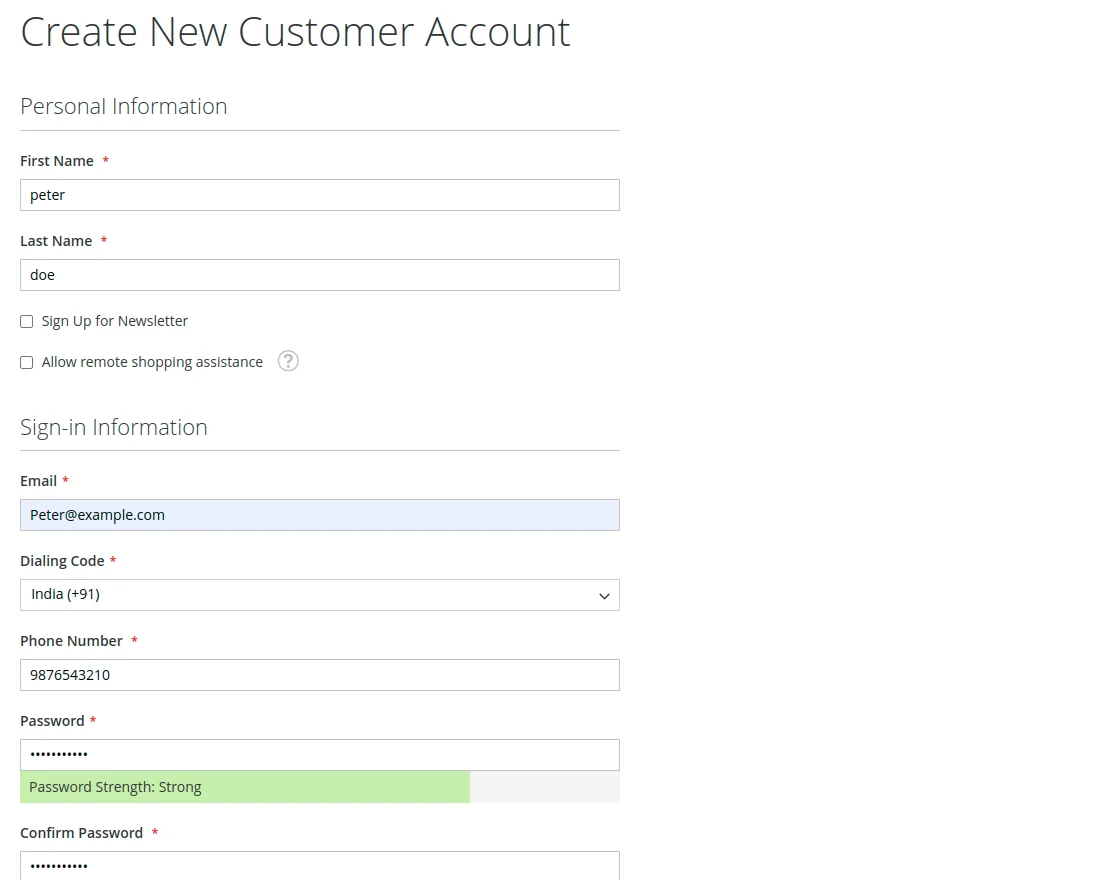
- An automated email containing an account activation and verification link is dispatched to the user's email address.
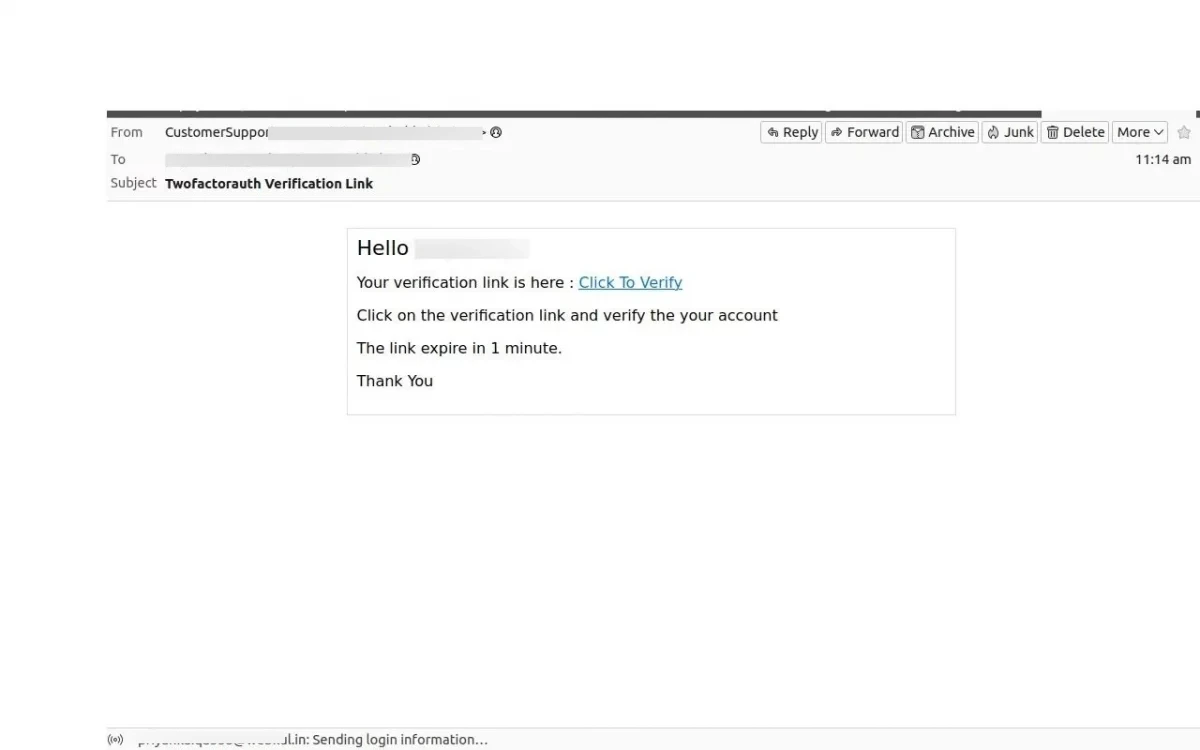
- The customer clicks the verification link in their email.
- The system validates the signed token, marks the email as verified, and activates the new account.
Workflow 2: Existing Customer Login
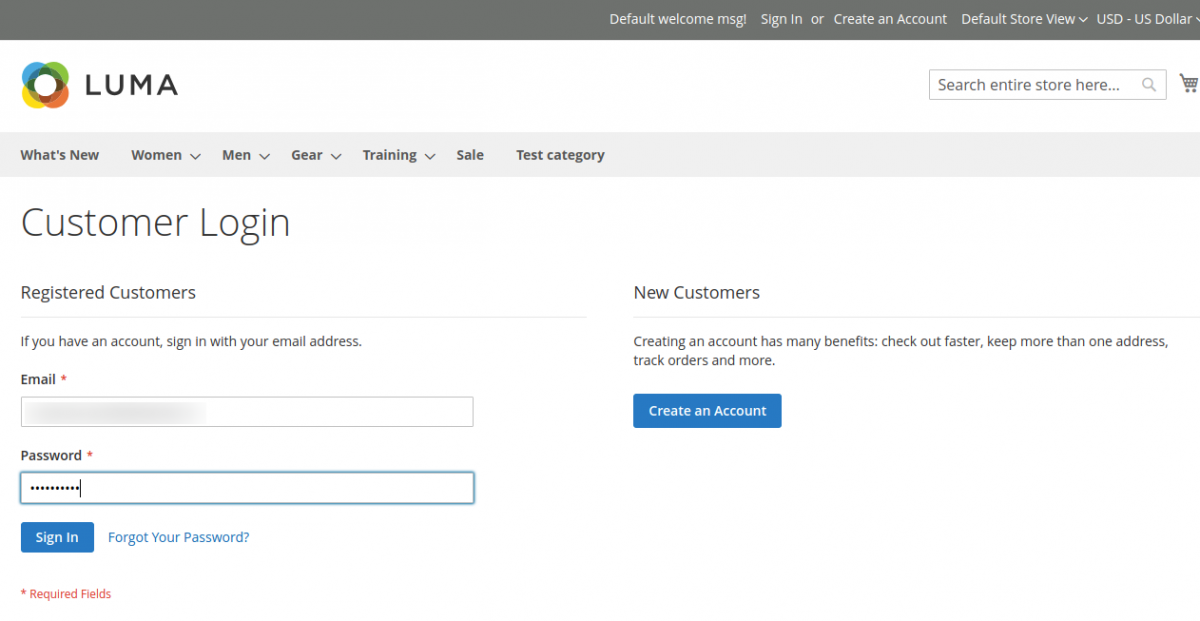
- The customer enters their registered email and password on the storefront login page and clicks Sign In.
- A login confirmation email containing a one-time verification link is sent to the customer's email address.
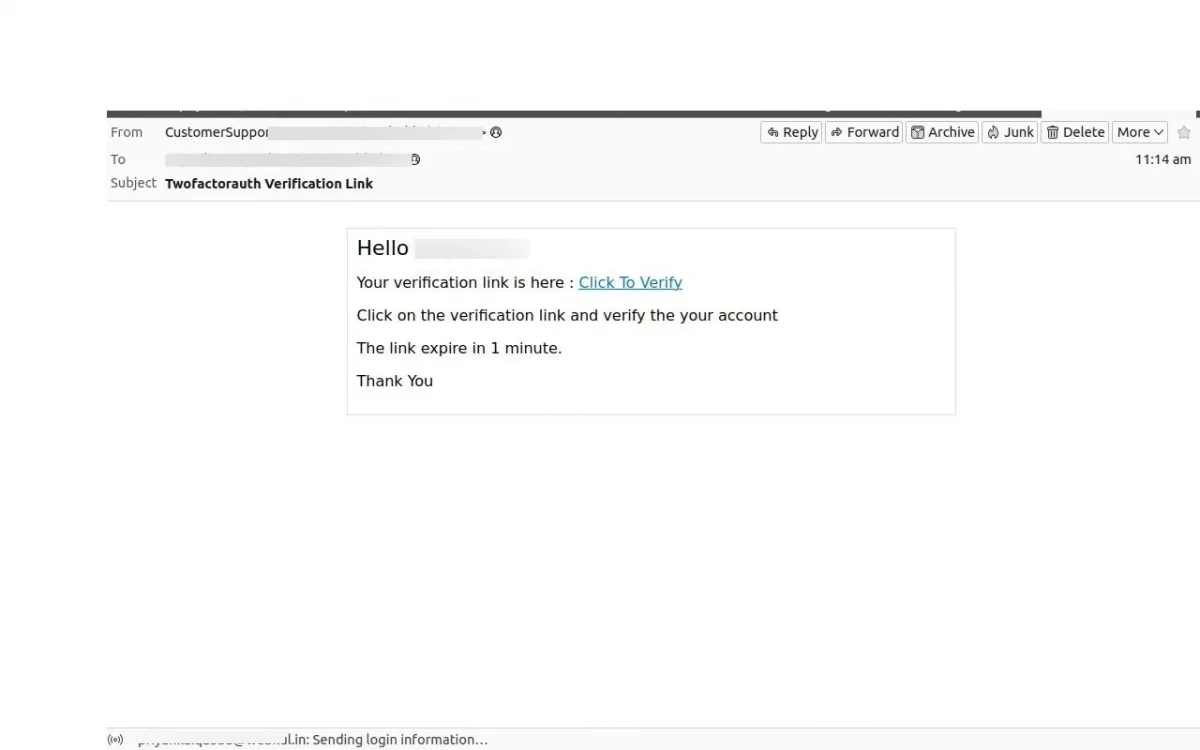
- The customer clicks the link in their email message.
- The storefront confirms the token and automatically logs the user in.