Uploading Downloadable Products
Downloadable products (such as eBooks, software, music, or video files) require downloadable digital link files and optional sample previews.
Upload Setup & Zip Packaging
File Structure Rule
Each downloadable file must be compressed into its own individual ZIP archive. All individual file ZIPs are then combined into one master Link Files ZIP container before uploading.
- In the seller panel, go to Mass Upload Product.
- Check the Is Downloadable checkbox.
- Attach your data file (CSV/XLS/XML) and images ZIP file.
- Browse and select your Upload link files zip archive.
- (Optional) Check Is Links have samples and Is Samples Available to attach sample file ZIP archives.
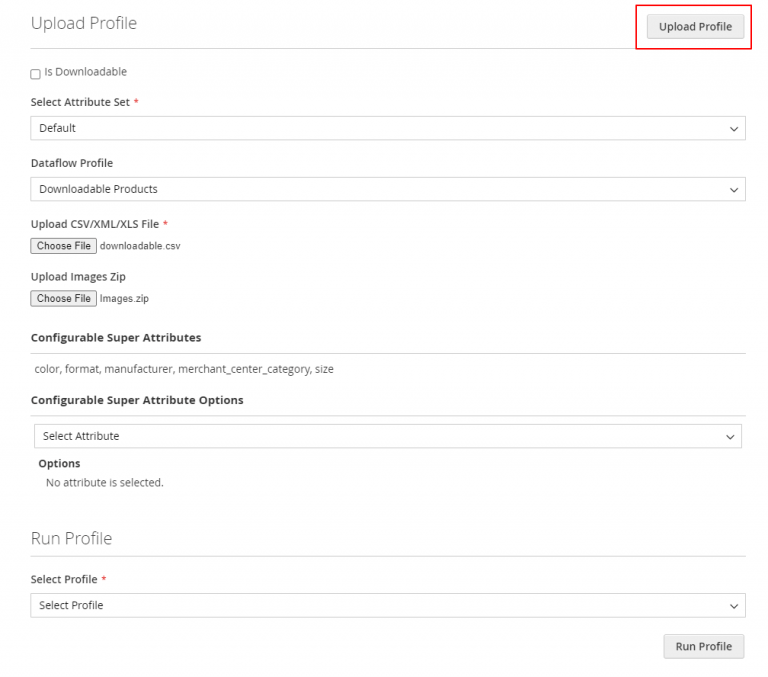
- Click Upload Profile.
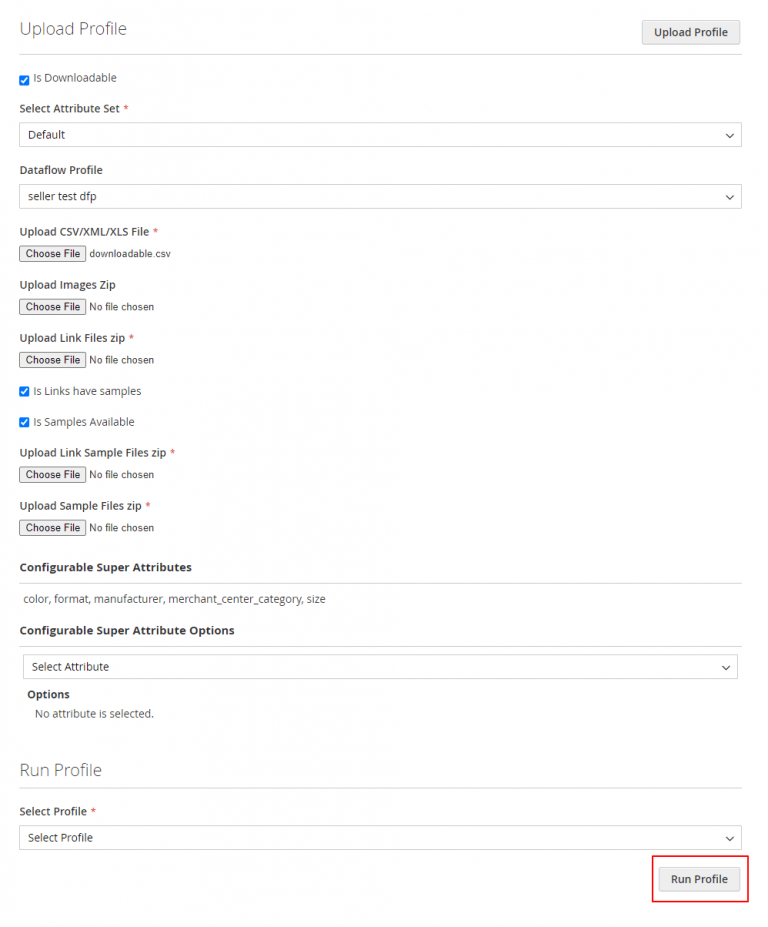
- Select the profile, check the Downloadable Product Mass Upload checkbox, and click Run Profile.
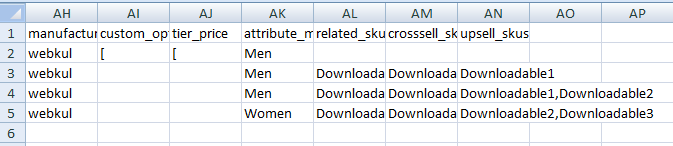
Downloadable CSV File Layout
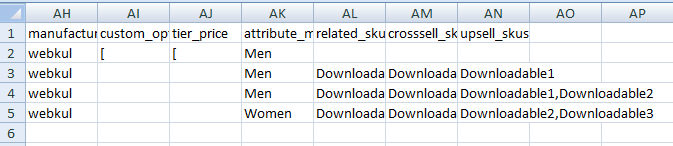
Specify link details in the file columns: downloadable_link_title, downloadable_link_type, downloadable_link_file, downloadable_link_url, downloadable_link_price, downloadable_sample_file, etc.


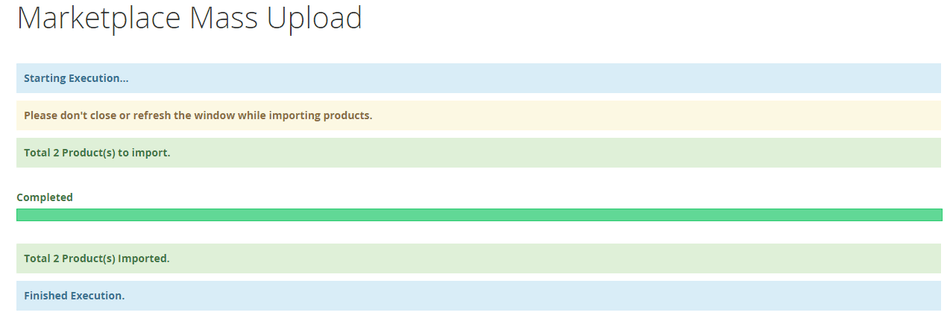
When execution finishes, a success confirmation is displayed:
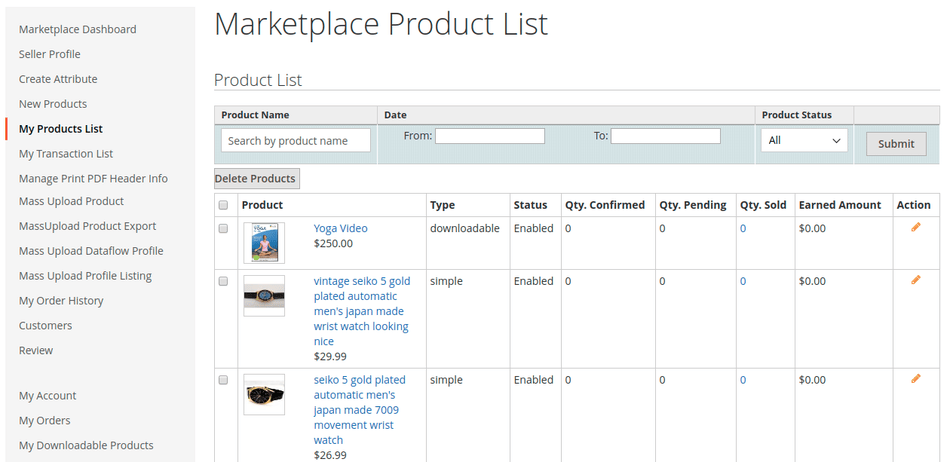
Check the uploaded downloadable items in My Product List: