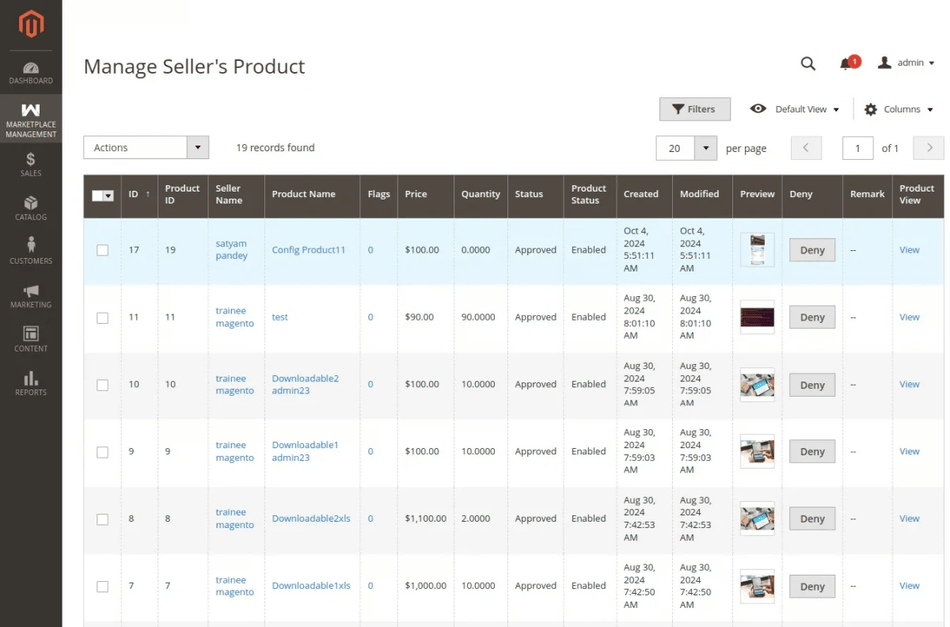
Admin Mass Upload for Individual Seller
Store administrators can perform mass product uploads on behalf of specific marketplace sellers directly from the Magento Admin Panel.
Uploading Products for a Specific Seller
- In the admin backend menu, navigate to Marketplace Management > Mass Upload Manager.
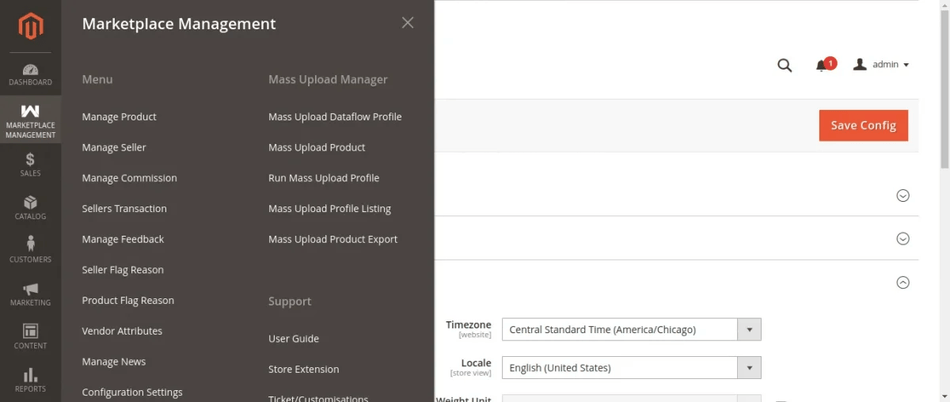
- Choose the file type (CSV, XLS, XML), select the data file, and attach the Image ZIP folder.
- (If applicable) Check Is Downloadable for downloadable products.
- Click Upload Profile.
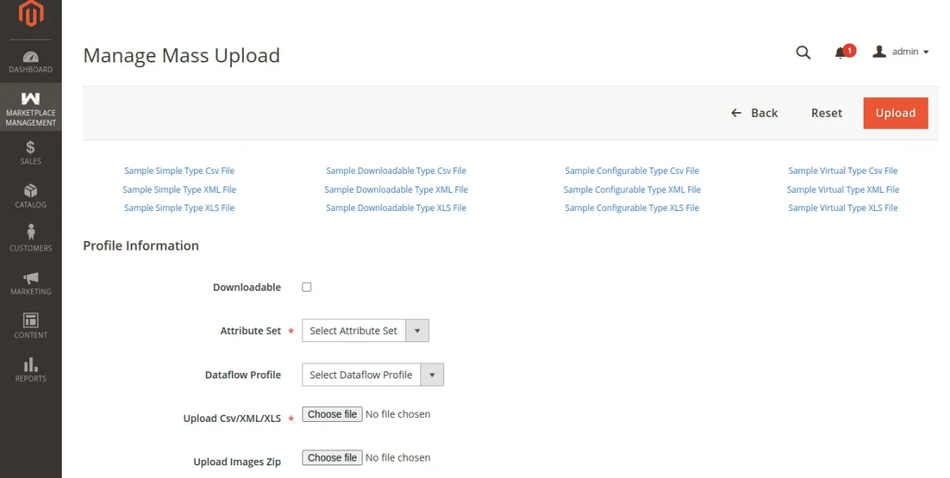
- A green status alert will confirm that the file was uploaded and unpacked successfully.
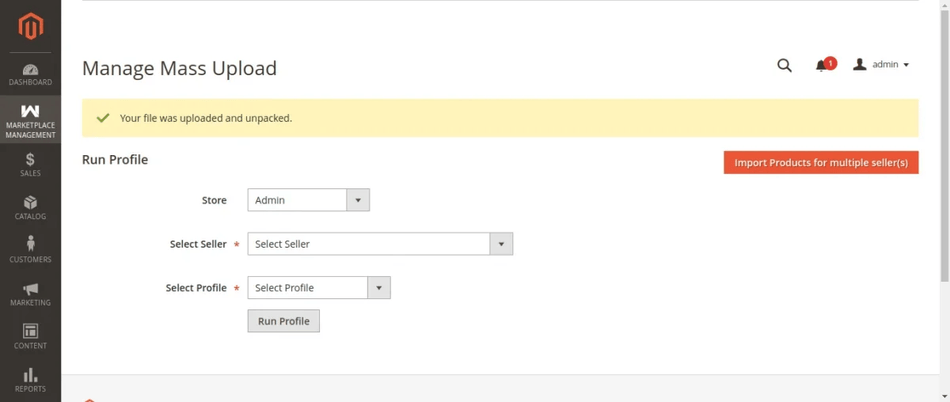
- Go to Run Mass Upload Profile, select the target Seller from the drop-down menu, and select the uploaded profile.
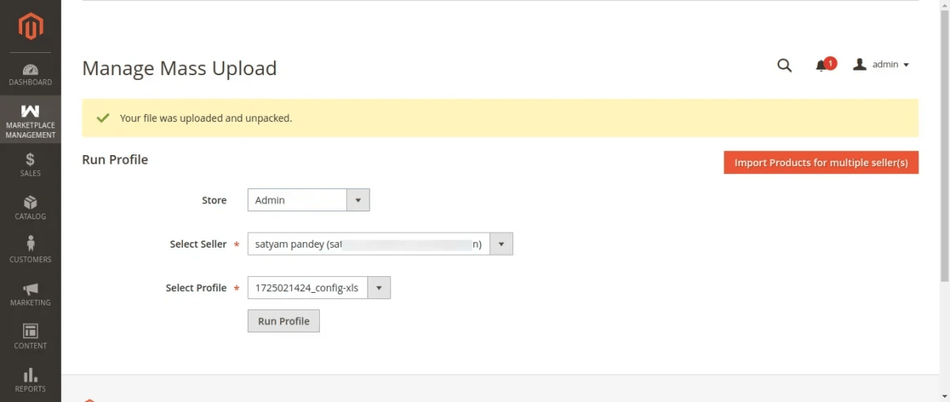
- Click Run Profile. The execution window displays live batch progress as products are assigned to the target seller.
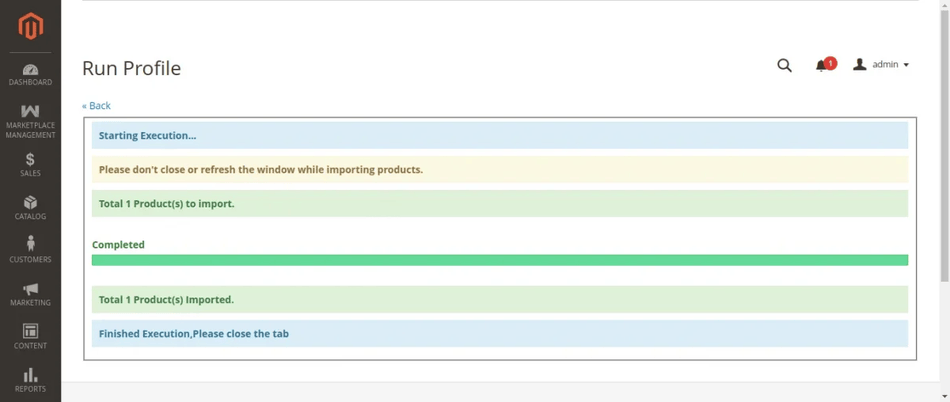
- Once finished, verify the newly uploaded seller products under Marketplace Management > Manage Product.