
Admin Panel Configuration
Before marketplace sellers can start mass uploading products, the store administrator must explicitly configure which product types sellers are allowed to upload from their frontend dashboard.
Configuring Permitted Product Types
- Log in to the Magento Admin Panel.
- Navigate to Stores > Configuration > Marketplace > Seller Product's Settings.
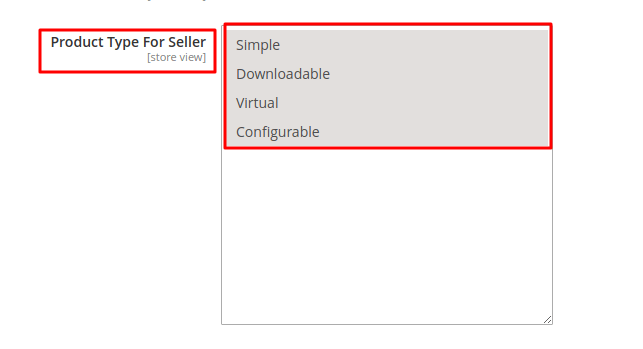
- Locate the Product Type For Seller field.
- Select the product types sellers are allowed to add and mass upload (hold
CtrlorCmdto select multiple options):- Simple
- Configurable
- Virtual
- Downloadable
- Click Save Config.
Important Restriction
Marketplace sellers can only mass upload product types that have been enabled by the administrator in this setting. If a product type is unselected, the seller will not be able to upload files for that product type.