
Import Products for Multiple Sellers
Store administrators can import products for multiple sellers simultaneously using a single master file mapped with seller IDs.
Multi-Seller Import Workflow
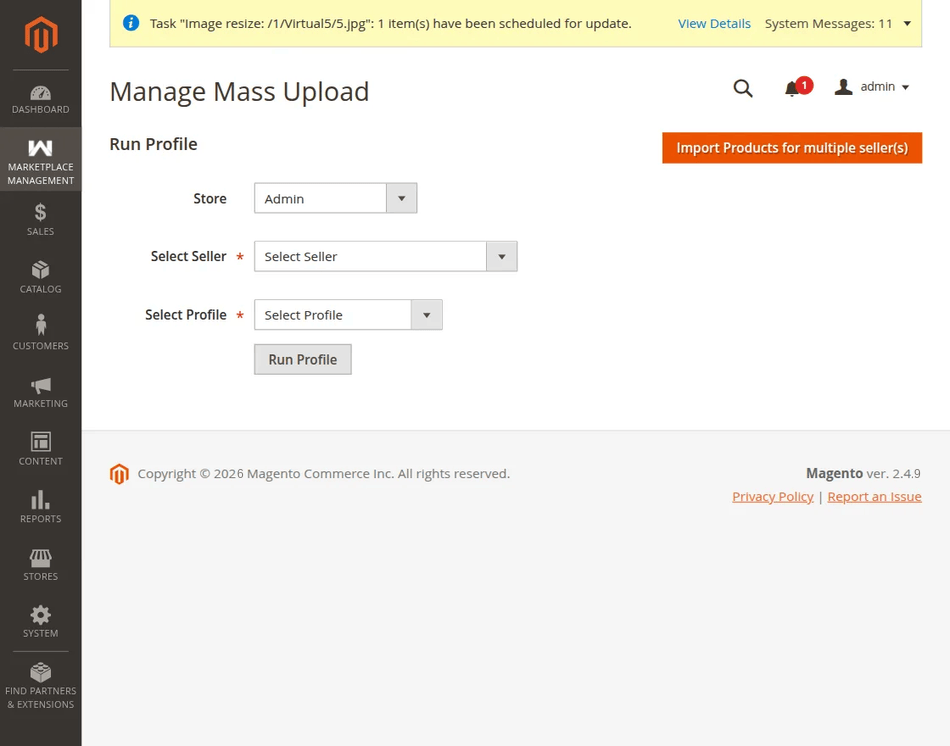
- Navigate to Marketplace Management > Mass Upload Manager.
- Upload the master data file (CSV/XLS/XML) and images ZIP archive.
- Click Import product for multiple Seller(s).
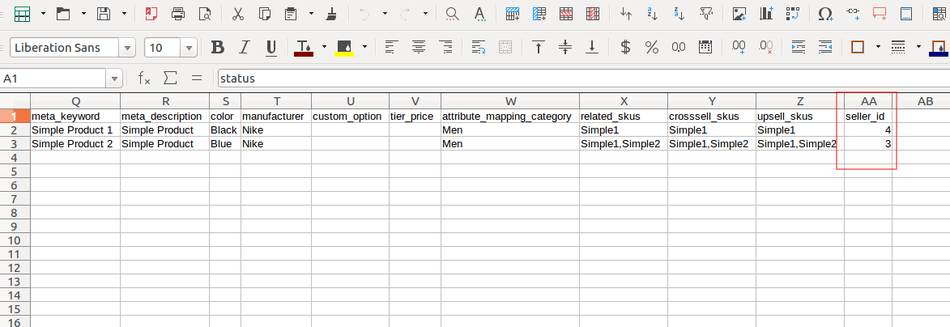
CSV File Seller Assignment
In the CSV data file, include a seller_id column containing the numerical ID of the respective seller for each product row.
Running Multi-Seller Profile
- After clicking the button, you will be redirected to the Manage Mass Upload screen.
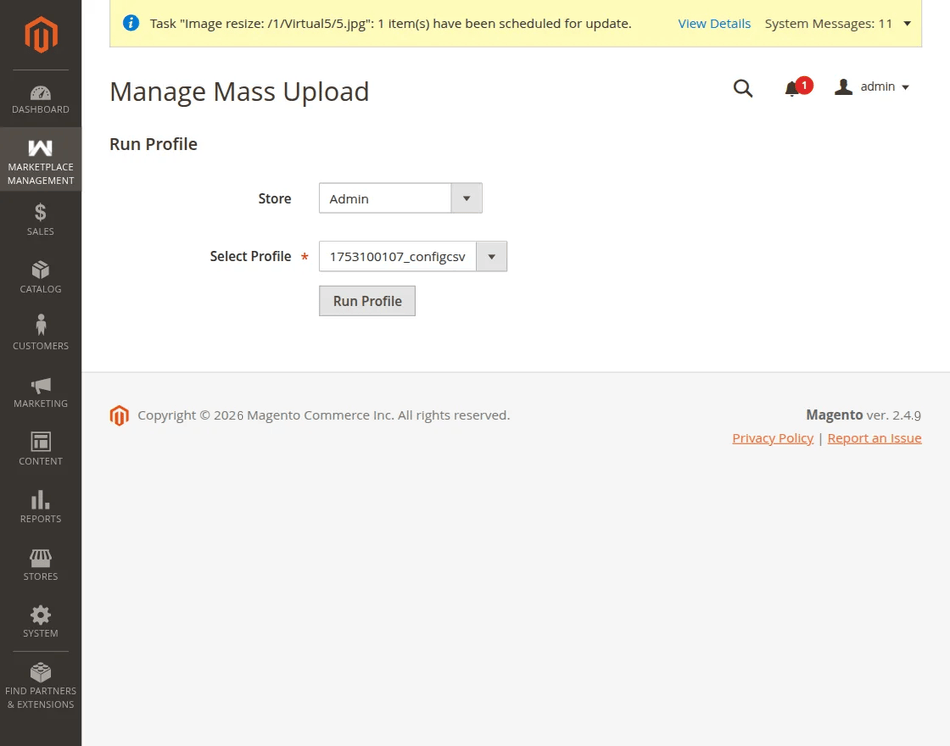
- Select the target Store View.
- Select the Seller Profile.
- Click the Run Profile tab to begin batch execution.
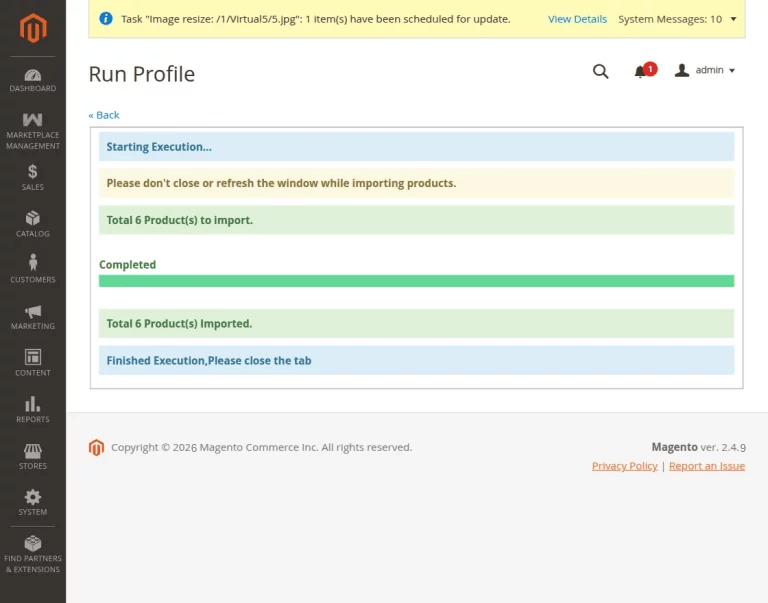
The system parses each row, creates the product, and links it directly to the designated seller account based on the provided seller_id.