Magento 2 Multi Vendor Mass UploadMagento 2 Multi Vendor Mass Upload
Live Demo
Buy Now
Support
Live Demo
Buy Now
Support
  • Getting Started

    • Introduction
    • Requirements
    • Installation
  • Configuration

    • Admin Configuration
    • Multilingual & i18n
  • Seller Management

    • Mass Upload Overview
    • Simple Products
    • Configurable Products
    • Virtual Products
    • Downloadable Products
    • Error Detection
    • Dataflow Profile
    • Product Export
    • Profile Listing
  • Admin Management

    • Admin Mass Upload
    • Multiple Sellers Import
    • Dataflow & Export
  • Storefront View

    • Product Edit & Front View
  • Help

    • Troubleshooting
    • FAQ

Admin Mass Upload for Individual Seller

Store administrators can perform mass product uploads on behalf of specific marketplace sellers directly from the Magento Admin Panel.


Uploading Products for a Specific Seller

  1. In the admin backend menu, navigate to Marketplace Management > Mass Upload Manager.
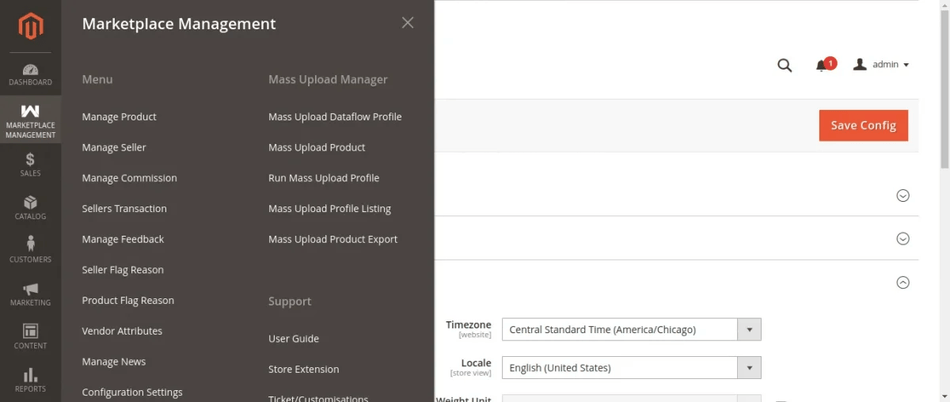
Admin Mass Upload Manager Navigation

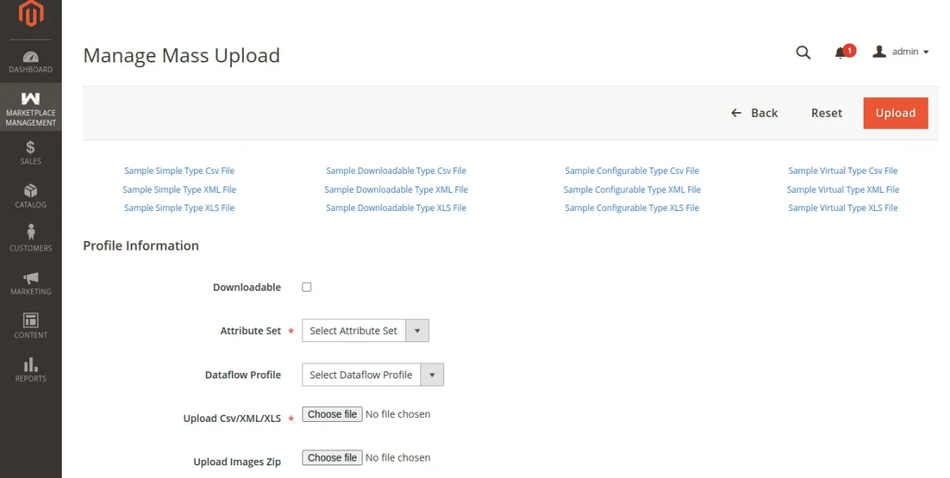
  1. Choose the file type (CSV, XLS, XML), select the data file, and attach the Image ZIP folder.
  2. (If applicable) Check Is Downloadable for downloadable products.
  3. Click Upload Profile.

Admin Upload File & Image ZIP Form

  1. A green status alert will confirm that the file was uploaded and unpacked successfully.
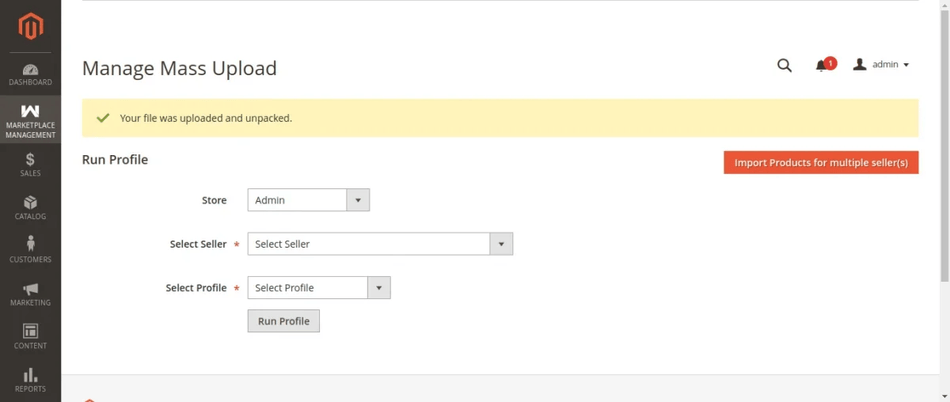
Admin Upload & Unpack Success Alert

  1. Go to Run Mass Upload Profile, select the target Seller from the drop-down menu, and select the uploaded profile.
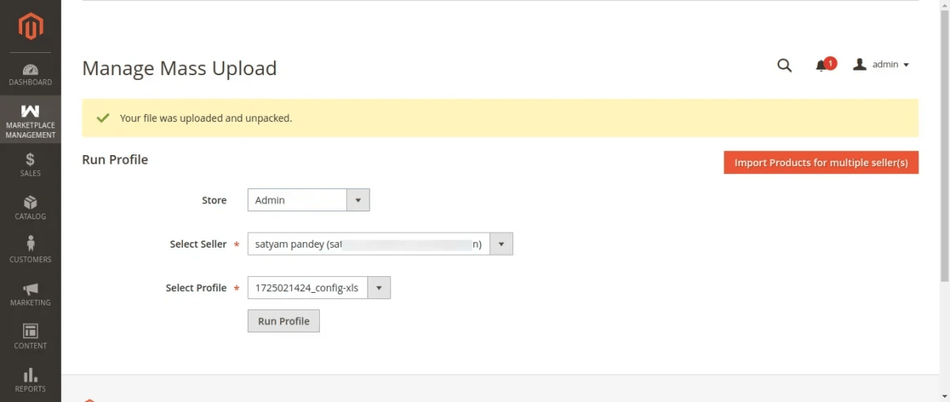
Select Seller and Profile for Execution

  1. Click Run Profile. The execution window displays live batch progress as products are assigned to the target seller.
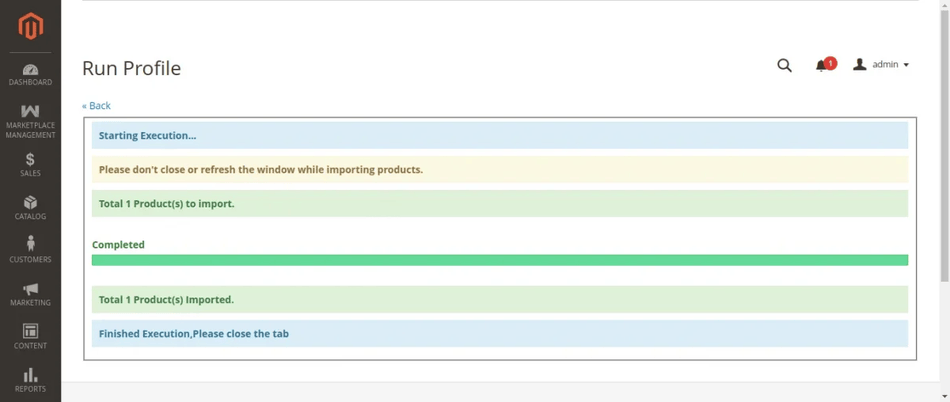
Admin Profiler Execution Progress Window

  1. Once finished, verify the newly uploaded seller products under Marketplace Management > Manage Product.
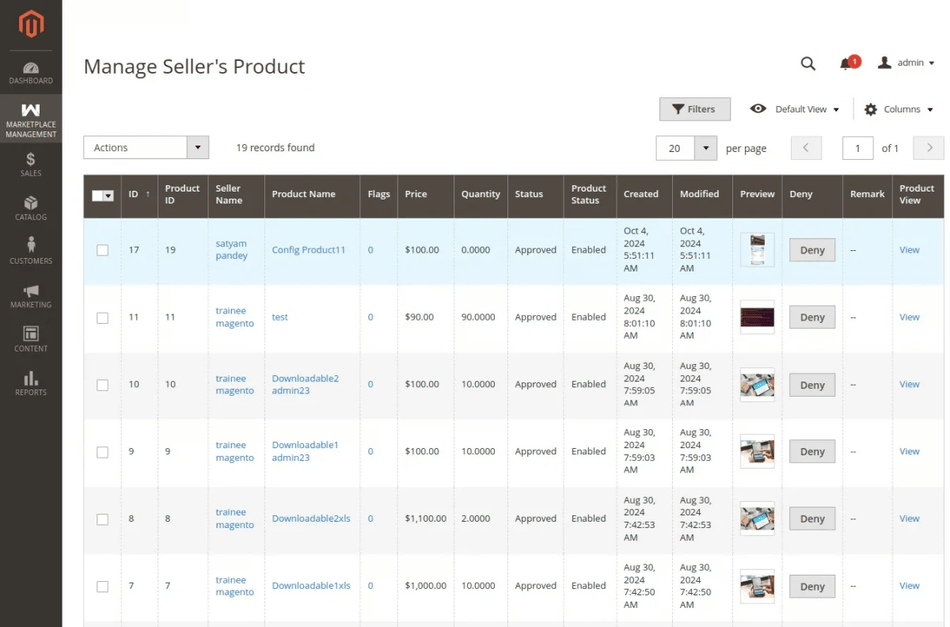
Manage Seller Products Grid in Admin Panel

Next
Multiple Sellers Import