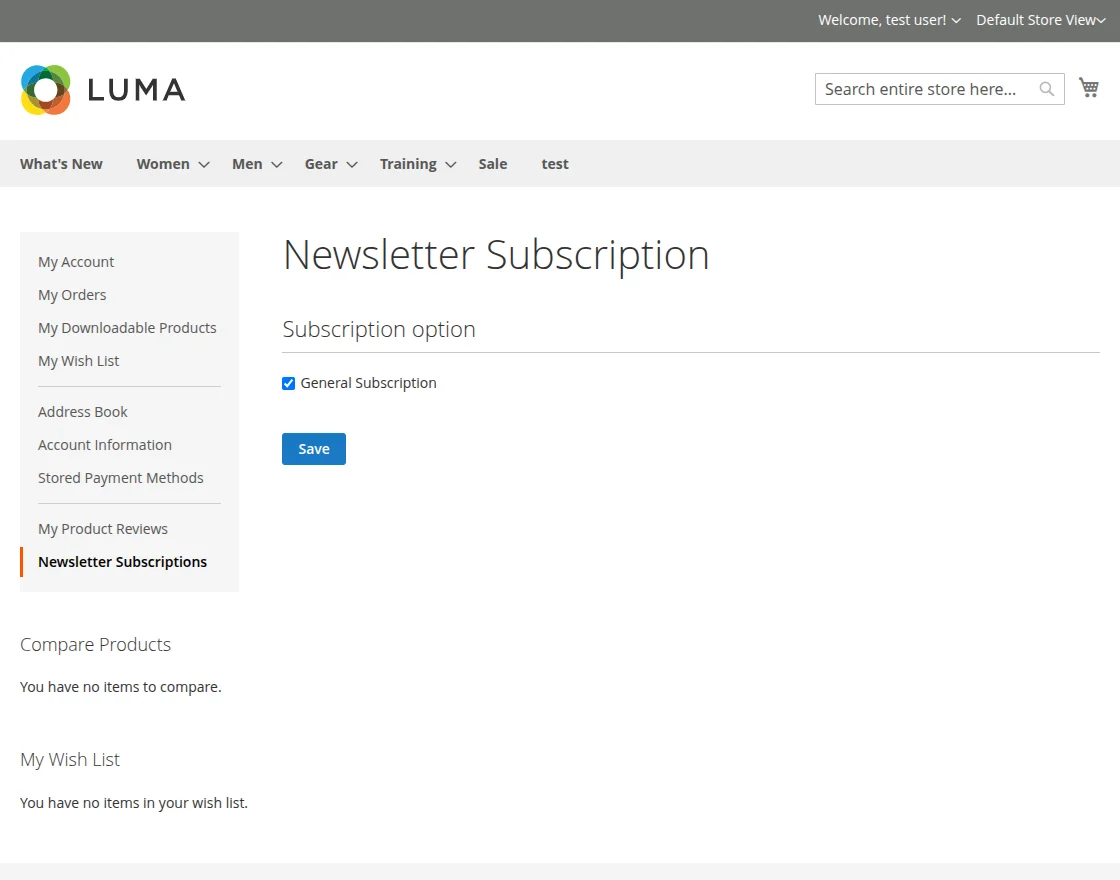
Frontend Module Workflow
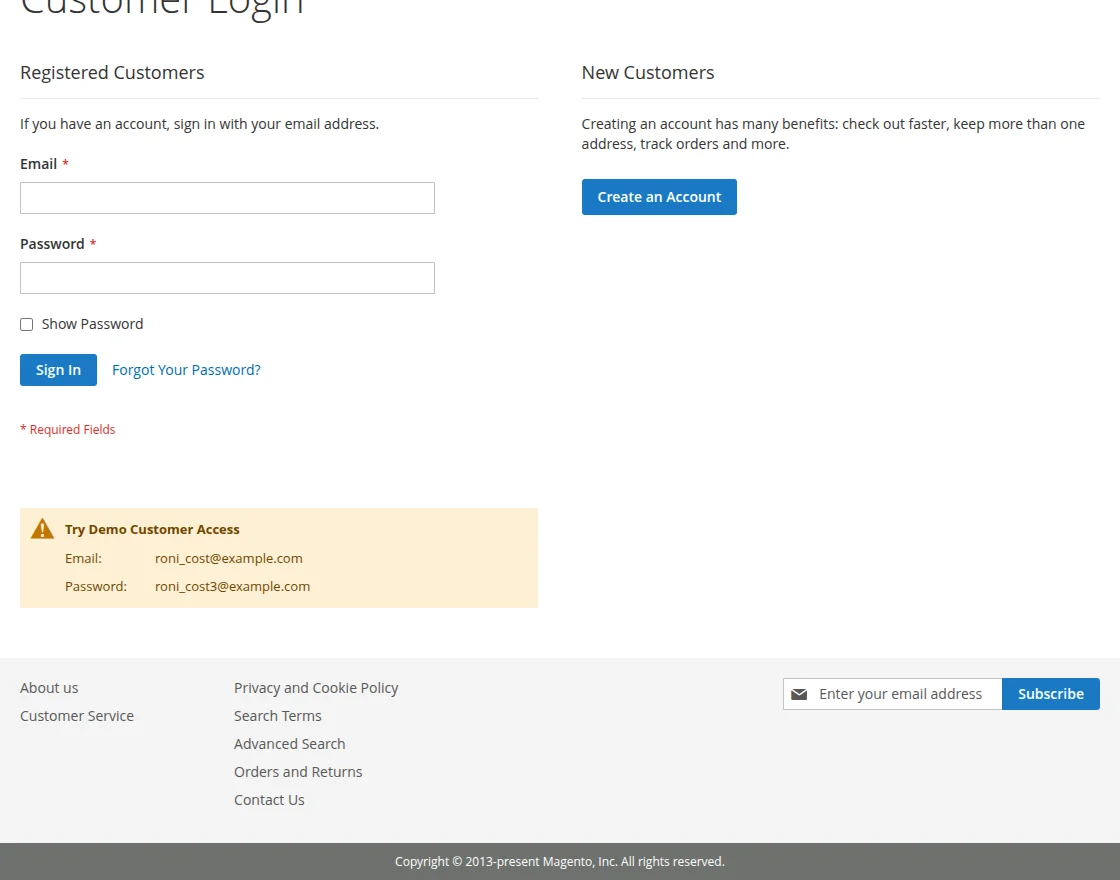
Customers can subscribe to newsletters directly from the storefront.
Direct Email Subscription
- Enter an email address in the storefront footer subscription field.
- Click the Subscribe button.
- The email is added to the subscriber list, and newsletters or promotional emails are sent based on configured templates.
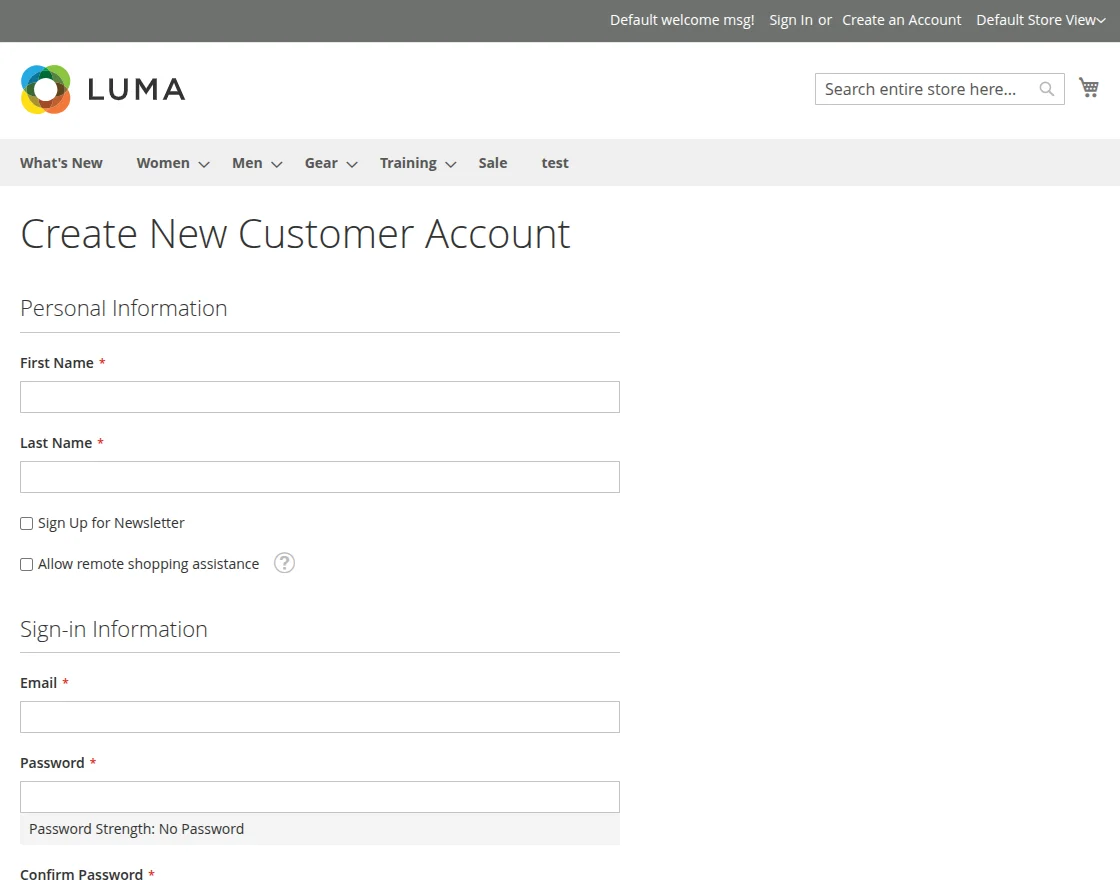
Newsletter Sign-Up During Account Creation
Customers can subscribe to newsletters while creating a new account. On the registration page, a Sign Up for Newsletter checkbox is available. When selected, the customer’s email is automatically added to the newsletter subscription list after account creation.
Manage Newsletter Subscription
Customers can manage their newsletter preferences from the My Account → Newsletter Subscriptions section:
- Select or deselect the General Subscription option.
- Click the Save button to update the subscription status immediately.