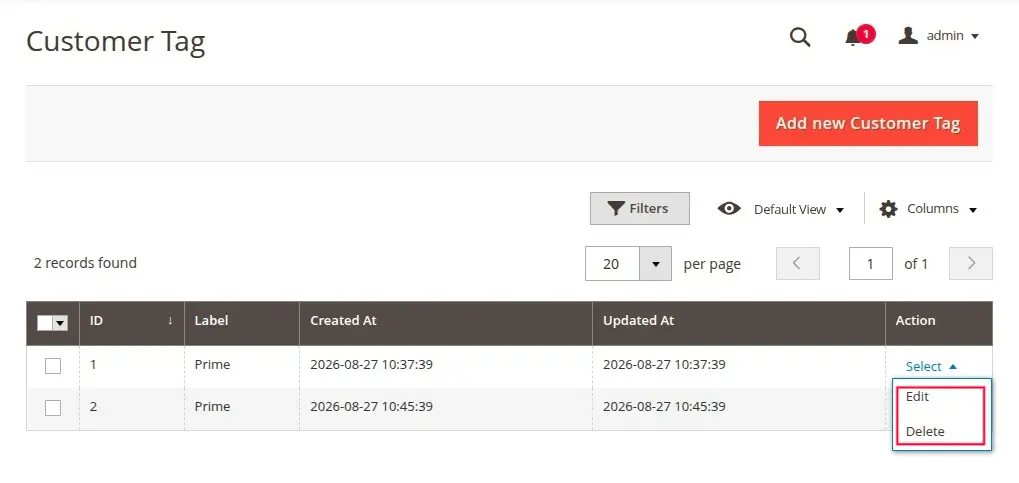
Customer Tagging
The Magento 2 Email Marketing module lets you create custom Customer Tags and assign them to customers for targeted marketing campaigns.
Managing Customer Tags
To manage customer tags, navigate to Email Marketing → Customer Tag in the Admin panel.
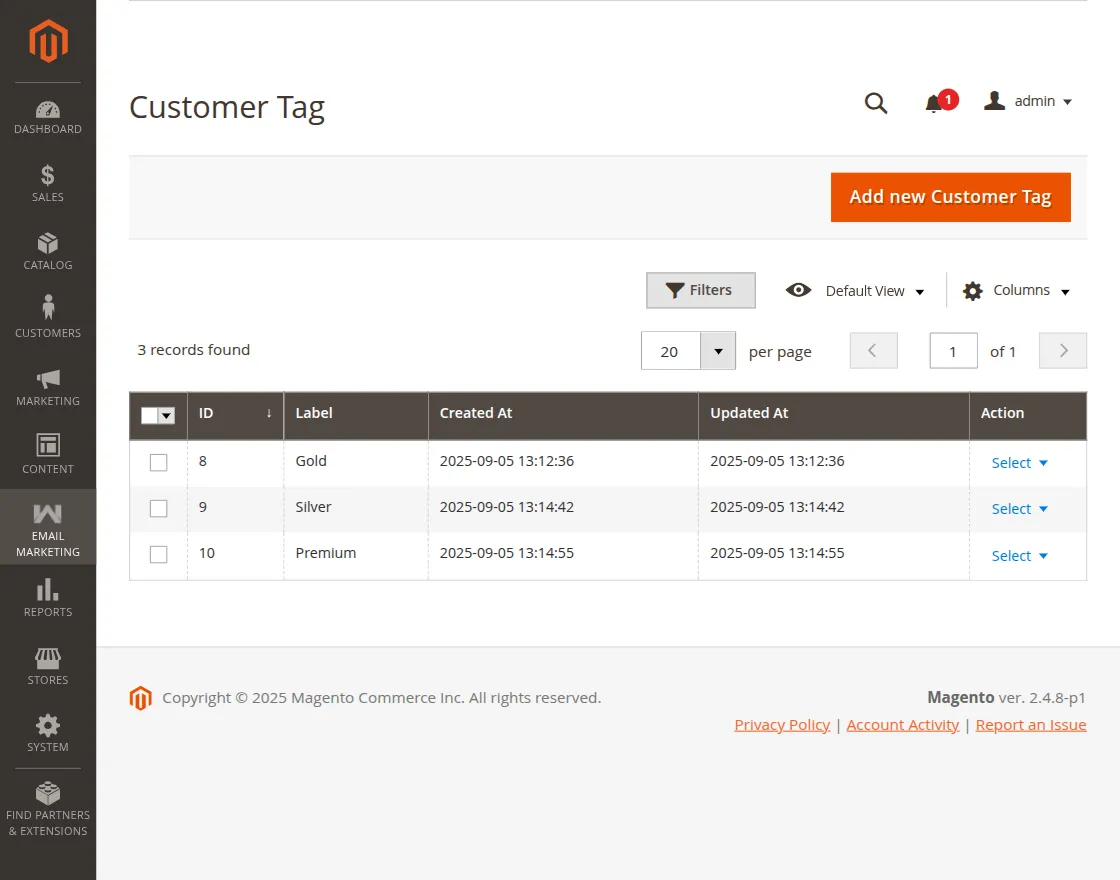
Adding a New Customer Tag
- Click the Add Tag button in the top right.
- Enter the Tag Label (e.g.,
VIP,Frequent Buyers,Cart Abandoners,Newsletter Subscribers). - Click Save Tag.
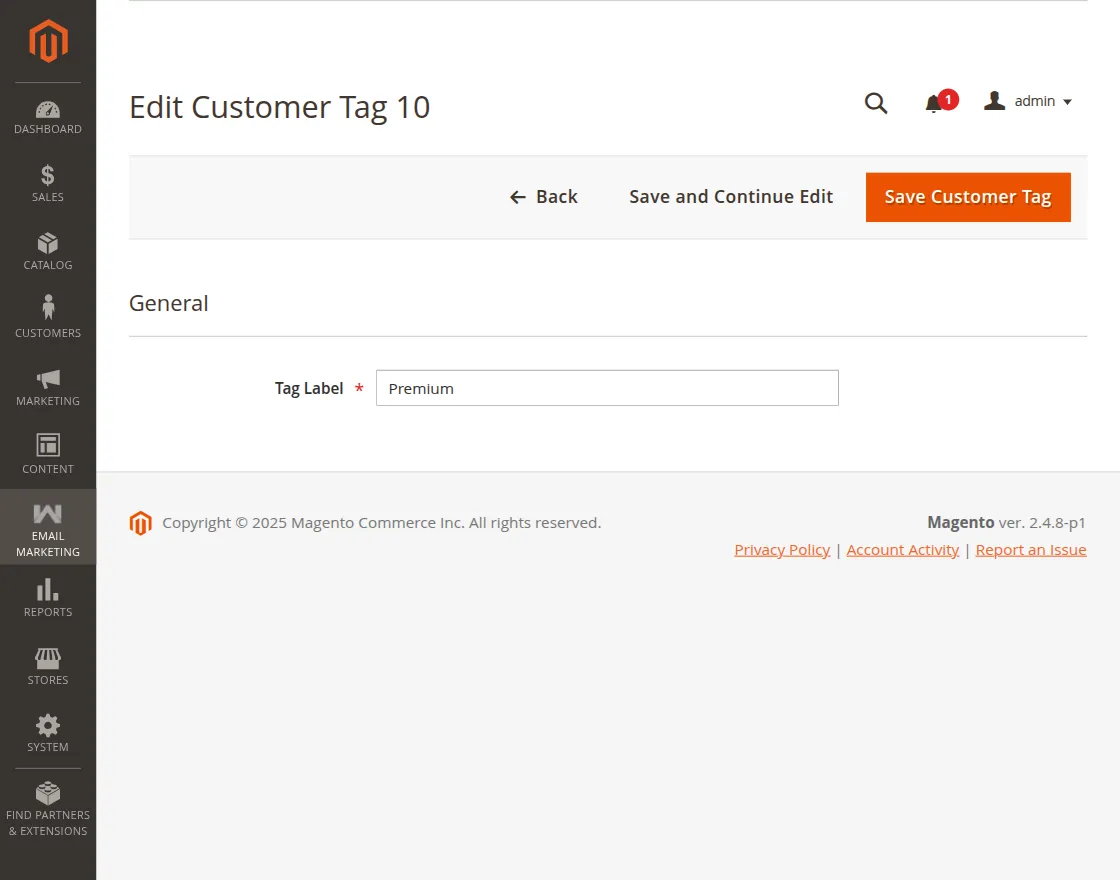
Editing or Deleting a Tag
- Select a tag from the grid to edit its label or view associated customers.
- Use the Actions dropdown on the grid to delete tags individually or in bulk.