
Customer Login
Page: /customer/account/login/
When Zoho SSO is enabled, the Registered Customers form gets a divider reading Or sign in with, followed by a Zoho tile. It sits below the regular Sign In button, so the email-and-password login is unchanged.
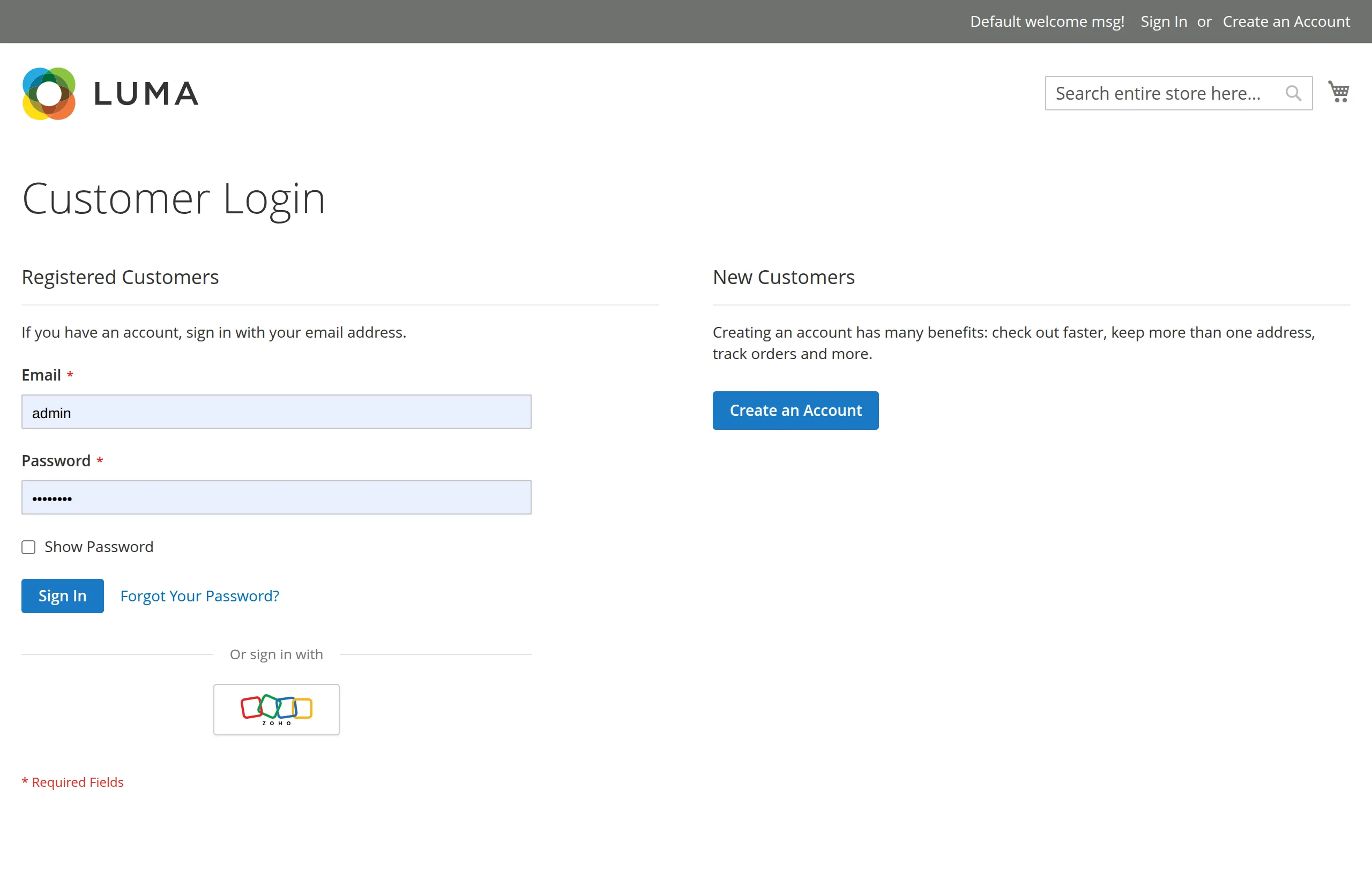
Signing in
- The customer clicks the Zoho tile (link title Sign in with Zoho).
- Zoho's sign-in page opens — in a popup on desktop, in the same tab on touch devices.
- The customer signs in to Zoho and allows access.
- They land on My Account, logged in, with a welcome message.
Already logged in
A customer who is already logged in and opens the Zoho sign-in link is sent straight to My Account. Zoho is not contacted.
Accessibility
- The divider is a proper separator (
role="separator"). - The tile is a real link with an accessible name, Sign in with Zoho, so screen readers and keyboard users can reach it.
- The tile has a visible focus outline.
Next: Create Account.