
Create Account
Page: /customer/account/create/
Below the Create New Customer Account form, the extension adds a divider reading Or sign up with and a Zoho tile (link title Sign up with Zoho).
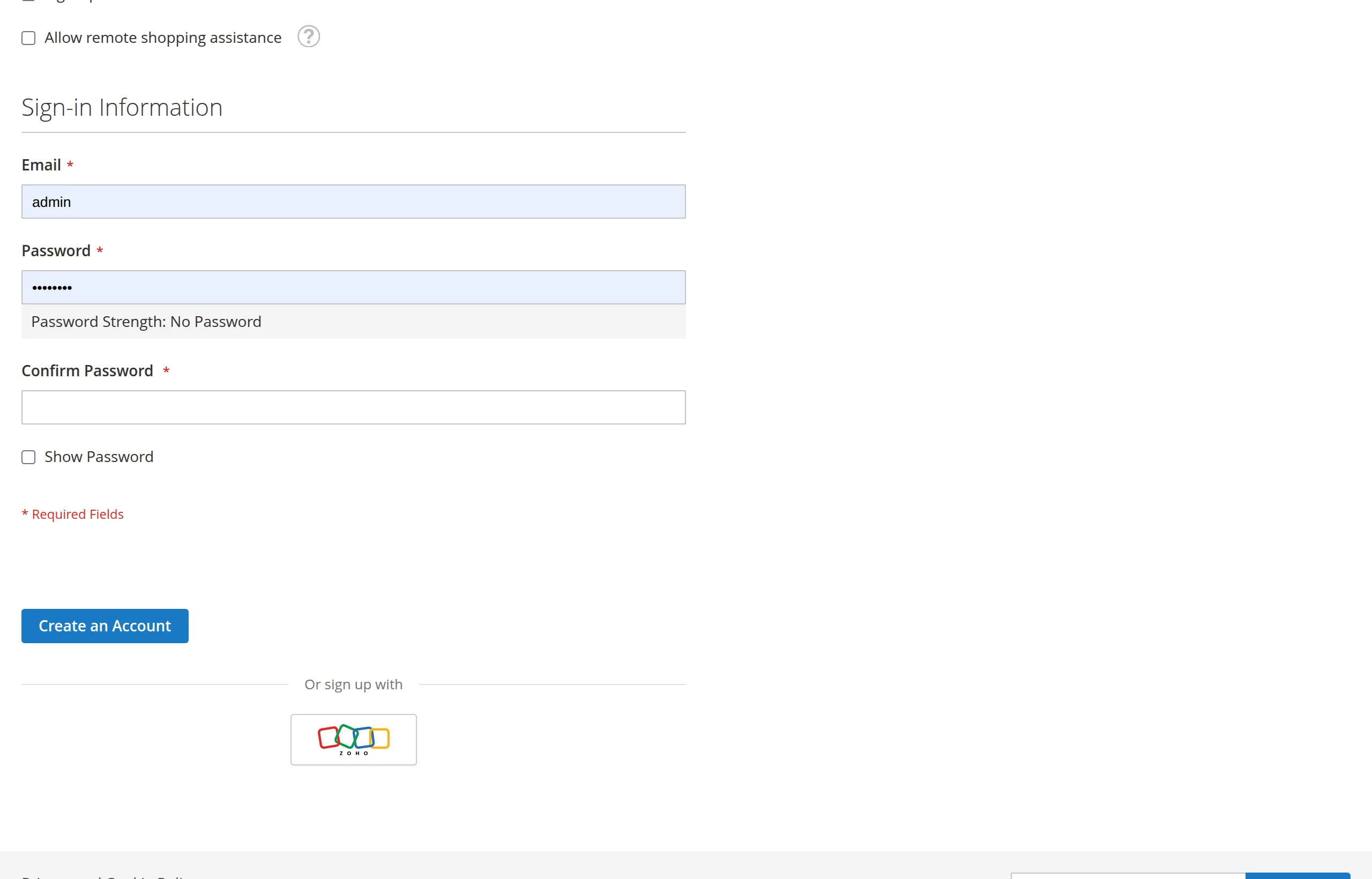
Signing up
The customer clicks the Zoho tile instead of filling in the form.
They sign in to Zoho and allow access.
A customer account is created from their Zoho profile:
Magento field Value Email Zoho email First Name Zoho first name (or Zohoif Zoho sends none)Last Name Zoho last name (or Userif Zoho sends none)Group Default Customer Group for New Accounts Associate to Website The website they signed up on They land on My Account, logged in.
Same flow as sign-in
Sign up with Zoho and Sign in with Zoho do the same thing. If the email already has an account on this website, the customer is simply logged in to it — no duplicate account, no error. See Accounts & Matching.
No password
Accounts created through Zoho have no Magento password. The customer always signs in with Zoho. If they also want a store password, they use Forgot Your Password? on the login page to set one.
Next: Checkout Sign-In.