
Test the First Sign-In
Use a private browser window so you are not already logged in to the store.
Open your storefront's Sign In page (
/customer/account/login/).Below the Sign In button, under Or sign in with, click the Zoho tile.
On desktop, a popup opens on Zoho's sign-in page. Sign in with a Zoho account.
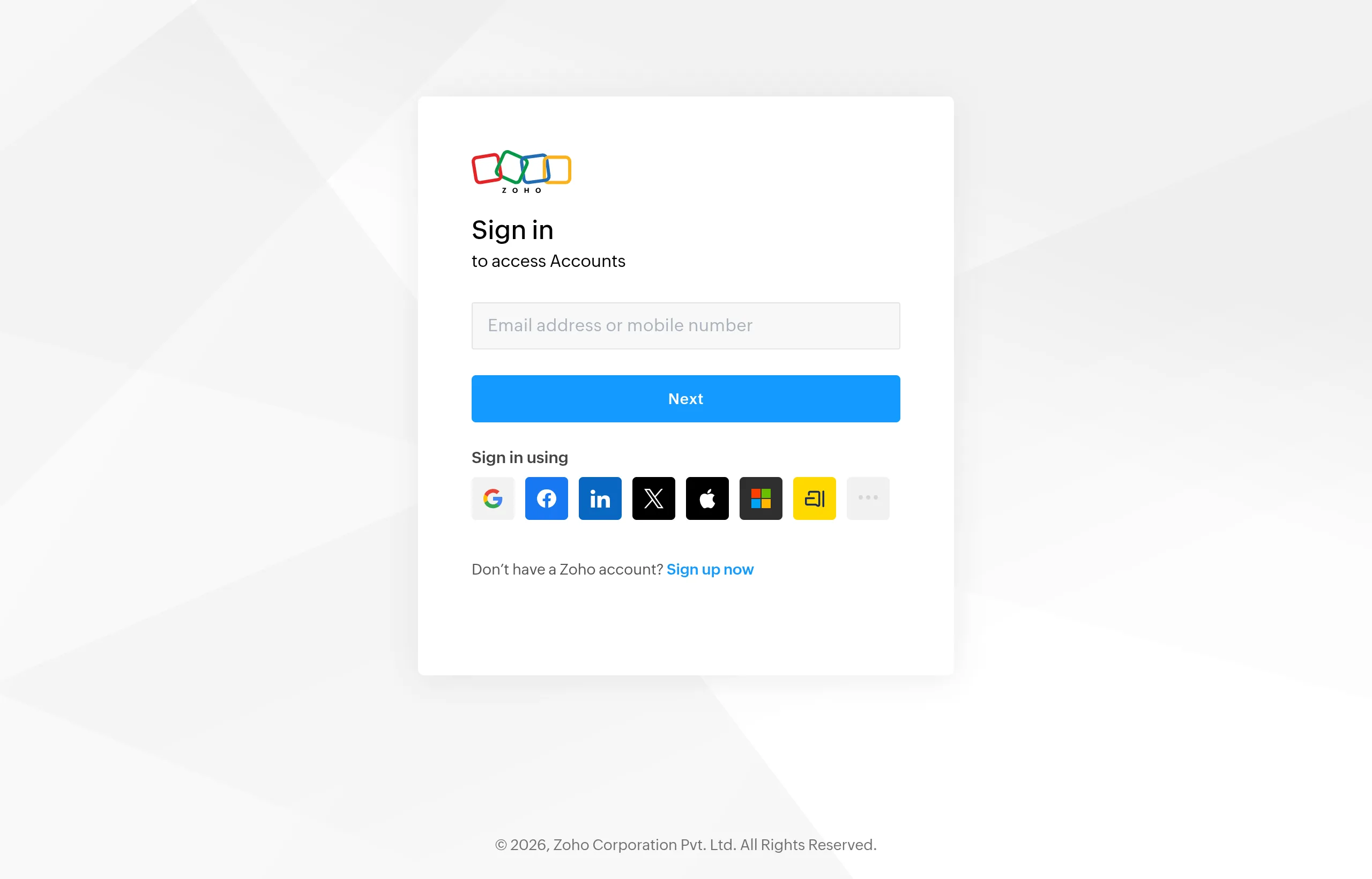
Approve the access request on Zoho's consent screen. It shows the Client Name you chose.
The popup closes. The main window opens My Account with the message:
Welcome, <first name>! You have successfully logged in with Zoho.
Check the new customer
- In the admin, go to Customers → All Customers.
- Search for the Zoho email.
- The customer has the first and last name from Zoho and the group you chose as Default Customer Group for New Accounts.
Check the log
tail -n 20 var/log/zohosso.log
A successful first sign-in ends with lines like:
zohossoLogger.INFO: New Magento customer created for Zoho SSO: jane@example.com
zohossoLogger.INFO: Customer logged in via Zoho SSO: jane@example.com
A second sign-in with the same account logs Existing Magento customer found for Zoho SSO instead.
Something went wrong? See Sign-In Problems.