
Defer Load JS
Defer Load JS speeds up your store by displaying product images, text, and layout to customers instantly, while heavy background scripts load quietly behind the scenes.
Why Use Defer Load JS?
The Problem: When a customer opens your online store, their web browser reads your website code from top to bottom. By default, Magento 2 places heavy script files at the top of the page. This forces the browser to stop showing the page until all those script files finish loading — leaving shoppers staring at a blank white screen.
The Solution: Enabling Defer Load JS moves non-essential scripts to the bottom of your page:
- Instant Storefront View: Shoppers see your store layout, banners, and product details right away.
- Smooth Background Loading: Interactive website scripts finish loading in the background after the page is already visible.
- Better Google Speed Ranking: Eliminates store slowness and boosts your store's Google PageSpeed ranking score.
Admin Configuration
Admin Menu Location
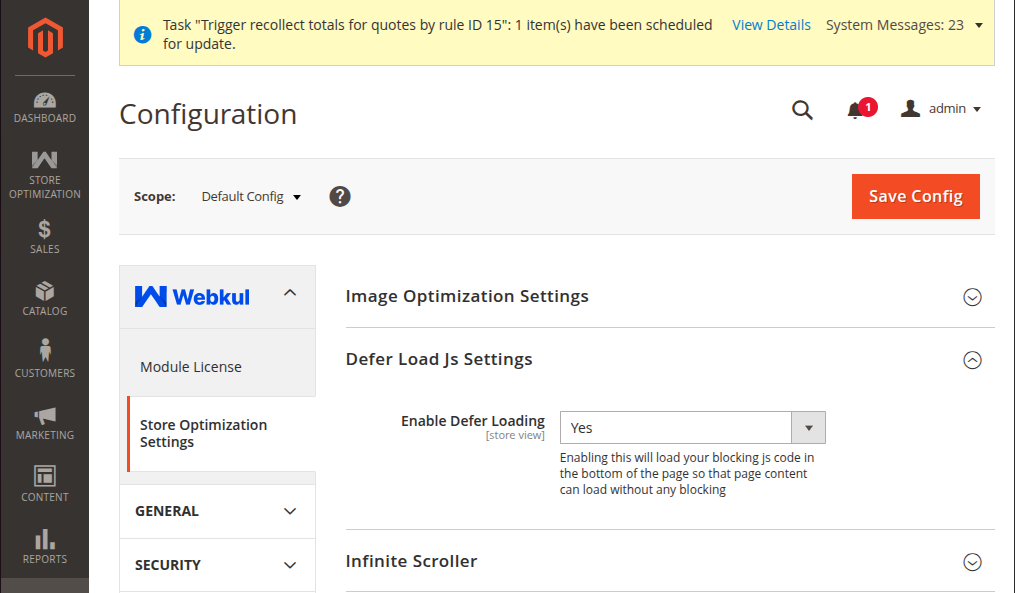
Navigate to Stores → Configuration → Webkul → Store Optimization Settings → Defer Load Js Settings.
Defer Loading Concept
Defer loading means loading visual page content before JavaScript scripts. Loading page content first significantly increases store performance.
| Setting | Field Type | Options | Description |
|---|---|---|---|
| Enable Defer Loading | Select | Yes / No | Yes: Page content loads before running external scripts to increase performance. No: Scripts load first in document head, decreasing performance. |
Option Breakdown
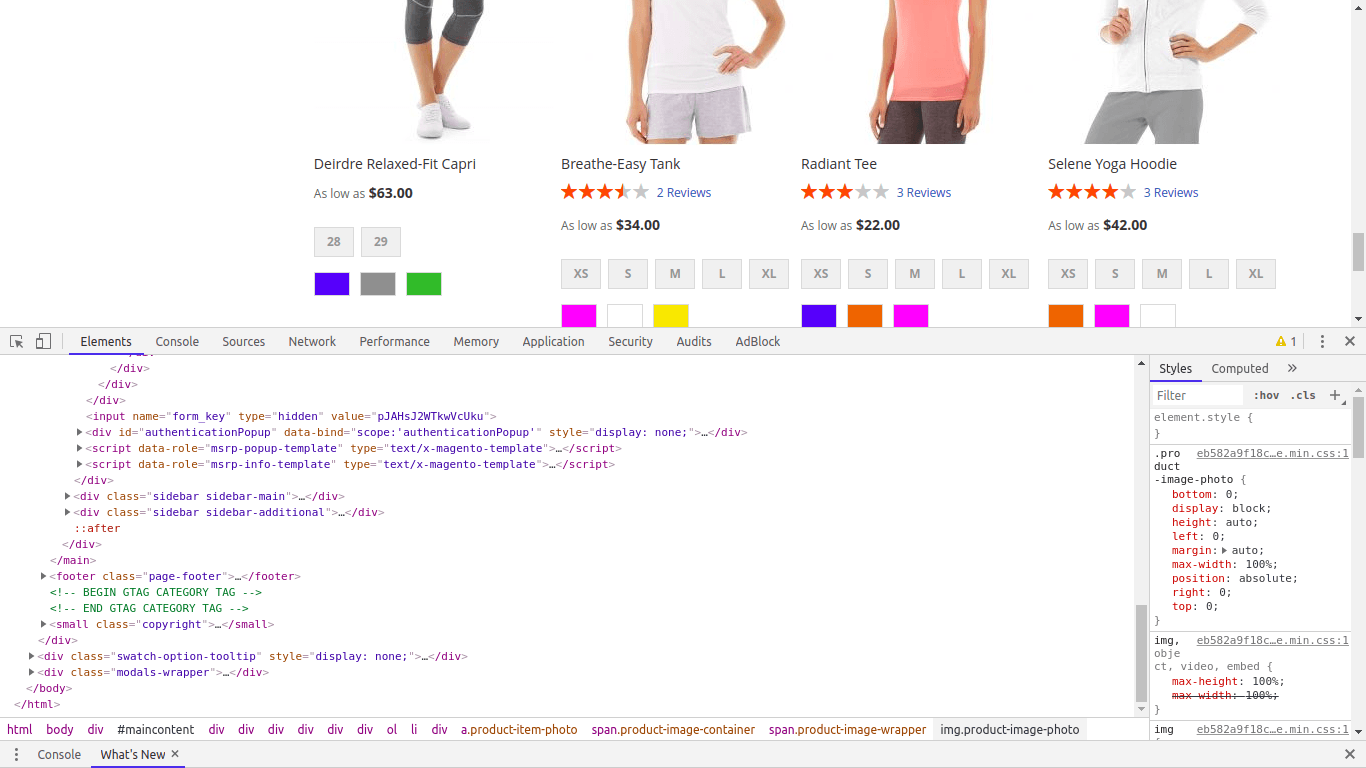
Select "Yes": Page content will load completely before running any external script, significantly increasing storefront performance.
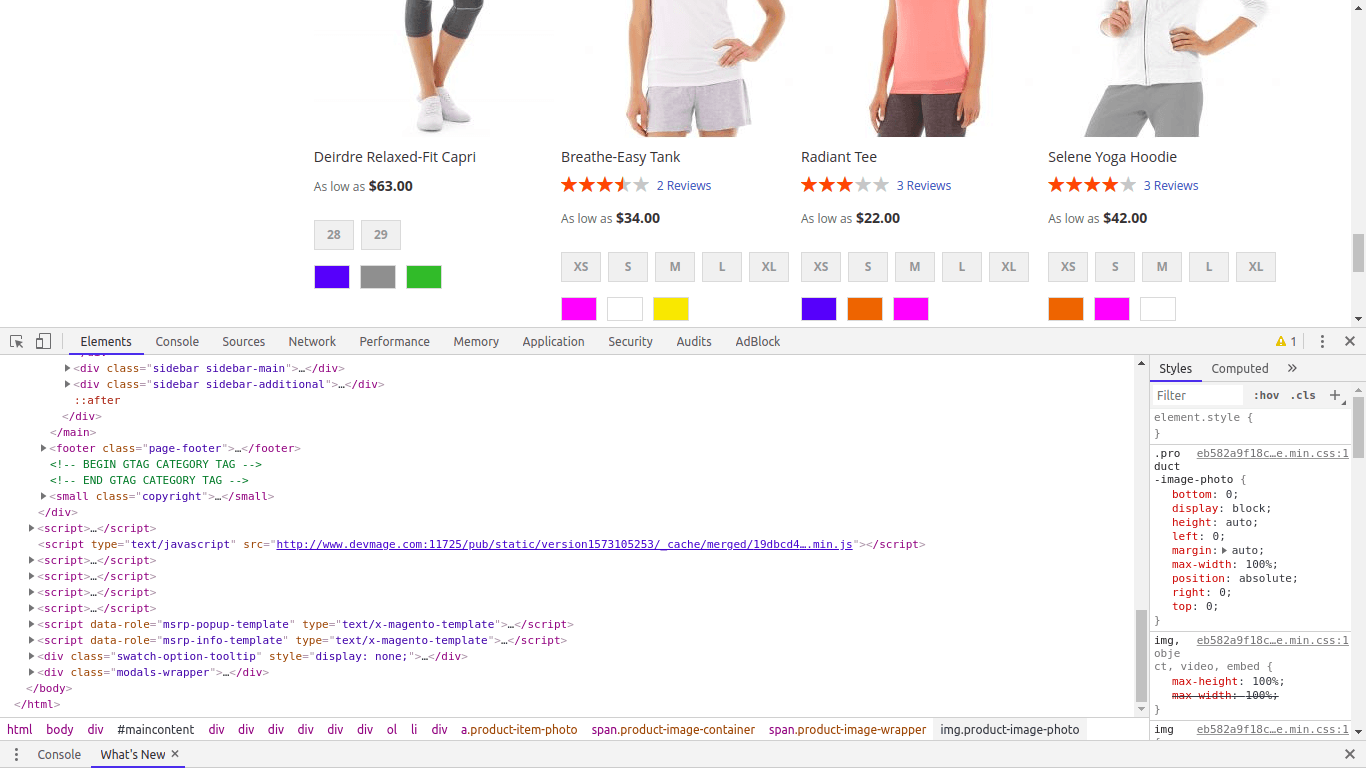
Select "No": External scripts will be included in the head, causing page rendering to wait and decreasing performance.
Execution Flow
Core Benefits
- Eliminates render-blocking JavaScript warnings in Google PageSpeed Insights.
- Speeds up First Contentful Paint (FCP) and Largest Contentful Paint (LCP).
- Prevents visual content flicker during page initialization.