
Vendor Profile & Information
This page details how custom attributes are displayed on the public marketplace storefront, how vendors manage their profile attributes, and how administrators review seller information in the Magento backend.
Public Storefront Vendor Profile
Buyers browsing the marketplace can view custom vendor details directly on the seller's public profile page:
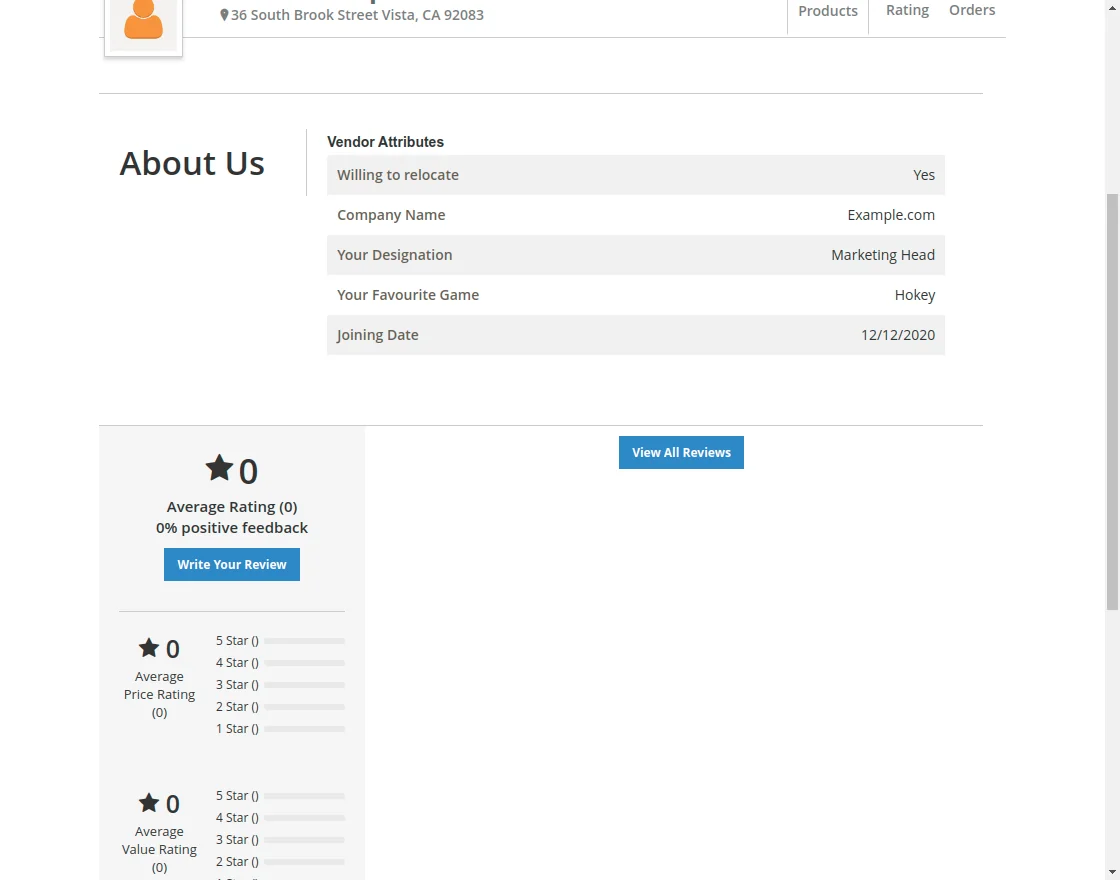
Key Profile Display Elements
- Custom Section Heading: Labeled according to the Seller Profile Label defined in Module Configuration.
- Attribute Values: Text, date, selection, and boolean values rendered in a clear, formatted specifications table.
- Uploaded Images & Badges: Business licenses, facility photos, and verification badges (when Image Display On Vendor Profile is enabled).
- Downloadable Document Files: Product catalogs, quality compliance certificates, or warranties available for customer download (when File Display On Vendor Profile is enabled).
Vendor Profile Edit Dashboard
Marketplace vendors can update their custom attributes at any time from their seller account dashboard under Marketplace > Seller Profile (or Edit Profile):
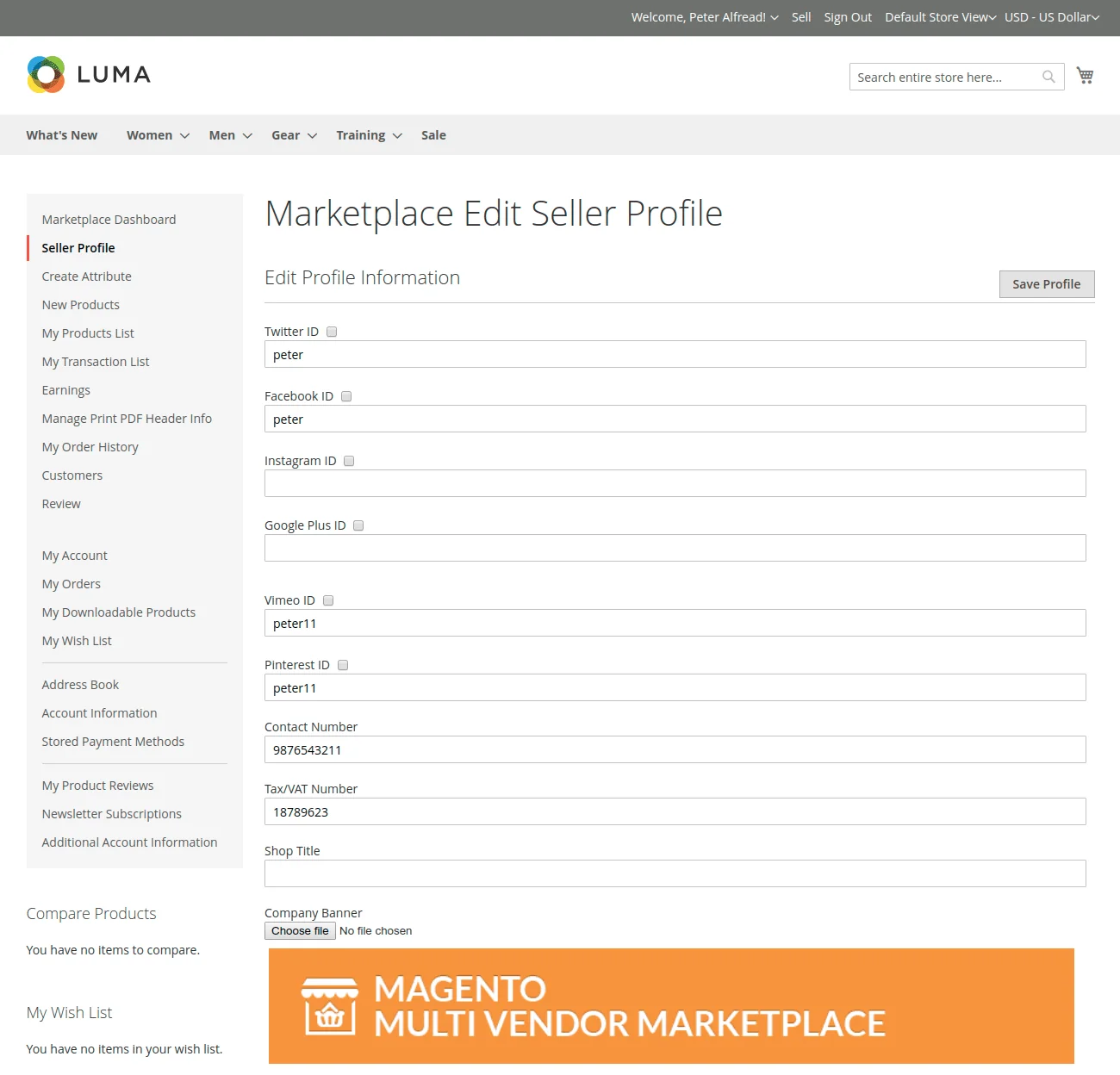
The editor allows vendors to:
- Update business contact details, company description, and operational hours.
- Upload new media images or updated documentation files.
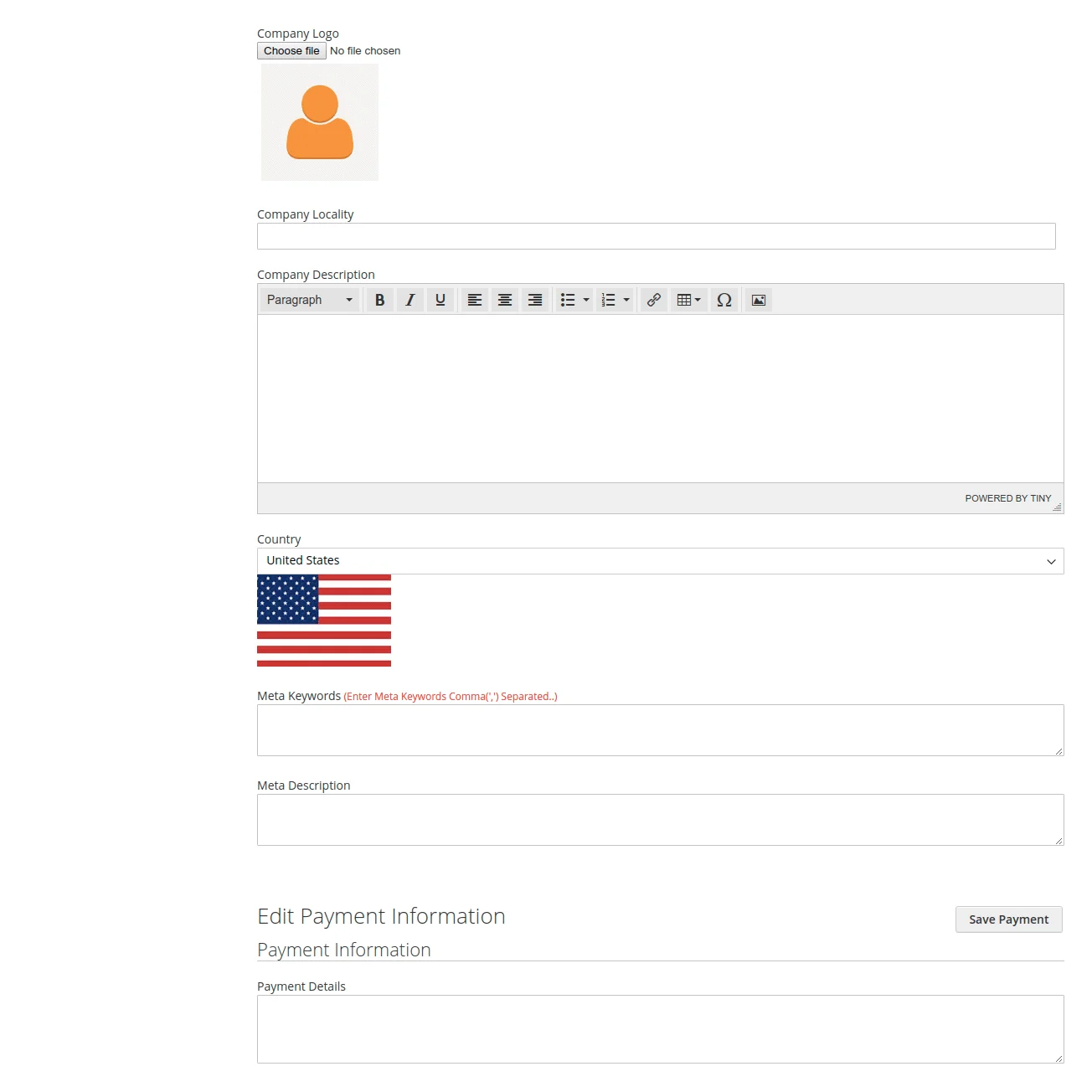
- Modify dropdown choices, multiselect options, and specific questionnaire answers.
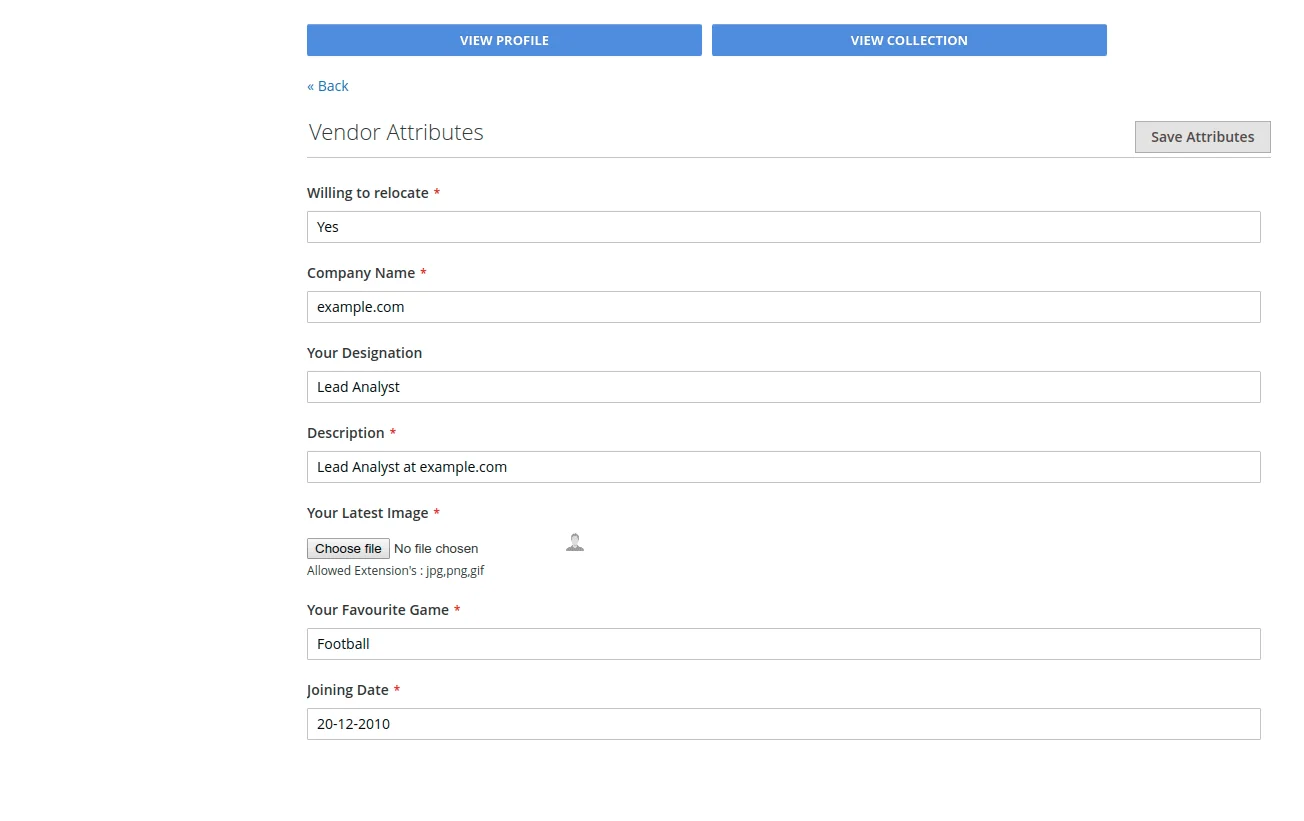
Admin Customer & Vendor Attribute Inspection
Store administrators can inspect and modify attribute values for any seller or customer directly from the Magento Admin:
- In the admin sidebar, navigate to Customers > All Customers.
- Locate the customer or seller account and click Edit.
1. Vendor Attribute Fields Tab
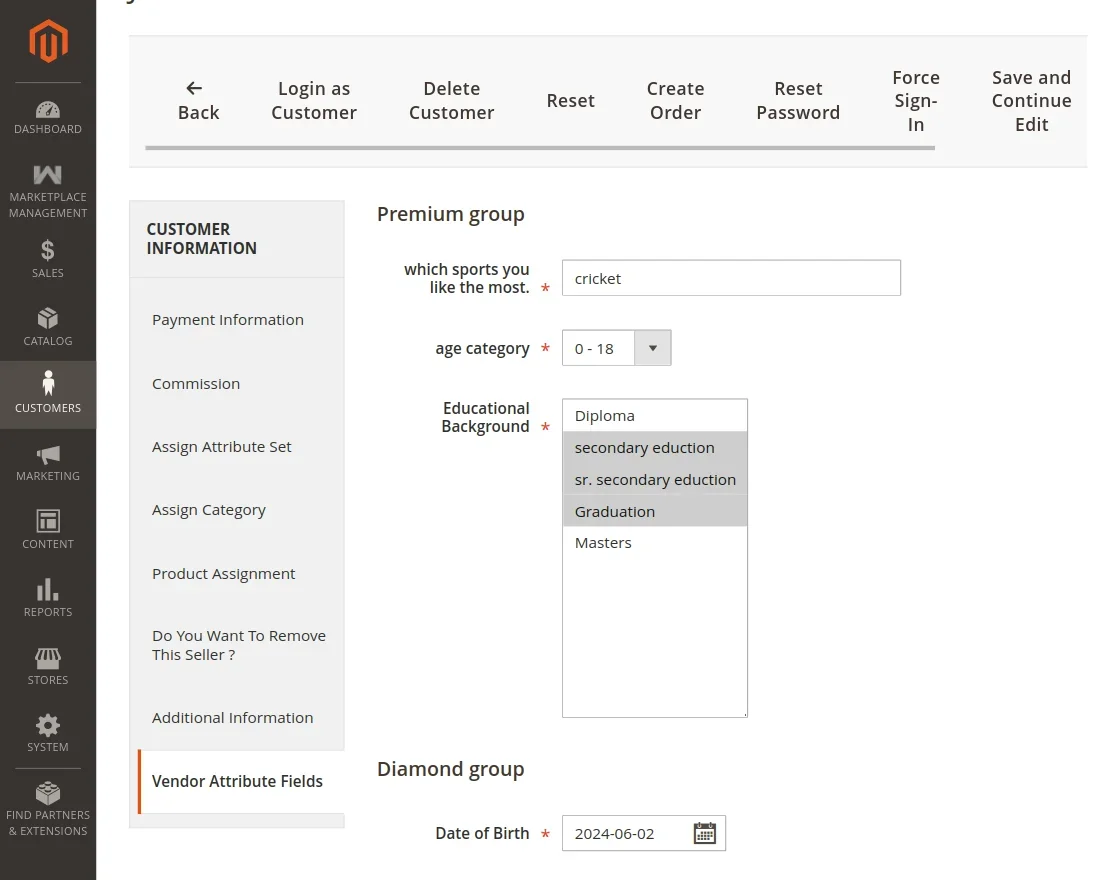
For accounts registered as sellers, a dedicated Vendor Attribute Fields tab displays all seller-assigned attributes:
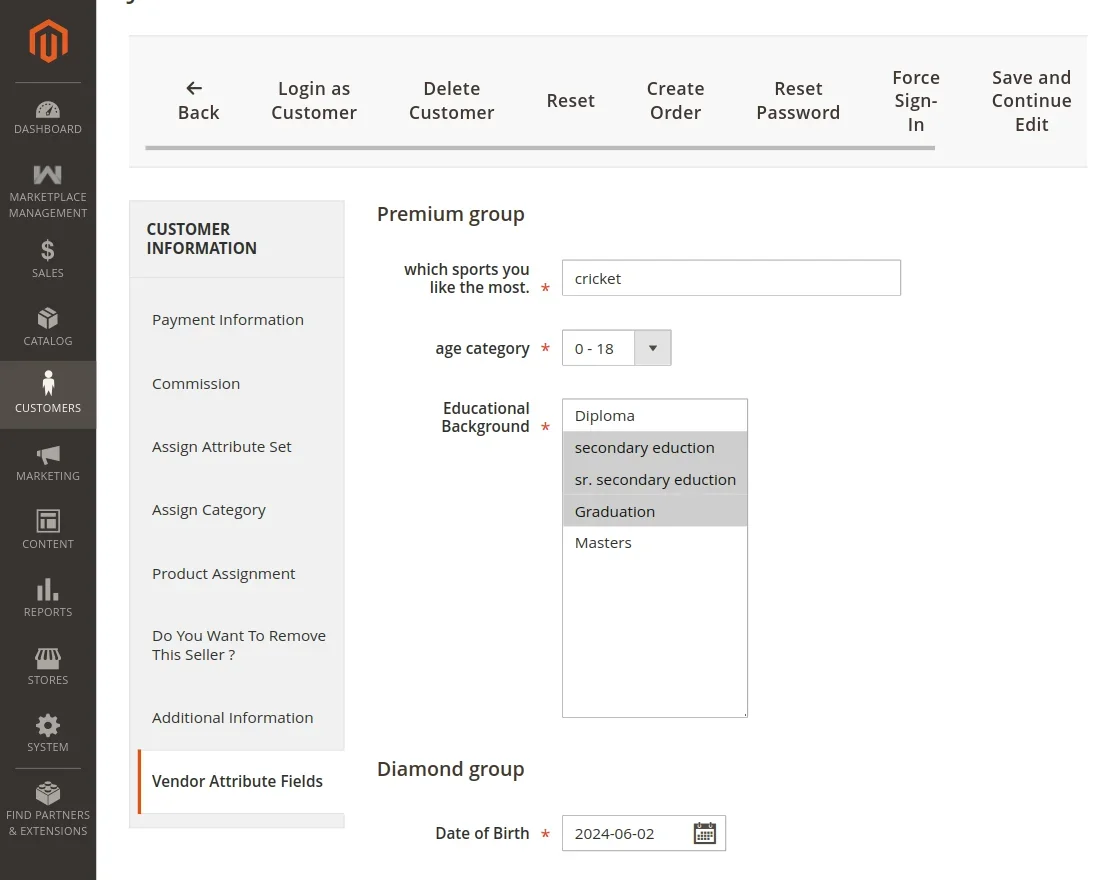
Administrators can view current values, inspect uploaded files, and update values on behalf of the vendor:
2. Additional Information Tab
Attributes assigned to customers appear under the Additional Information tab:
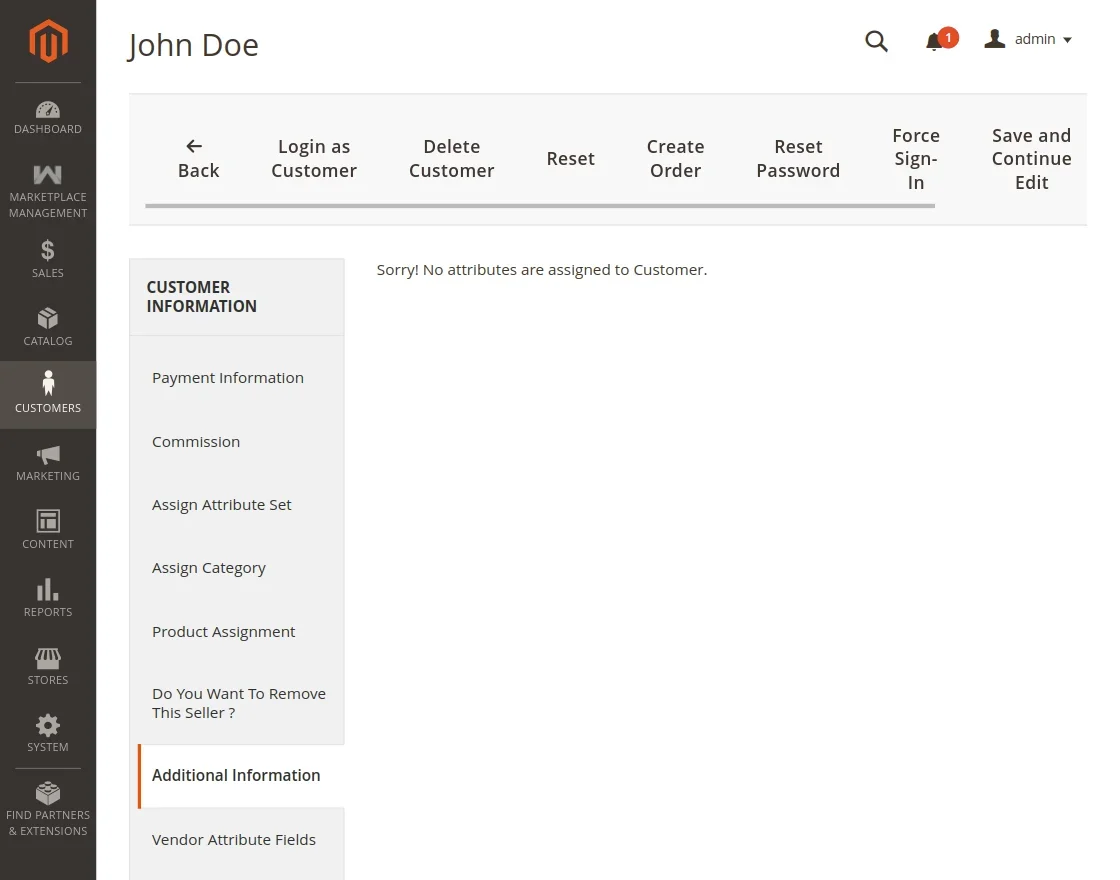
If an attribute is assigned strictly to sellers, it will not appear in the customer Additional Information tab, ensuring clean separation between buyer and seller metadata.