
Import Logs & Auditing
The Import Log provides full operational transparency into past catalog ingestion tasks, capturing execution timestamps, chunk statuses, and detailed error messages.
Navigating to Import Logs
- In the Magento Admin Panel, go to Akeneo Connector → Import Log:
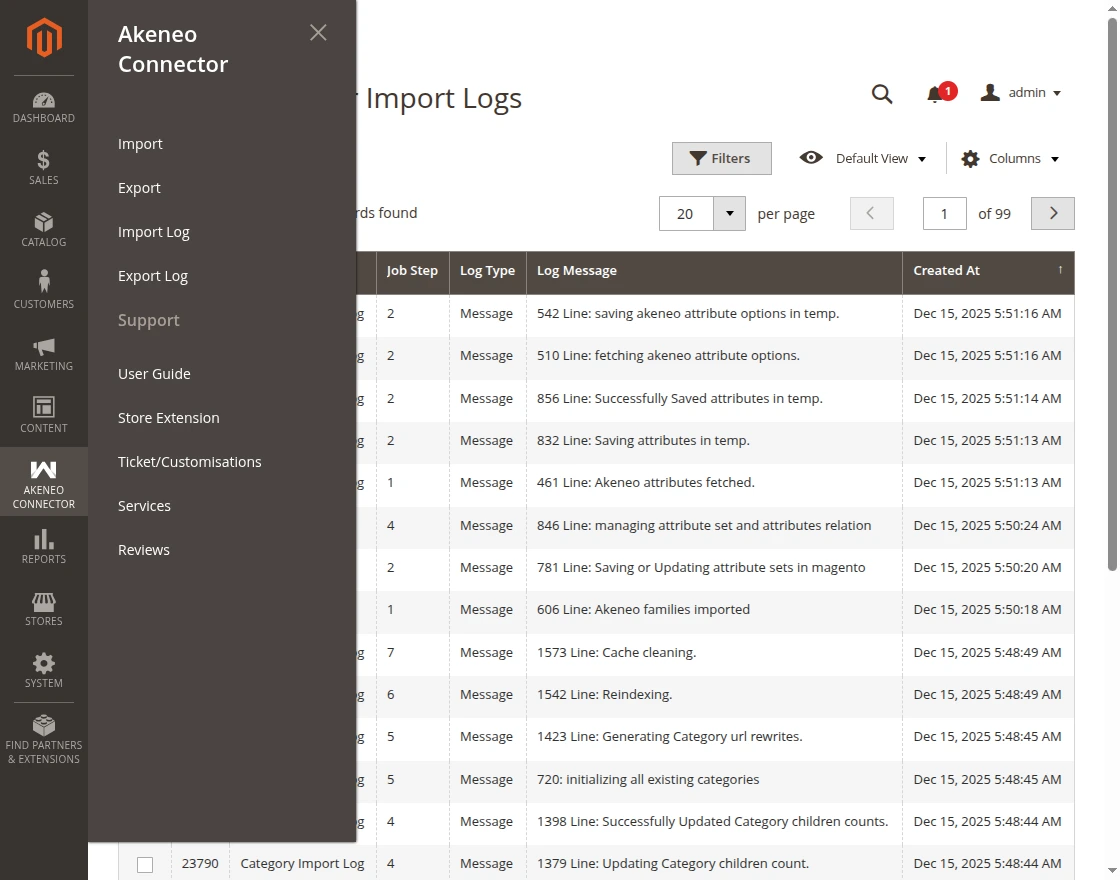
- The administration grid displays each recorded execution step:
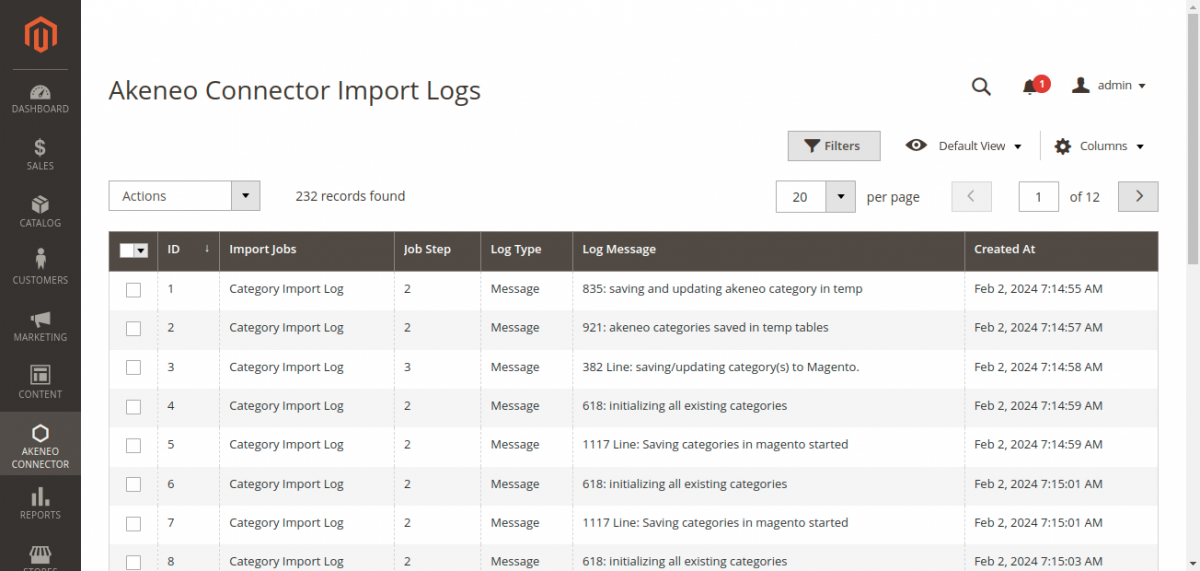
Log Grid Columns
| Column | Description |
|---|---|
| ID | Unique auto-increment log record ID. |
| Import Jobs | The entity type synchronized (Category, Attribute Set, Attribute, Product). |
| Log Type | Execution status: Success, Warning, or Error. |
| Message | Detailed diagnostic text, including item identifiers, created counts, or REST API error responses. |
| Created At | Exact timestamp of execution. |
Filtering & Troubleshooting Errors
Use Magento's grid filter controls to isolate warnings or failed items:
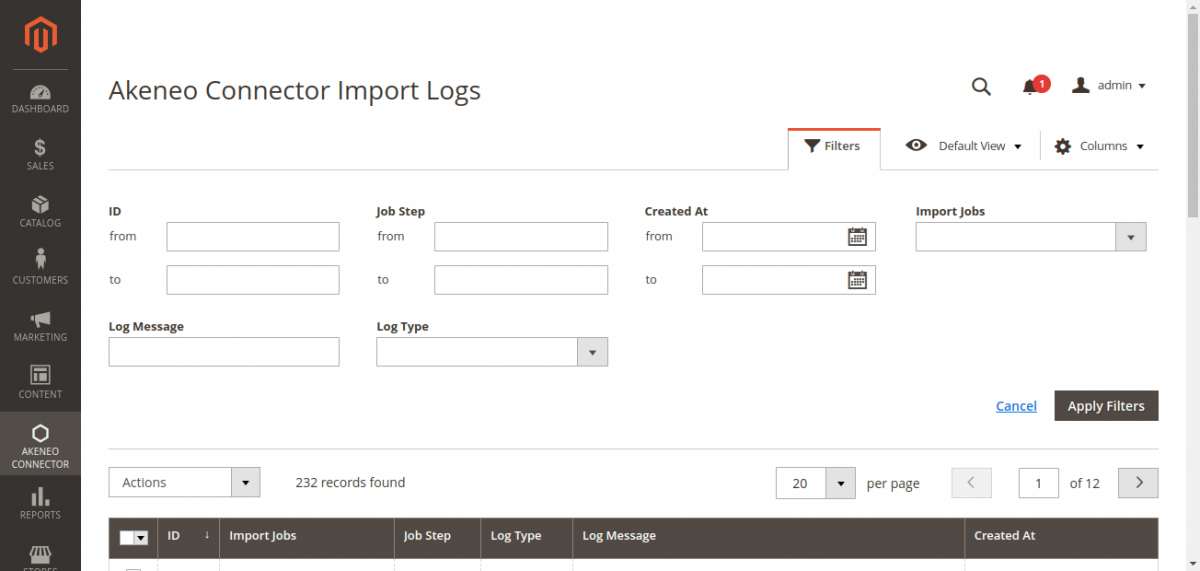
- Filter by Log Type = Error: Quickly identify missing attribute mappings, malformed SKU records, or API timeout events.
- Filter by Import Jobs: Audit the exact sequence of an import run for a particular entity.
- Mass Actions: Clear old or resolved logs periodically to keep the database audit table optimized.