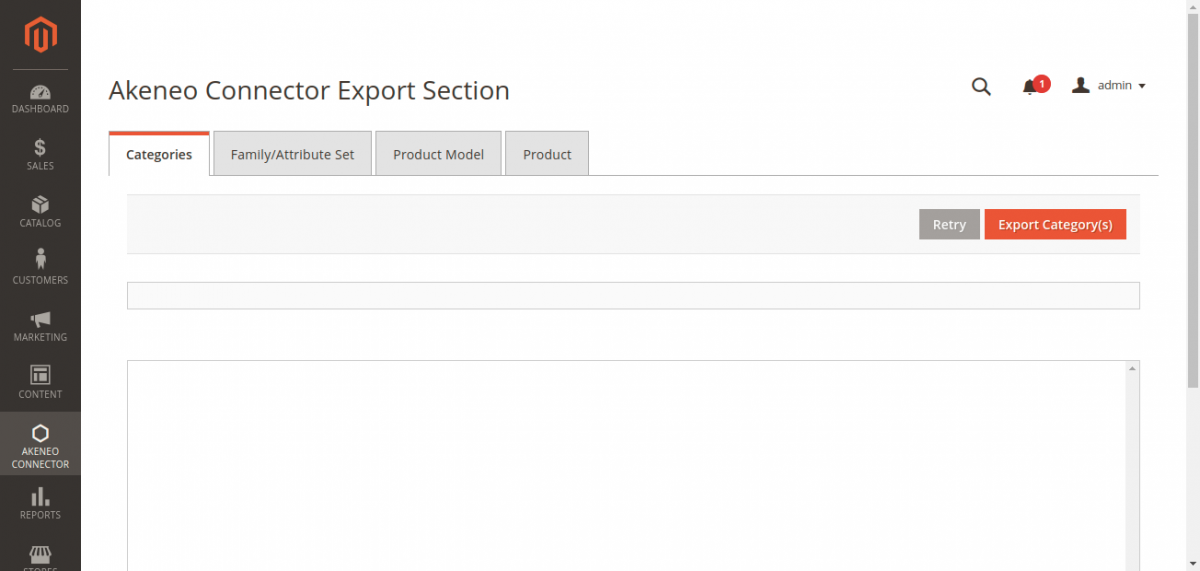
Export Overview & Sequence
Exporting your existing Magento 2 catalog into Akeneo PIM allows you to bootstrap or enrich Akeneo PIM with your current store data. Similar to import, exports must follow a strict dependency sequence.
Recommended Export Sequence
Always execute export operations in the following order:
- Categories
- Family / Attribute Set
- Product Model (Configurables)
- Products (Simples & Variants)
Essential Prerequisites
Configurable Super Attributes Mapping
Before exporting Product Models, all configurable attributes (e.g., color, size, material) must be explicitly mapped under: Stores → Configuration → Webkul → Akeneo Connector → Export Configuration → Attributes Mapping. Missing super-attribute mappings will cause Akeneo variant axis validation errors.
Navigating to the Export Console
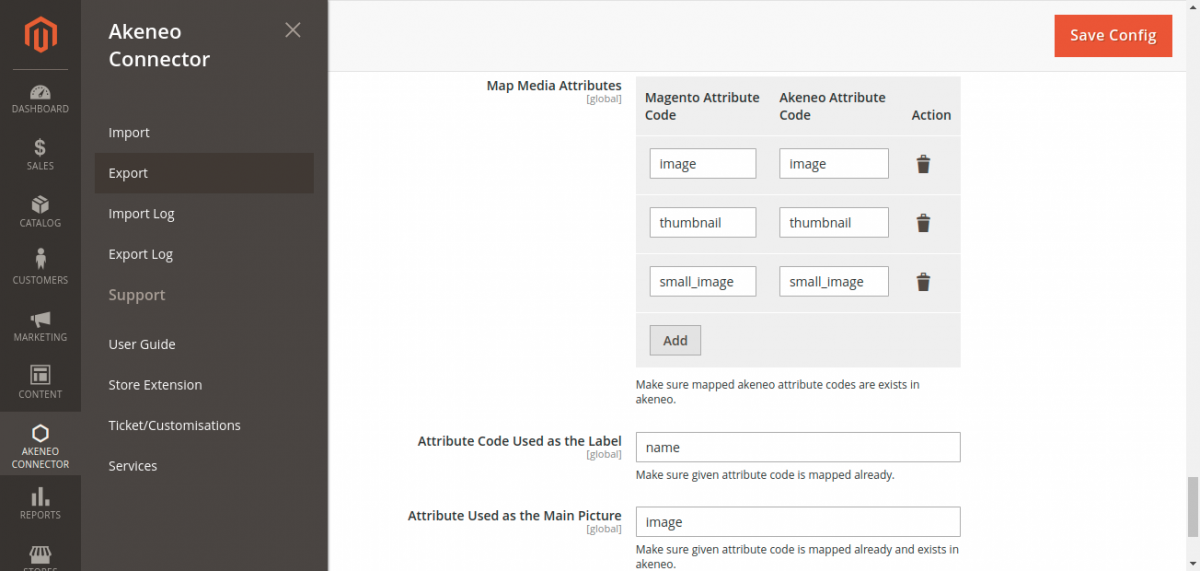
- In the Magento Admin Panel, navigate to Akeneo Connector → Export:
- The export dashboard organizes jobs across four dedicated tabs:
- Categories
- Family/Attribute Set
- Product Model
- Product