
Categories & Families Export
Exporting categories and attribute sets from Magento builds the structural taxonomy and family definitions inside Akeneo PIM.
Step 1: Export Categories
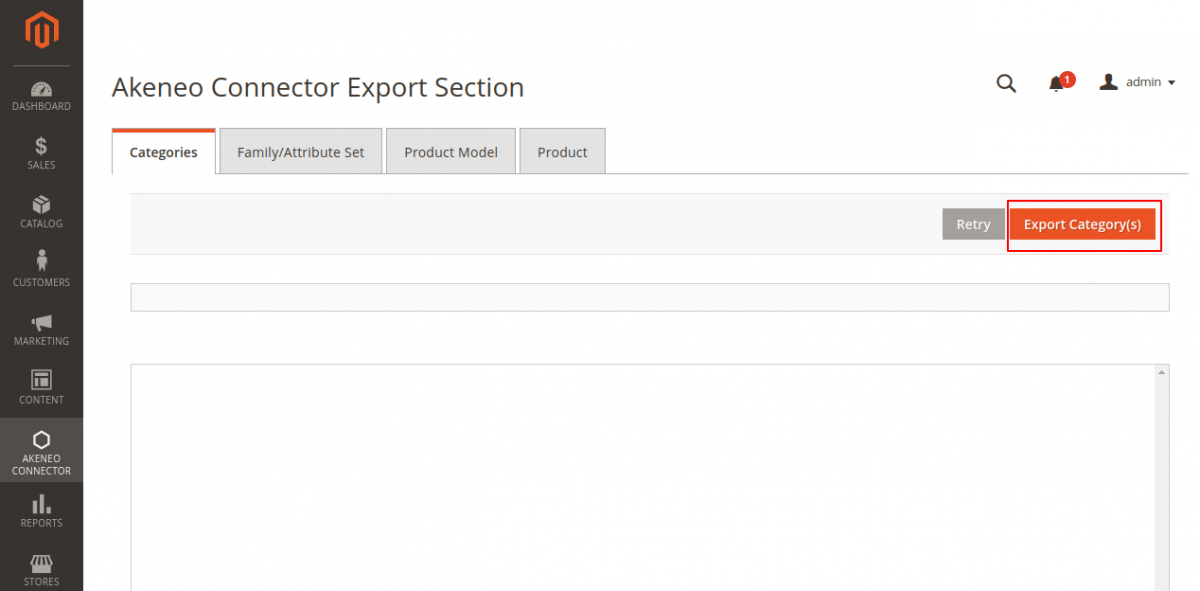
- In the Magento Admin, open Akeneo Connector → Export.
- Select the Categories tab.
- Click the Export Categories button:
Execution Process
The connector converts Magento's nested category tree into Akeneo hierarchical category codes and parent-child paths:
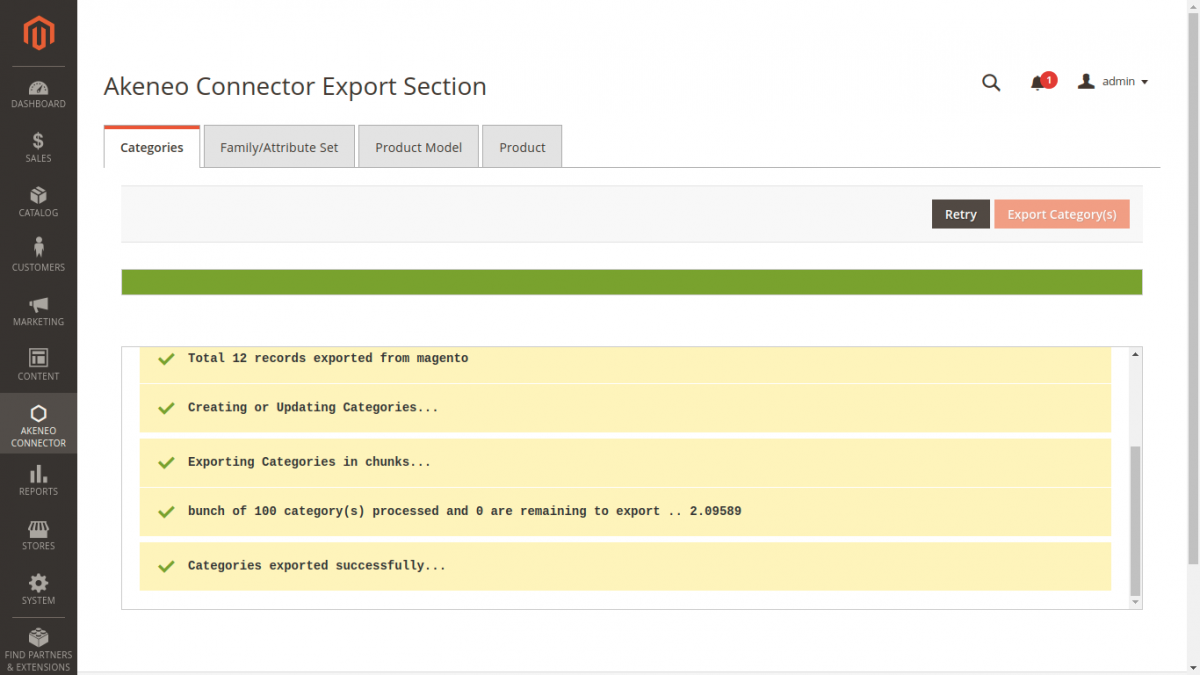
Once finished, all category nodes and localized category names are available inside Akeneo PIM under Settings → Categories.
Step 2: Export Family / Attribute Sets
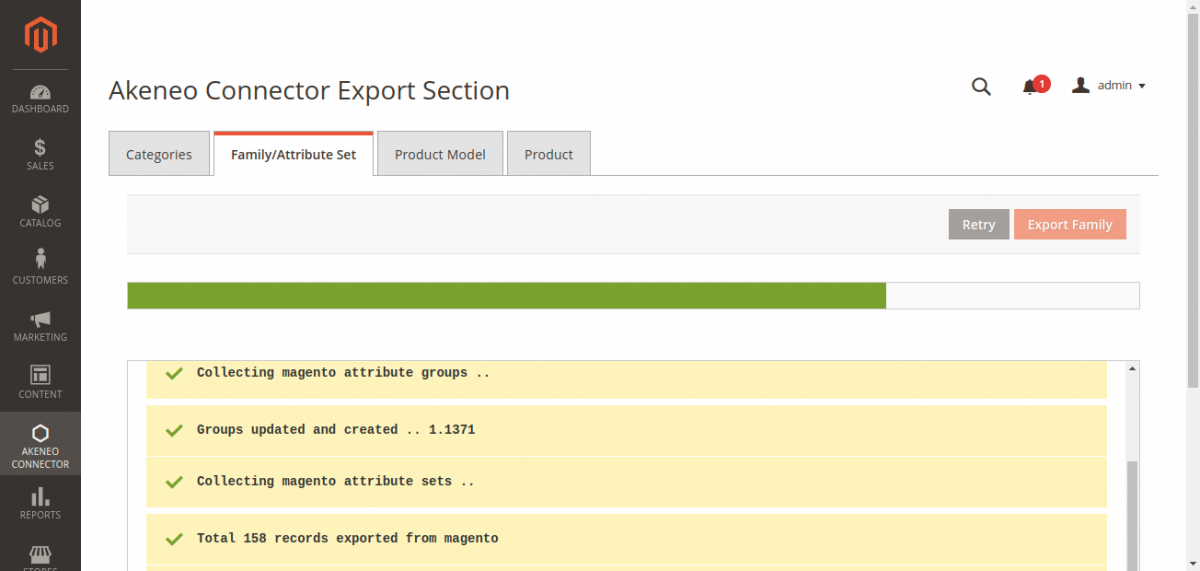
- Select the Family/Attribute Set tab on the Export screen.
- Click Export Family:
Conversion Details
- Attribute Sets → Families: Each Magento attribute set becomes a distinct Akeneo Family.
- Attribute Groups: Attribute groups defined within the Magento attribute set (e.g. General, Prices, Design) are created as Akeneo Attribute Groups.
- Assigned Attributes: All product attributes assigned to the attribute set are linked to the newly generated Akeneo Family.