
General Configuration
Configure global module settings, backend permissions, and storefront toggles for the Shopping List extension.
Admin Configuration Path
To access the configuration panel:
- Log into your Magento Admin Panel.
- Navigate to Stores > Configuration > Webkul > Shopping List.
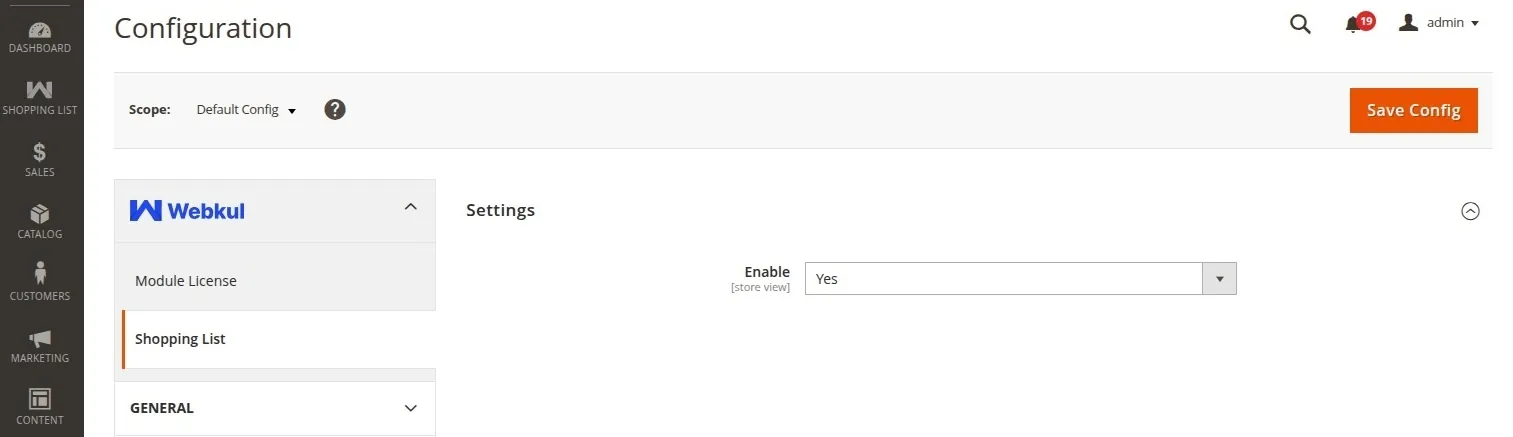
Configuration Settings Reference
| Setting Field | Type | Description |
|---|---|---|
| Enable | Select (Yes / No) | Enable or disable the Shopping List module functionality storefront wide. |
Admin Menu & Access Control (ACL)
The extension adds access control roles under:
- Resource Permission:
Webkul_ShoppingList::config_shoppinglist
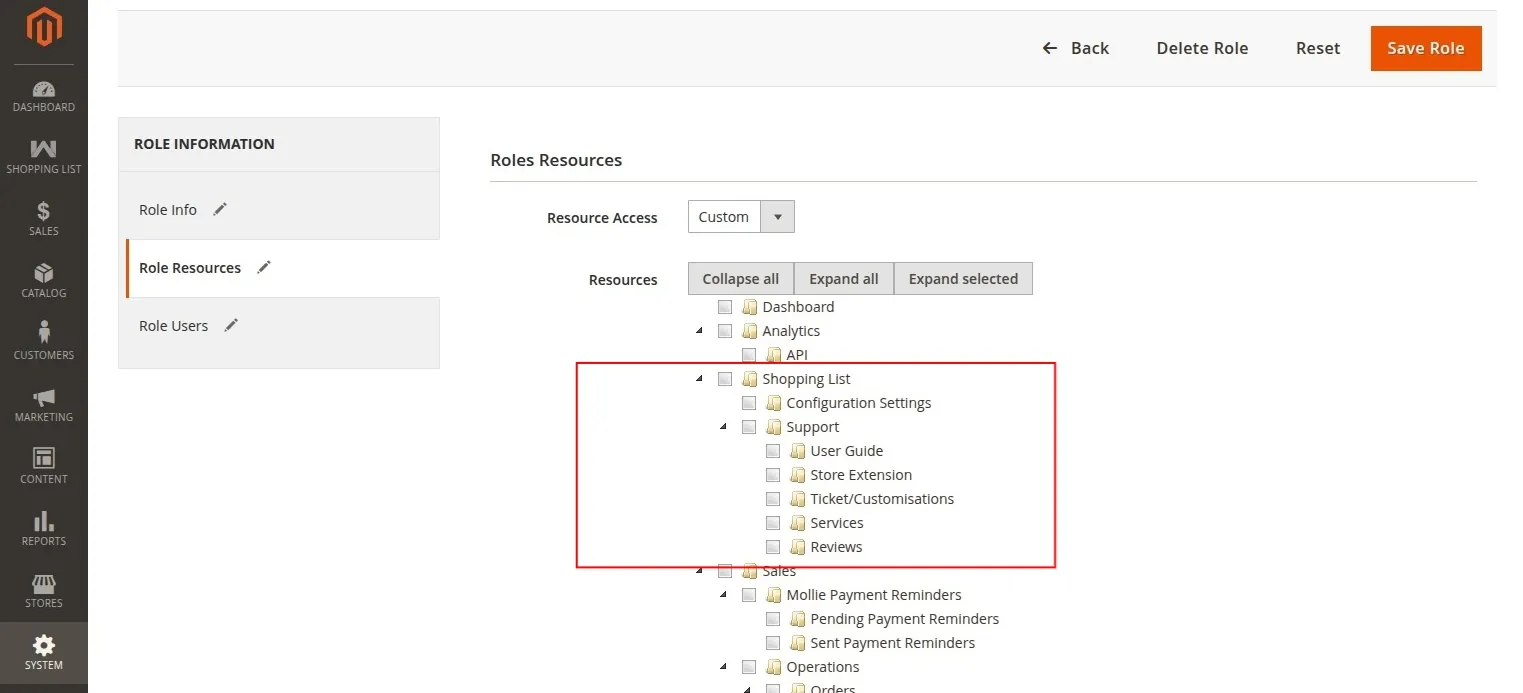
This allows system administrators to grant or restrict backend permissions for managing Shopping List configurations for sub-admin users.