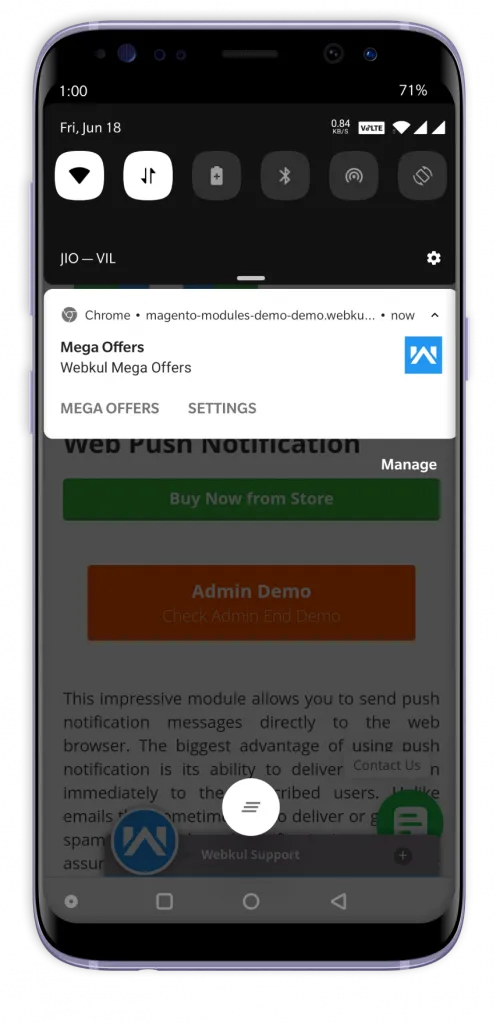
Introduction
Magento 2 Push Notification extension allows you to send real-time push notifications to your customers.
The subscribed users can see the push notifications on their web browser. The advantage of using push notifications is that it delivers the message immediately.
Unlike emails that sometimes fail to deliver or go to the spam folder, Web push notifications are always delivered and seen by the users.
As long as the browser is running, a subscribed user will get a message even without opening up your website. This improves user engagement and retention.
Tips
If you want to check Magento 2 push notifications on your smartwatch then use our Magento 2 Watch app for the same.
Features
- It is very well integrated with Magento 2 Platform.
- Compatible with Mozilla Firefox, Google Chrome web browser, and mobile browsers.
- Designed to work with the SSL (Secure Sockets Layer) certificate websites.
- There is no monthly subscription required to notify customers.
- The admin can view the subscribed users list.
- There is no limitation on the number of subscribed users.
- The admin can create, edit and delete notification messages in the back end.
- A custom icon and target URL for their notification message can be set.
- Notifications can be sent to either all registered users or selected users.
Web Push Notification – Front-End view
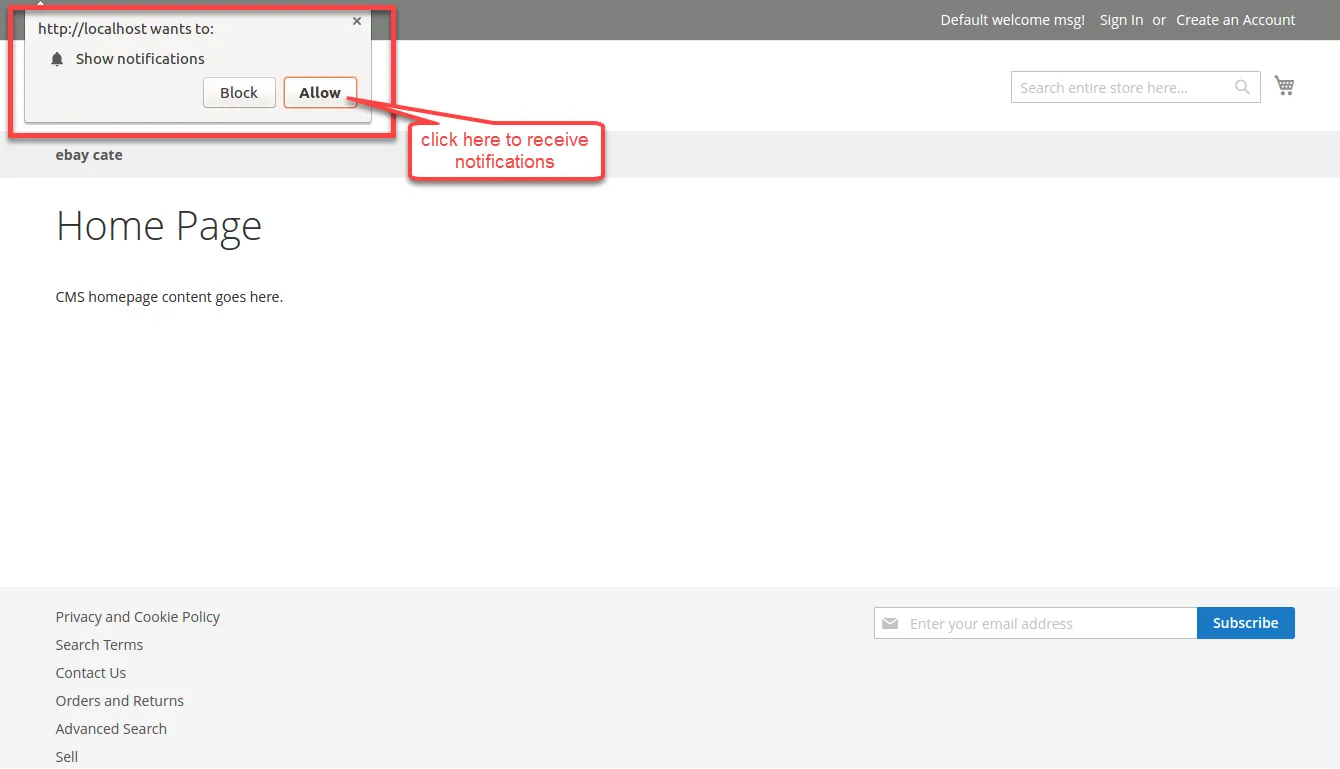
After the installation of the module, the user will see a push notification on their website.
The users have to click the Allow button to receive notifications from your website. Please refer to the below screenshot:
Sample Push Notification
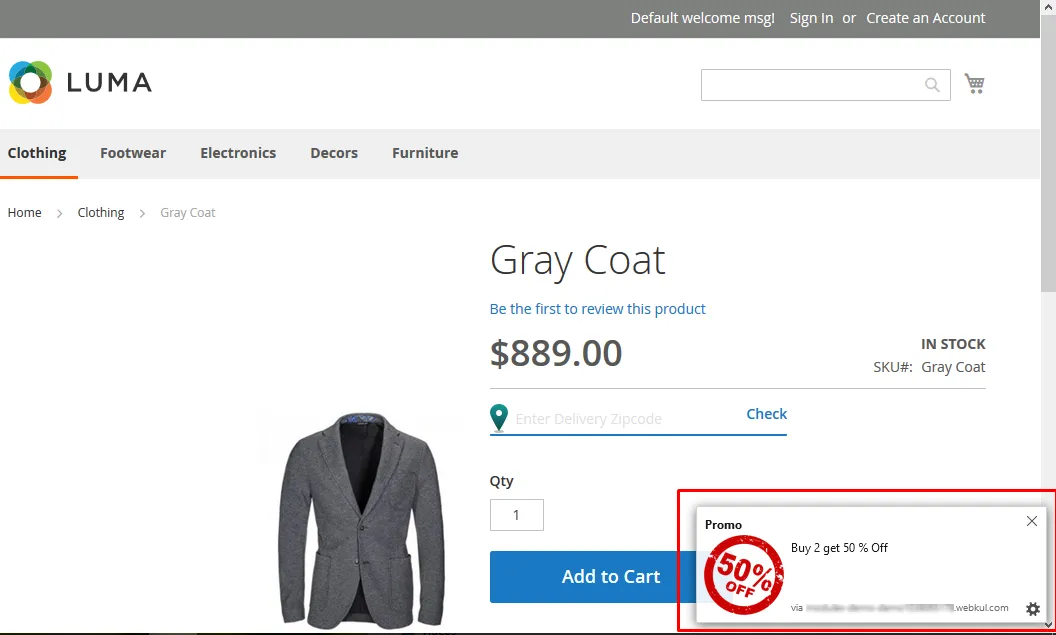
You can check how the sent push notification will appear on the webstore front-end. Template Title, Template Logo, Template Message, and the Redirect URL are visible to the users.
Sample Push Notification (Mobile browser)