Installation
Follow these steps to install the Magento 2 Push Notification extension.
Installation Process
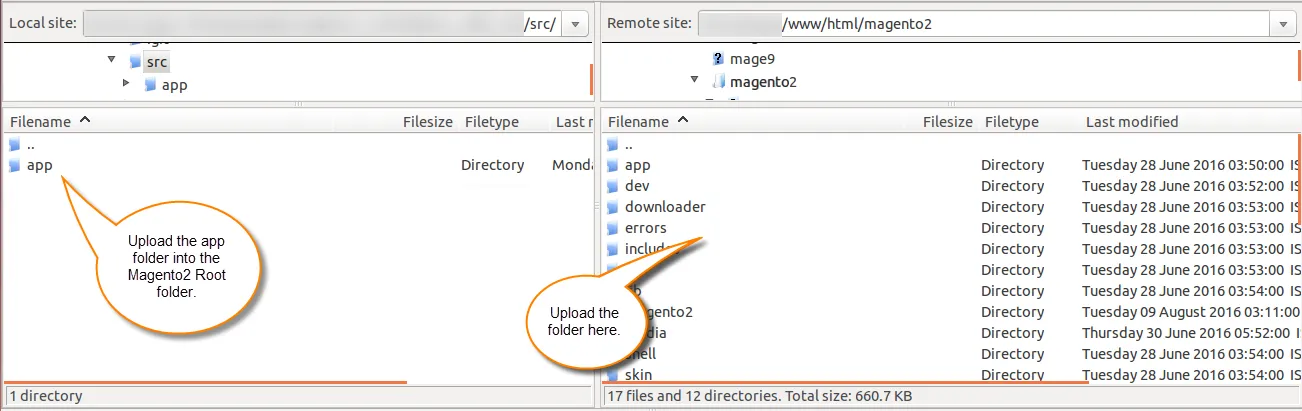
- Initially, download the zip file and extract its content on your computer. The extracted folder will have a folder named src, inside this folder, you will find an app folder.
- Copy this app folder into the Magento 2 root directory on the server as shown below.
Run Commands
After the successful installation, you need to run the following commands in the Magento 2 root directory.
composer require google/auth
php bin/magento setup:upgrade
php bin/magento setup:di:compile
php bin/magento setup:static-content:deploy
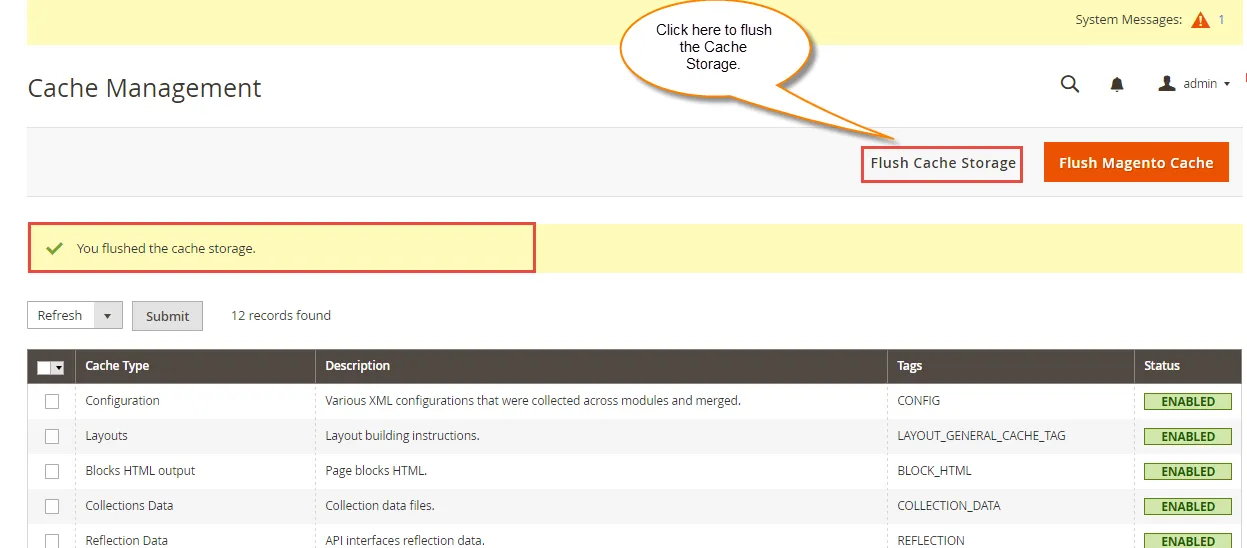
After running these commands, you need to flush the cache from the Magento admin panel. Navigate through System -> Cache management.
After flushing the Cache storage, you will get a confirmation message as shown below.
Multi-Lingual Configuration
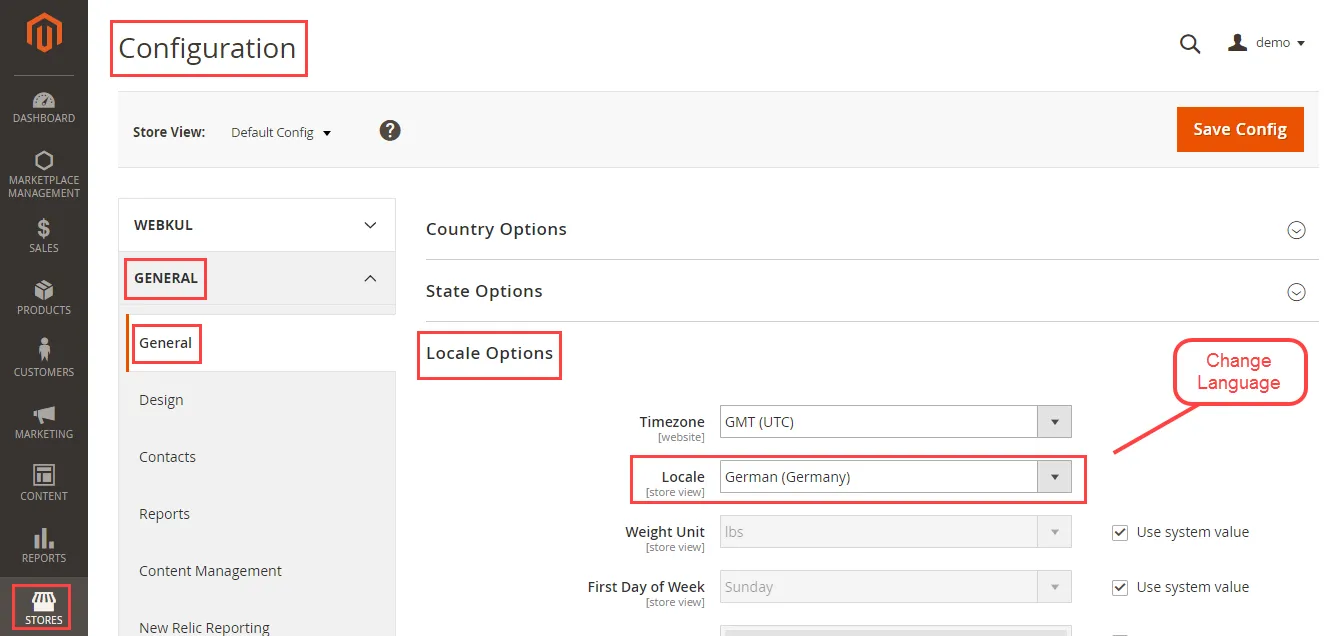
For Multilingual support, please navigate to Store > Configuration > General > Locale Options. Select your desired language from the Locale option.
Language Translation
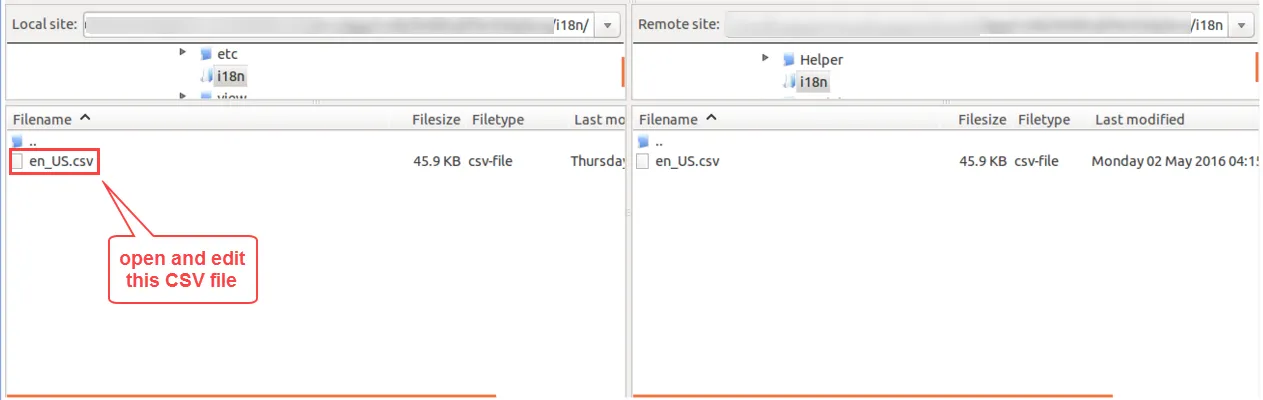
If you need to do module translation, please navigate to the following path in your system: app/code/Webkul/PushNotification/i18n.
- Open the file named en_US.CSV for editing as shown in the below screenshot.
- Replace the words after the comma(,) on the right with your translated words.
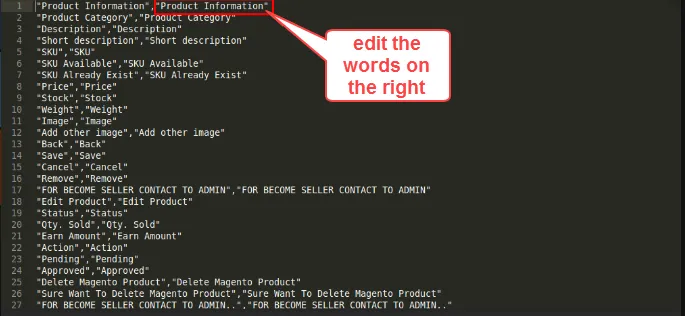
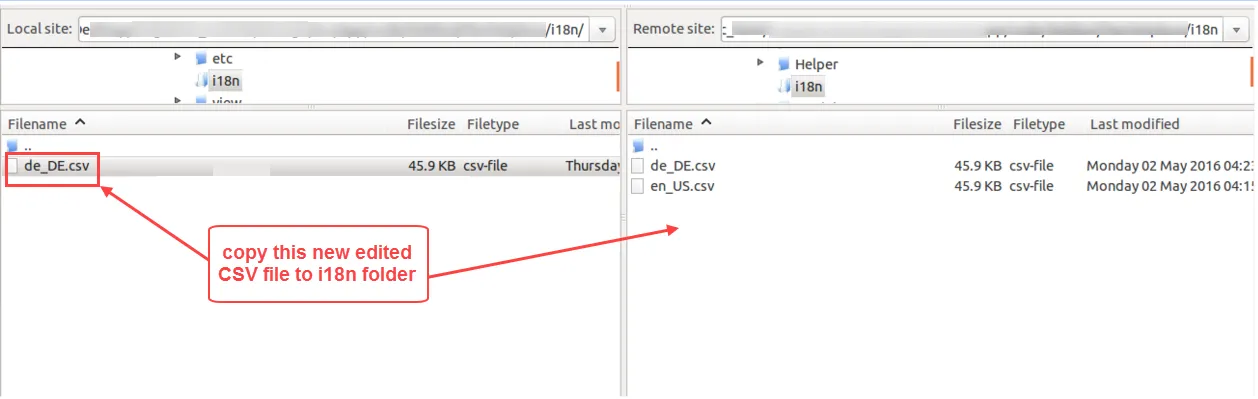
After editing and translating the CSV file, save the translated file name according to your region language and country code, such as
de_DE.CSV.Upload the translated file to the same folder from where you obtained it. Now your module translation is complete.