
Troubleshooting
This section covers diagnostic procedures and solutions for common issues when operating the Webkul Magento 2 Marketplace Adyen Payment Gateway module.
1. Invalid HMAC Signature Error
Problem
Webhook log shows Invalid HMAC signature or notifications fail HMAC validation.
Solution
- Log into Adyen Customer Area > Developers > Webhooks.
- Select your Webhook configuration and generate a new HMAC Key.
- Copy the hexadecimal HMAC key.
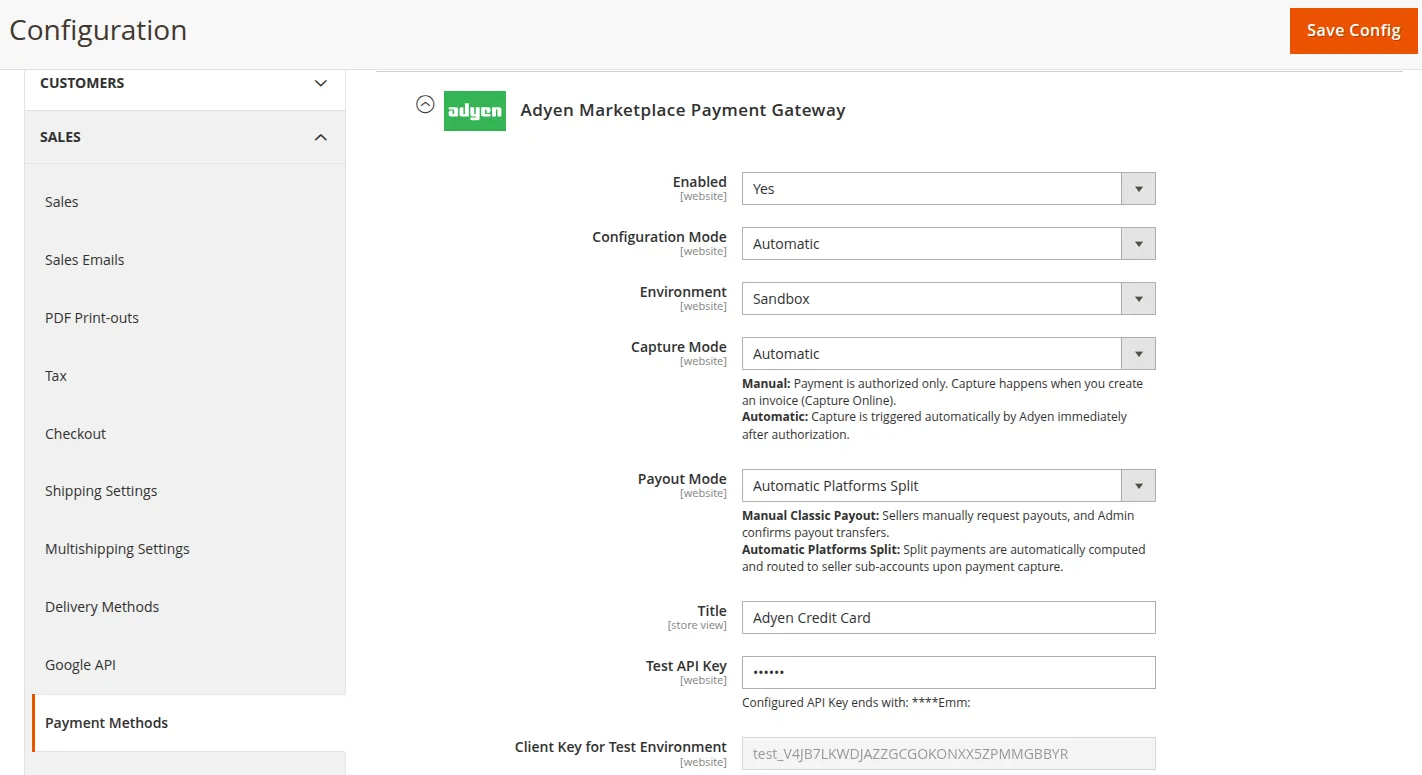
- Log into Magento Admin > Stores > Configuration > Sales > Payment Methods > Adyen Marketplace Payment Gateway.
- Paste key into Webhook HMAC Key field and save configuration.
- Flush Magento cache:
php bin/magento cache:clean
2. Live URL Prefix Error in Production Mode
Problem
API calls fail in Live environment with endpoint resolution error.
Solution
- Ensure Live URL Prefix is populated under Admin Configuration.
- Format must be
[random]-[company name]obtained from Adyen Customer Area under Developers > API URLs.
3. CSS Styling Missing on Checkout / Seller Panel
Problem
Adyen checkout form or seller payout panel looks unstyled.
Solution
- Verify module is active:
payment/mpadyenpayment/activemust be set to1. - Clear layout and page cache:
php bin/magento cache:clean layout block_html - Run static content deployment:
php bin/magento setup:static-content:deploy -f
4. Collection Cache Stale Data
Problem
Payout requests or Webhook logs do not refresh immediately.
Solution
The module utilizes Collection Cache Fetch strategy with CACHE_TAG. Force collection cache clean:
php bin/magento cache:clean collection_data