Payment Workflows
This document outlines the customer-facing payment process, credit card authorization, capture online operations, and credit memo refunds.
1. Customer Checkout Experience
2. Payment Capture Operations
Depending on Payment Action configured in Admin:
- Authorize & Capture: Adyen captures payment immediately upon authorization. Magento automatically creates an invoice with transaction ID set to the Adyen PSP reference.
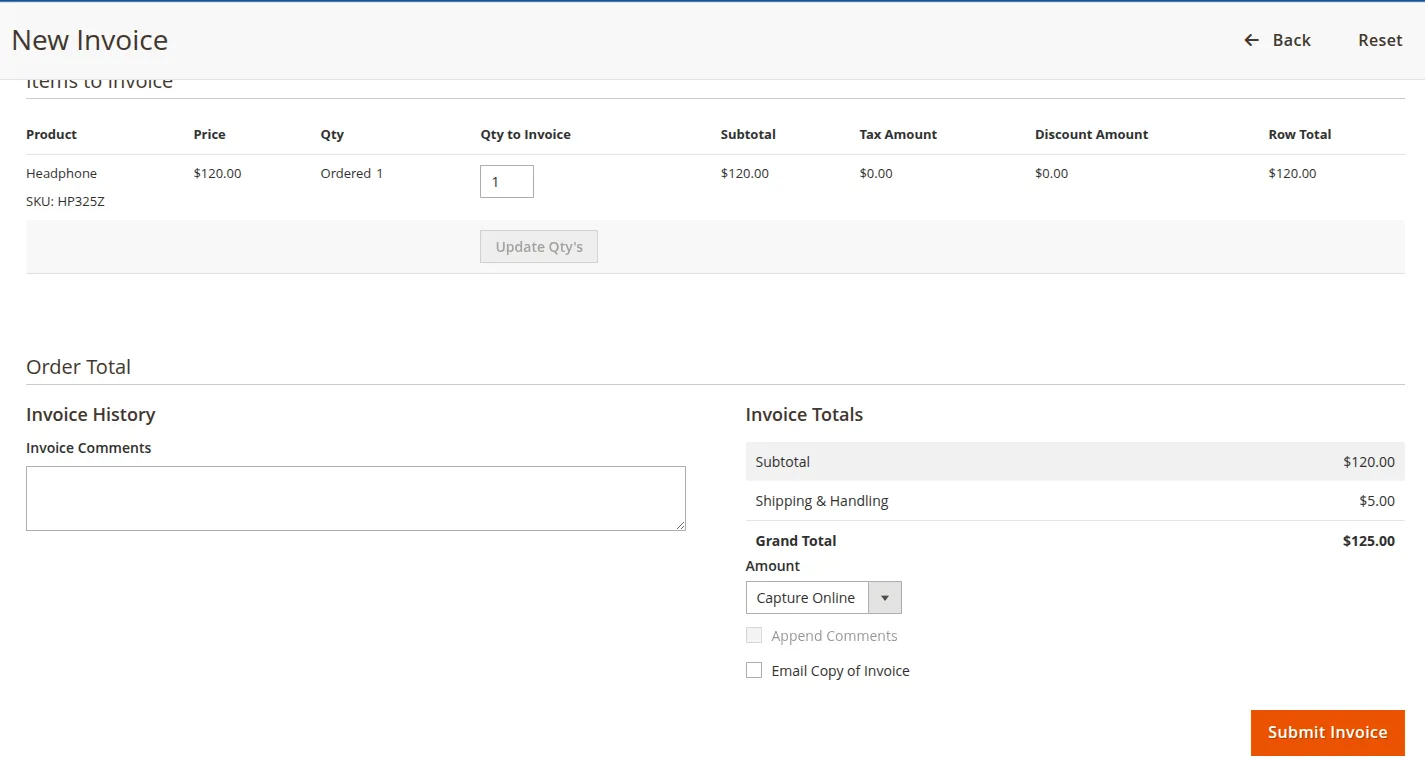
- Authorize Only (Manual Capture):
- Store Admin navigates to Sales > Orders > Select Order > Invoice.
- Select Capture Online in the invoice creation page.
- The module dispatches a capture request payload to Adyen's
/capturesendpoint. - Webhook logs receive
CAPTUREevent and confirm invoice status.
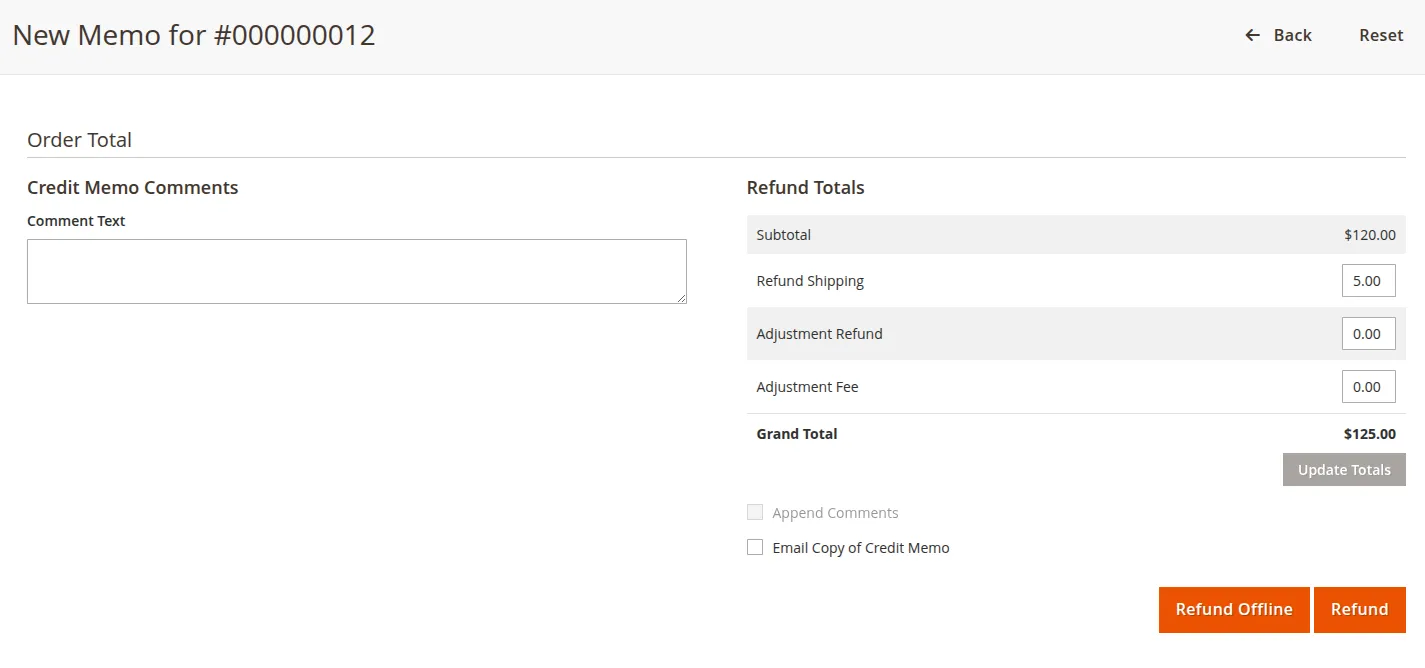
3. Credit Memo & Refunds
When a customer or admin requests a refund:
- Admin opens Sales > Invoices > Credit Memo.
- Refund amount is processed online via Adyen's
/refundsAPI. - For multi-vendor orders, the system automatically identifies the seller's refunded items and adjusts their payout balance accordingly.