
Validate & Load Models
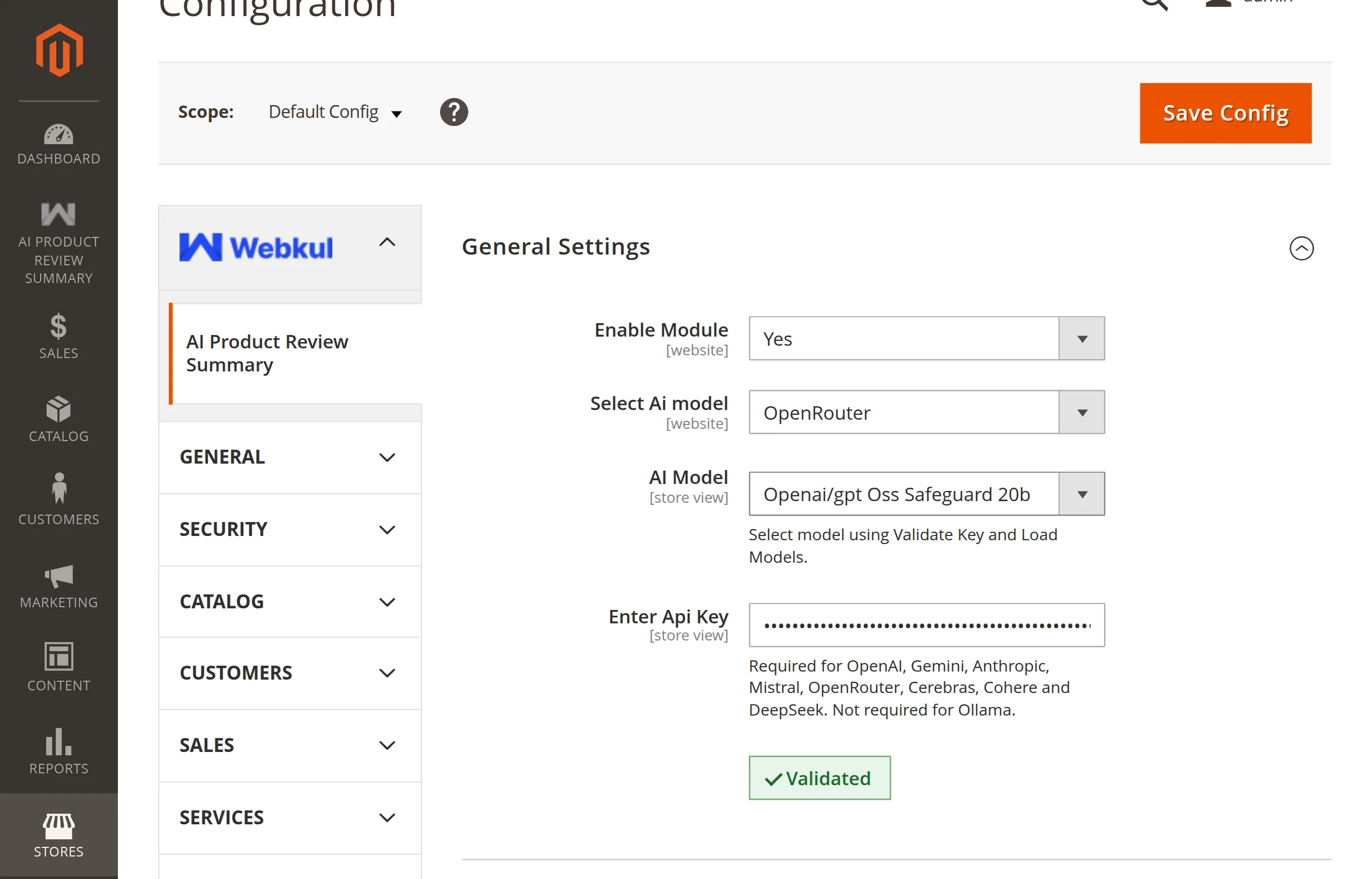
With a provider and key entered, click Validate Key and Load Models.
What you see
- The module tests the key against the provider.
- On success the button changes to Validated and AI Model becomes a dropdown starting with -- Select Model --.
- Pick a model.
- Save Config.
For Ollama the same button reads the models pulled on your server — see Ollama (Self-Hosted).
On save the module fetches the model list again and rejects any model the provider no longer offers for your key.
Picking a model
Only text-in / text-out chat models are listed. The summary is a short paragraph, so a small, fast, inexpensive model is usually enough — you do not need the provider's largest model.
Messages
| Message | Meaning |
|---|---|
API key validated successfully. | The key works and the model list is loaded. |
Please enter API key before validation. | The key field is empty. |
Masked API key was edited. Please enter the full API key to validate. | You edited the saved ****** value. Paste the whole key again. |
Invalid API Key | The provider rejected the key. |
No models were returned for this provider. | The key works but no text model is available to it. |
Unable to validate API key due to a network error. | The server could not reach the provider. |
Provider or key changed. Please validate again. | You changed the provider, key, or endpoint after validating. |
Please enter Ollama endpoint. | Ollama is selected and the endpoint is empty. |
See How Validation Works for the details.
Next: First Summaries.