
Configuration Overview
All settings live in one place:
Stores → Configuration → Webkul → AI Product Review Summary
The section has two groups.
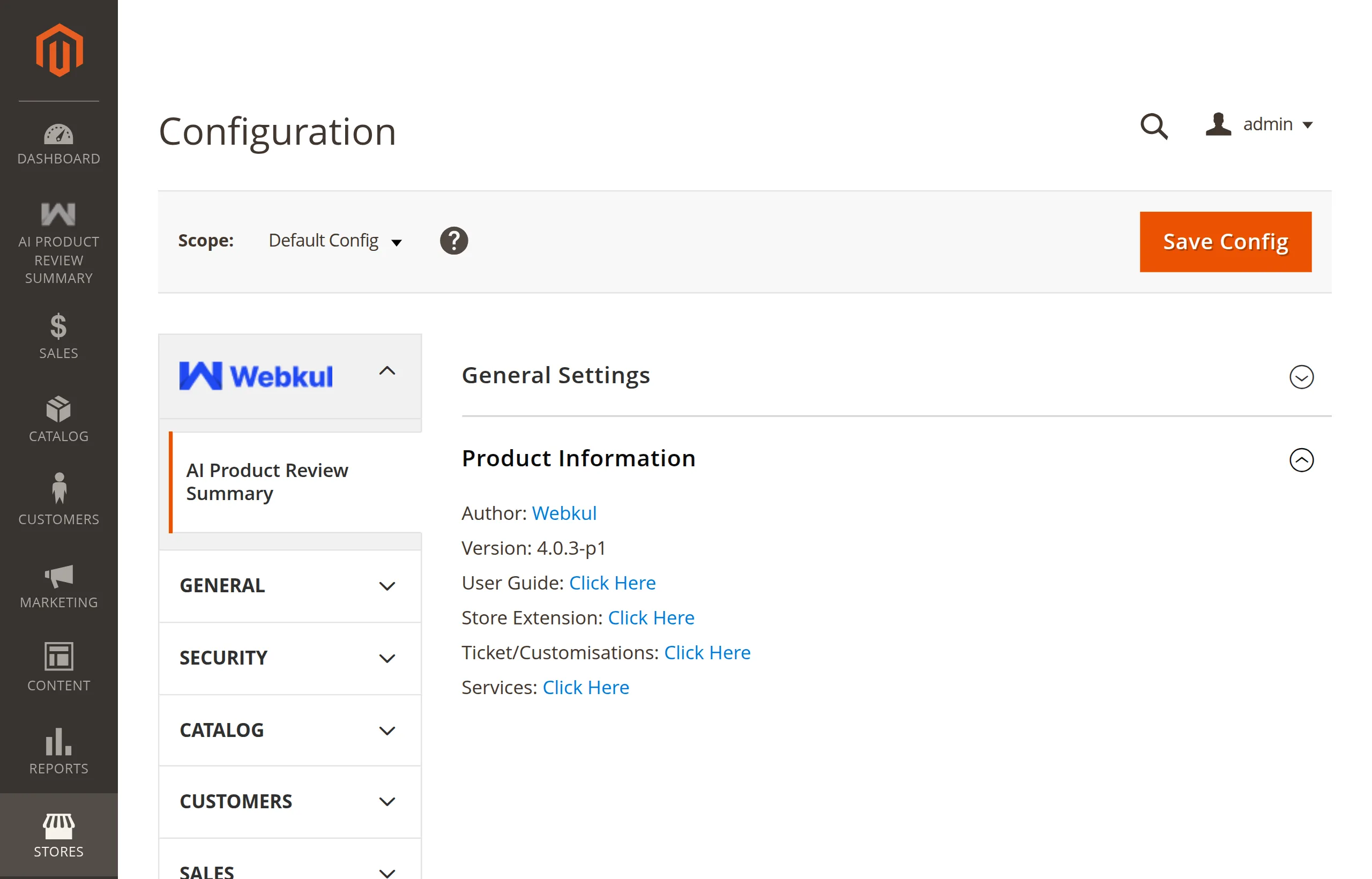
| Group | What it holds |
|---|---|
| General Settings | The master switch, provider, credentials, model, and the validate button. See General Settings. |
| Product Information | Read-only: author, installed version, and links to the user guide, store page, ticket desk, and services. |
Before and after the AI packages
If the AI packages are missing, selecting a hosted provider shows a warning with the composer require command to run, and the remaining fields stay hidden:
Until then, model validation and generation remain unavailable. Configuration fields stay hidden while packages are unavailable.
Other places the module appears
- An AI Product Review Summary entry in the admin sidebar. See Admin Menu.
- Three permissions under System → User Roles. See Access Control.
Quote the version in tickets
Product Information → Version shows the installed module version. Include it when you raise a support ticket.
Next: General Settings.