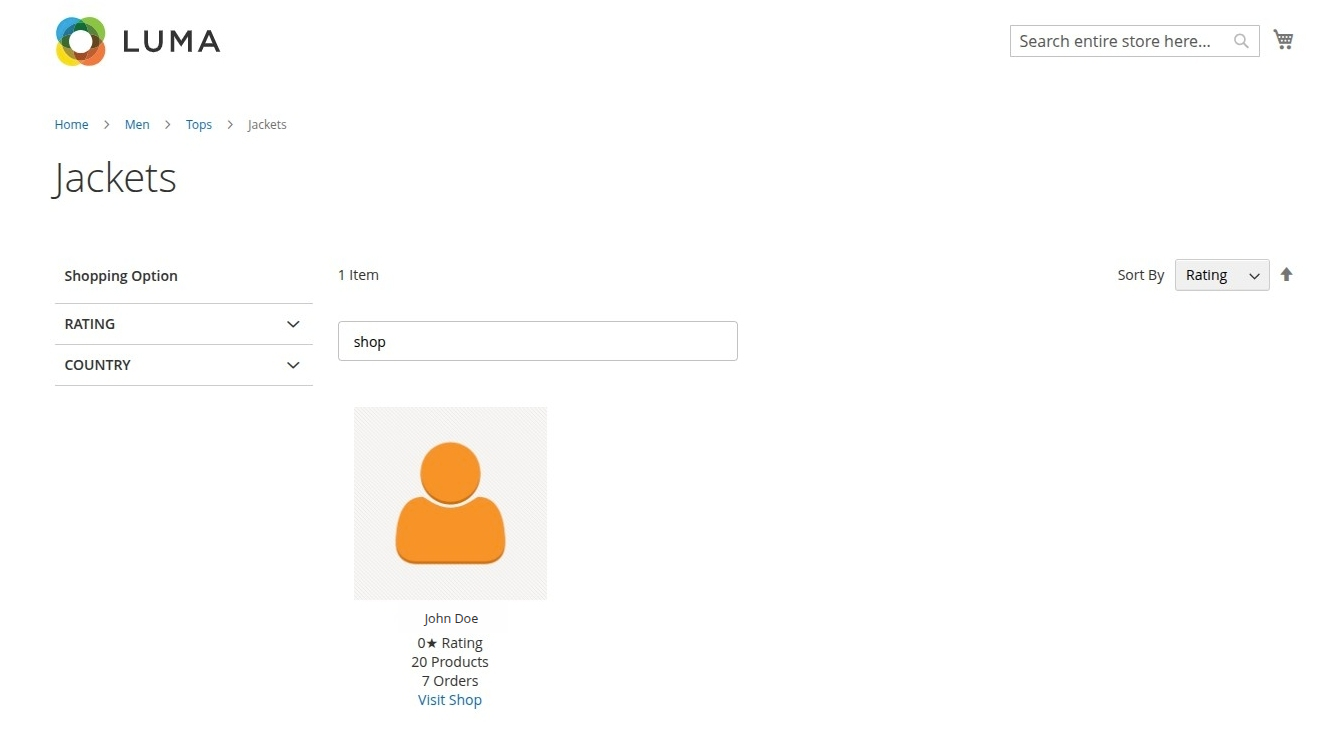
Seller Navigation Filter
When a category's display mode is configured to show sellers, the layered navigation sidebar updates to allow filtering and searching through the registered sellers for that category.
Filter Options
Customers can narrow down the sellers using standard filters in the sidebar:
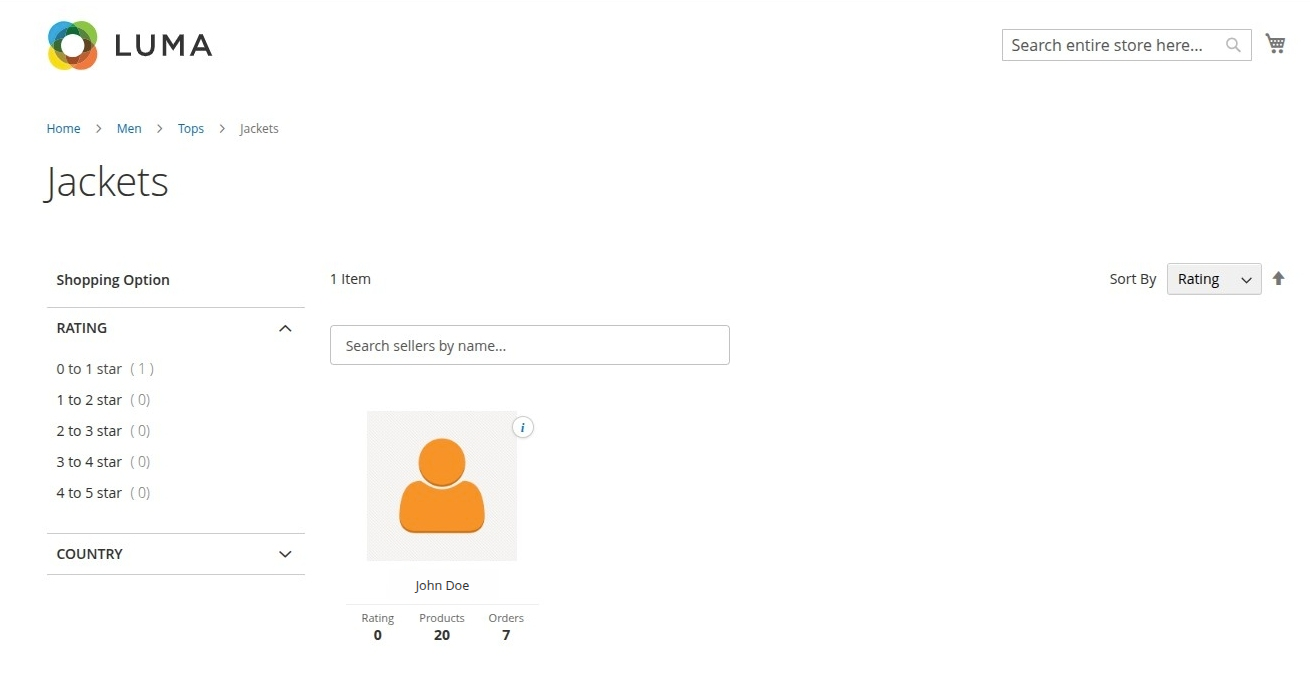
1. Seller Rating
- Customers can filter sellers by rating ranges (e.g., "4 to 5 stars", "3 to 4 stars").
- Helps customers quickly find highly-rated, reliable sellers.
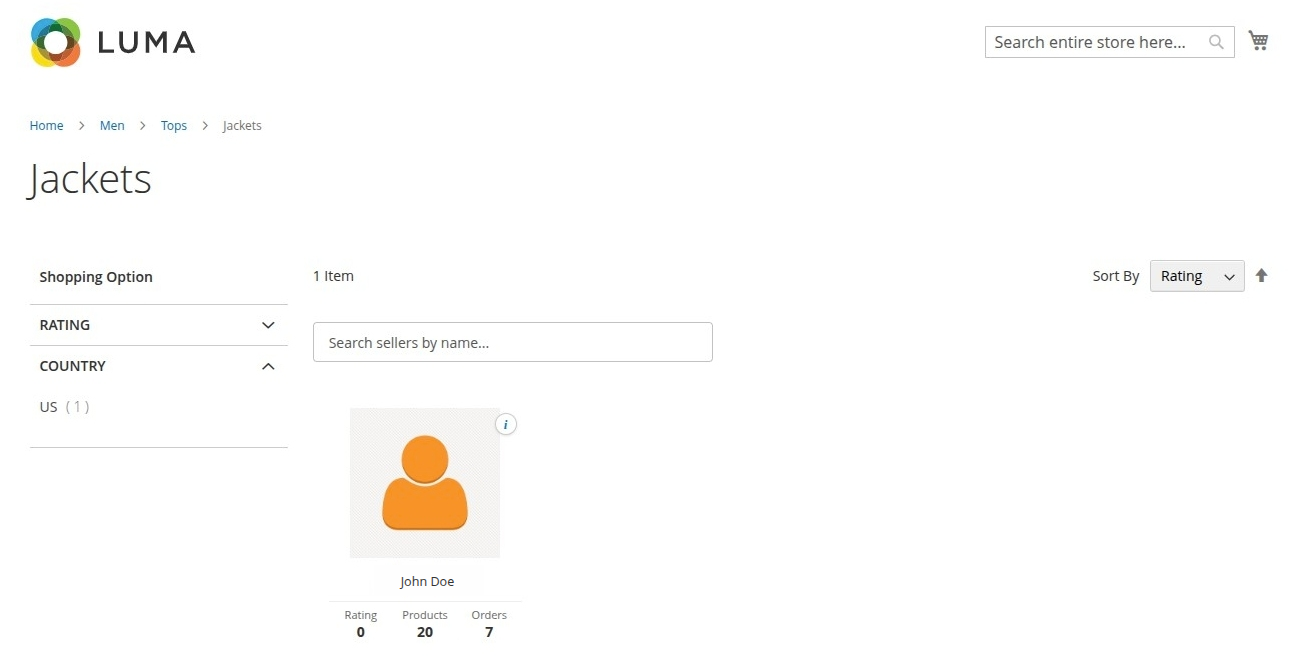
2. Seller Country/Location
- Filters sellers by their registered location or country.
- Particularly helpful in regional marketplaces where customers prefer local shipping.
Seller Search
The layered navigation also includes an interactive search input:
- Customers can type the seller's name or keywords.
- The sidebar automatically filters the seller list in the category view based on the matching search queries.
- Works seamlessly in combination with active rating and country filters.