
Subscription Log
Admin guide to viewing and managing price drop subscriptions across all catalog products.
Accessing the Log Grid
Navigate to Price Drop Alert > Price Drop Alert Log.
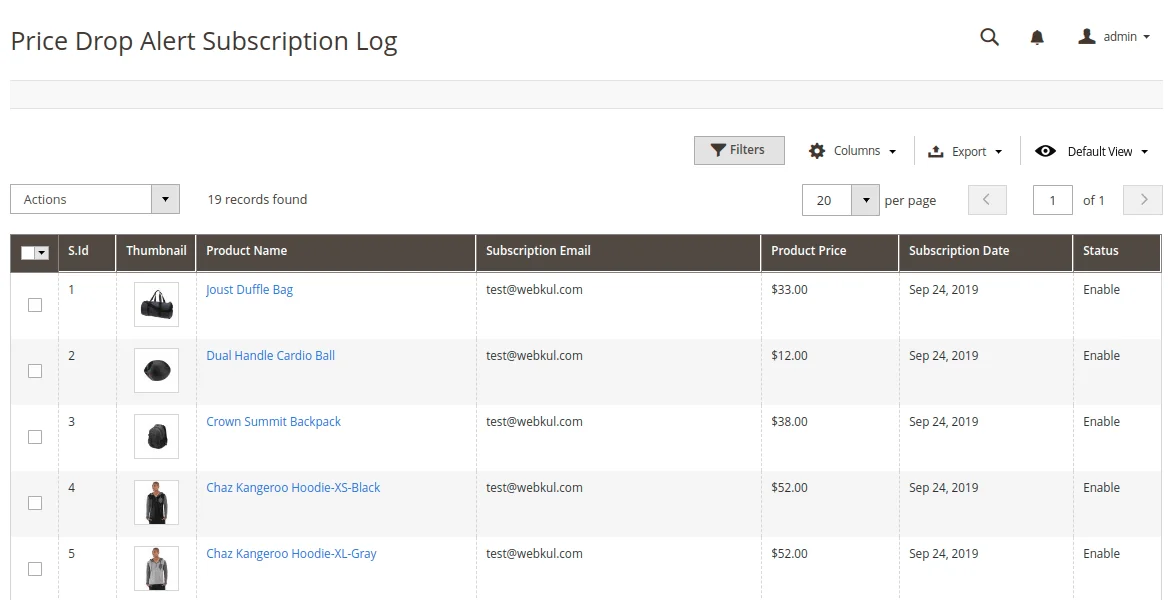
Grid Columns & Actions
| Column | Description |
|---|---|
| Subscriber ID | Unique ID generated for the subscription record. |
| Product Name & Image | Subscribed product thumbnail and title. |
| Subscribed User Email | Email address of the subscribed customer or guest. |
| Subscription Date | Date and timestamp of subscription. |
| Status | Current subscription status (Subscribed / Unsubscribed). |
Mass Actions & Filters
- Actions: Select rows and use mass action menu to Change Status (Enable/Disable subscription).
- Filter: Filter by Subscriber Email, Product ID, Date Range, or Status.