
Customer Storefront View
Discover how store customers experience automated catalog translation on the storefront.
Default Store View (English)
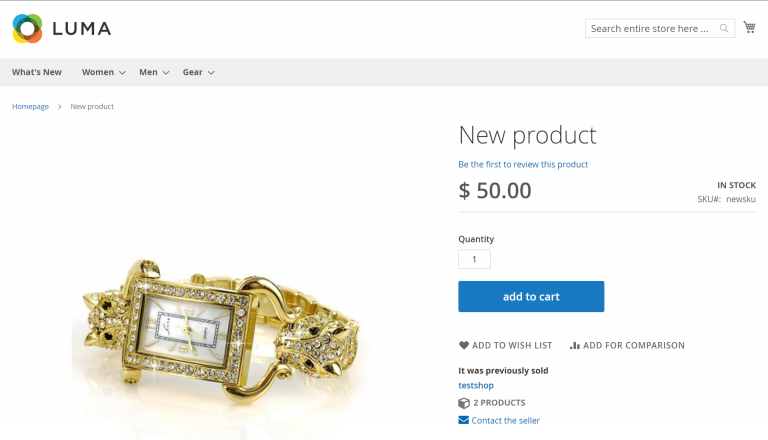
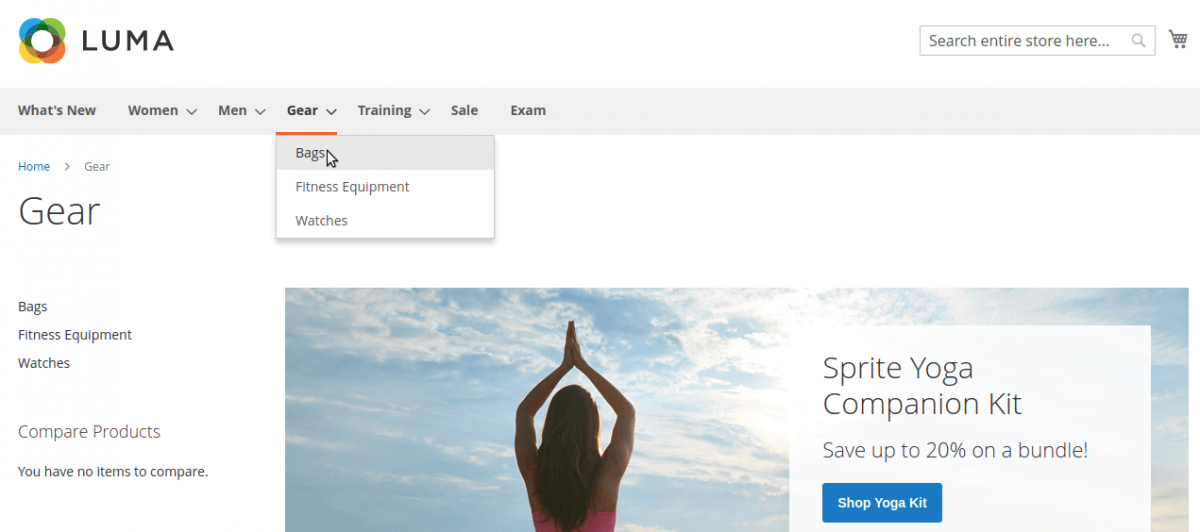
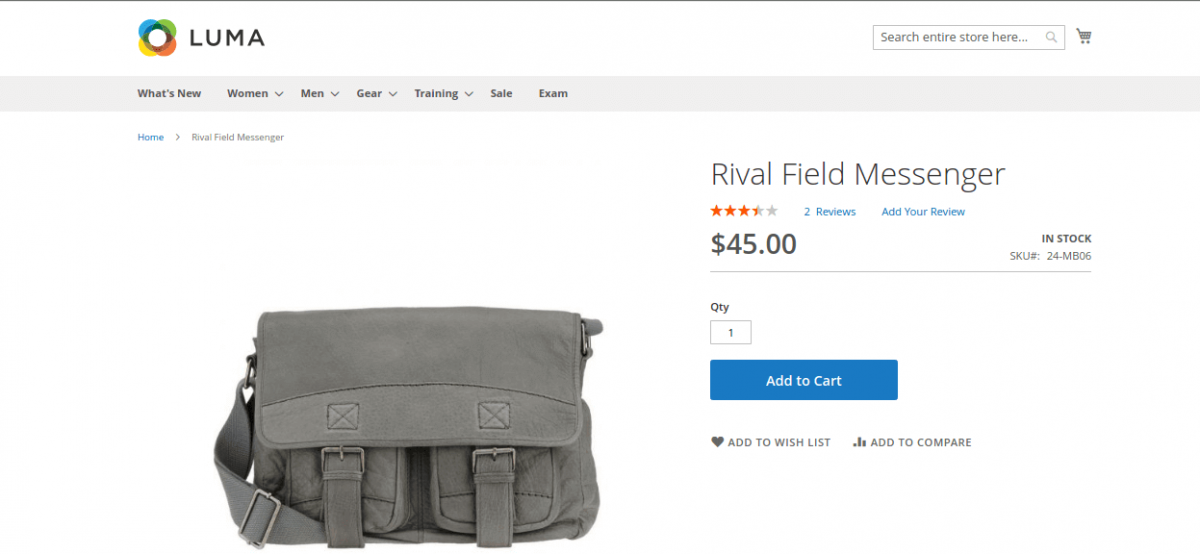
When customers browse the storefront in the default store view (e.g., English), categories and product details display in English:
Target Language Store View (e.g., Arabic / German)
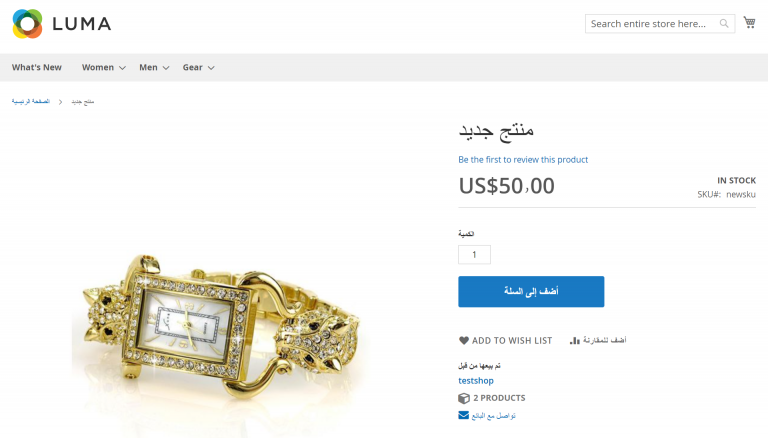
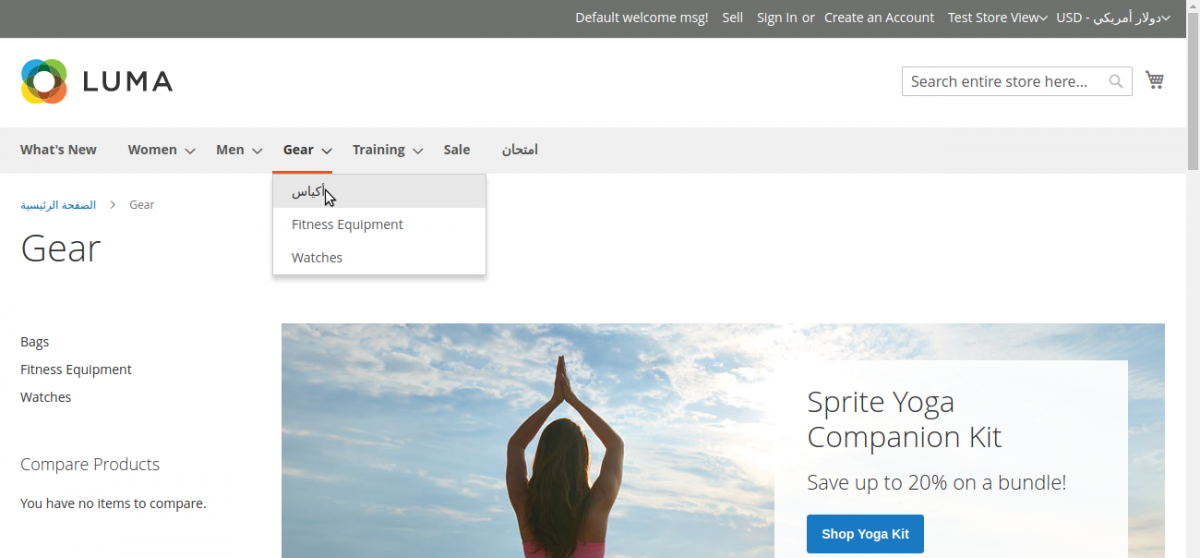
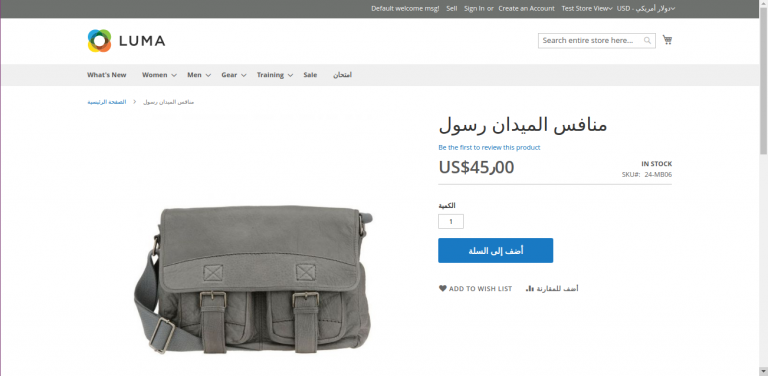
When a customer selects a different store view from the top header language switcher:
- Category Navigation Bar: Category titles automatically update to match the selected locale language.
- Product Listing Grid: Product titles and brief attributes render in translated text.
- Product Detail Page (PDP): Product name, full description, short description, and custom seller attributes render cleanly in the target language.
Seamless Experience
Translations are cached in Magento's catalog cache to ensure high page performance and fast TTFB for subsequent visitor requests.