Customer End Experience
Guide to the storefront shopping experience for buyers participating in marketplace campaigns.
Browsing Promotional Offers
Customers navigate to the Offers / Campaigns page or click on campaign promotional banners on the homepage.
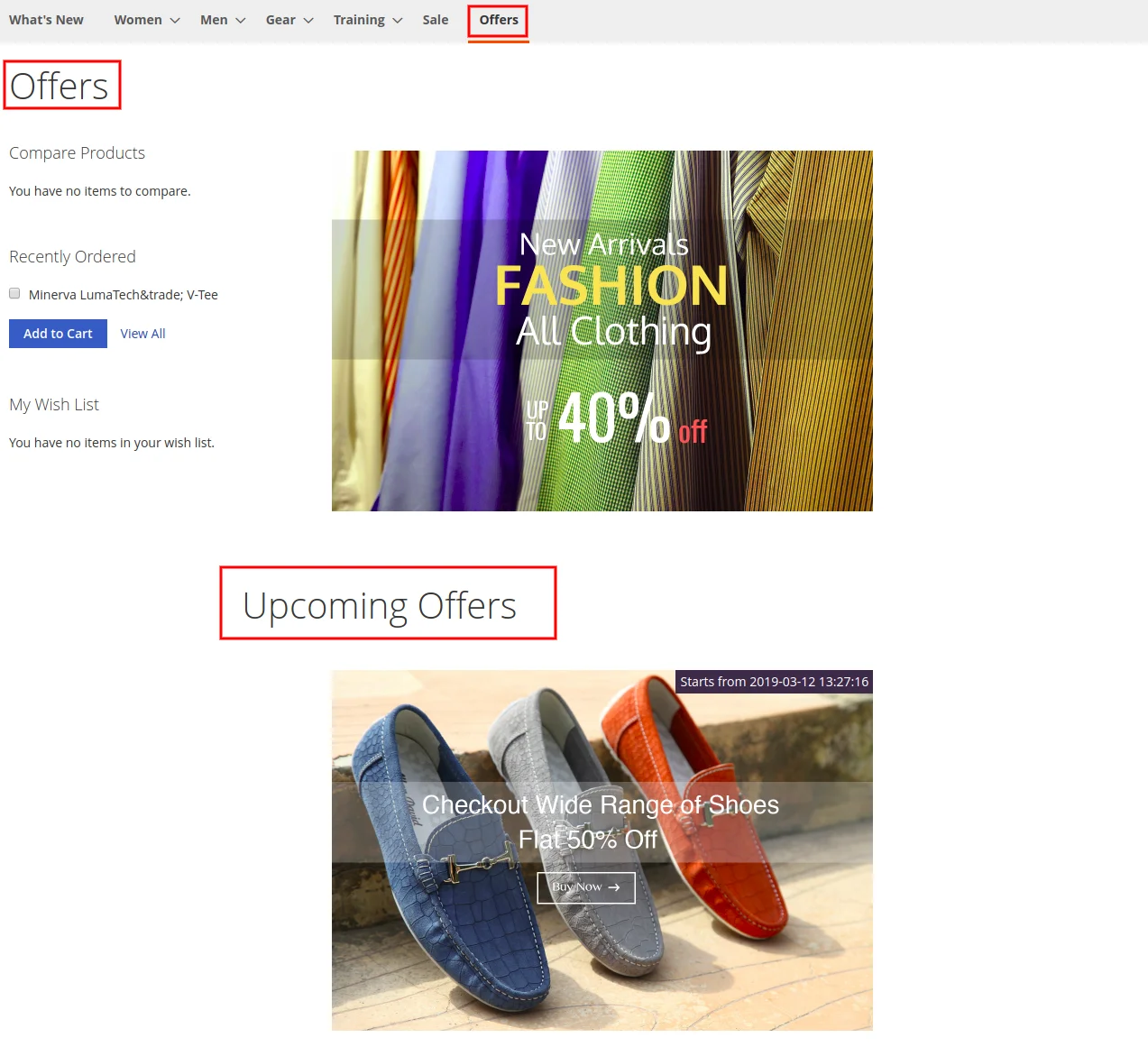
Offer Details & Terms
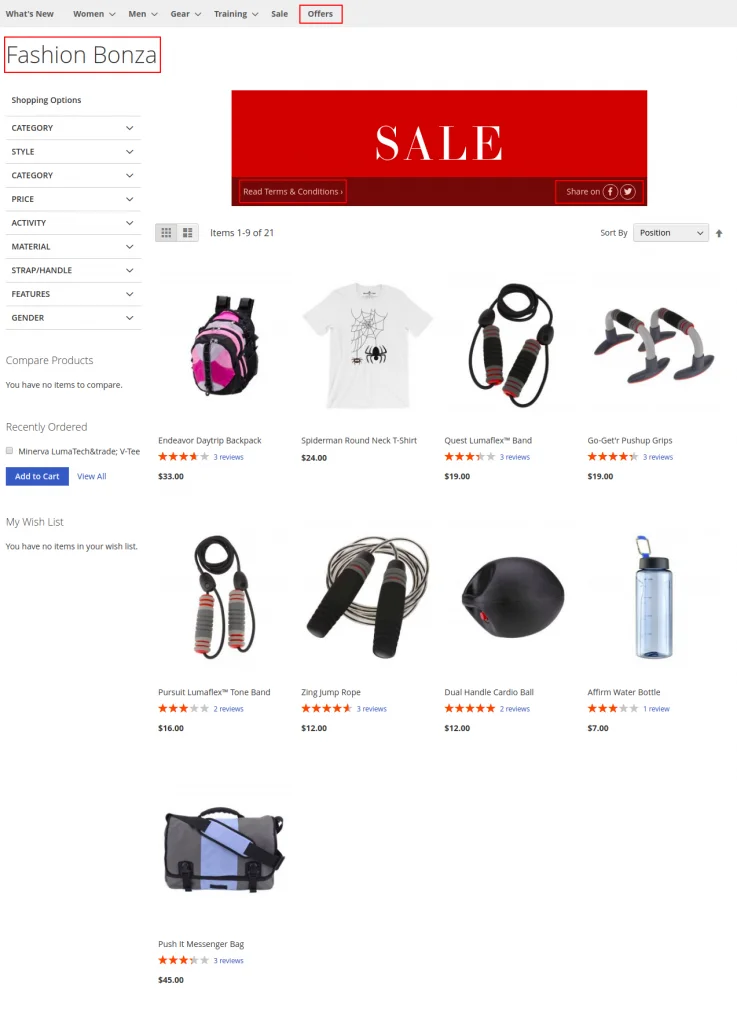
When clicking an active campaign banner, customers can:
- Read full campaign terms & conditions.
- View countdown timers and offer validity dates.
- Share promotional links on social media platforms.
Adding Products & Checkout
- Browse products participating in the campaign.
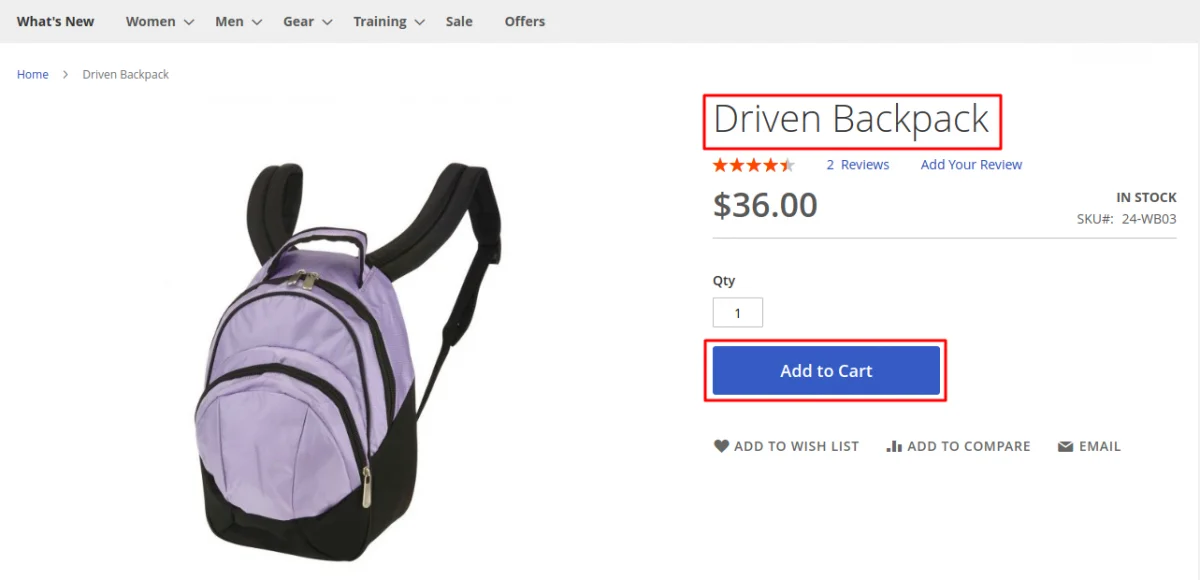
- Select desired options and click Add to Cart.
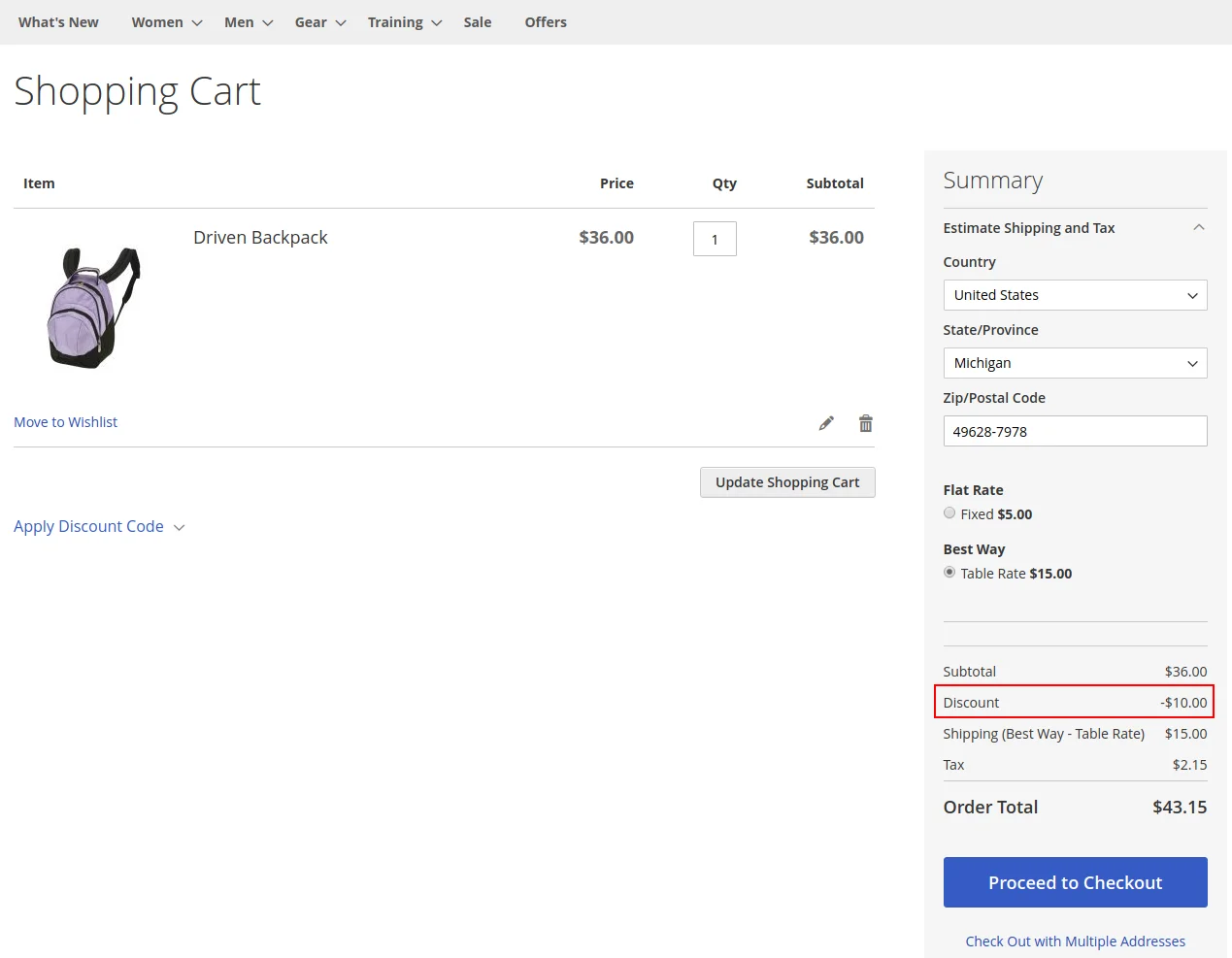
- Proceed to Shopping Cart / Checkout. Campaign discounts apply automatically to eligible items.