Multilingual & i18n Translation
The Hipercalzado Connector includes built-in internationalization (i18n) support, allowing you to translate admin labels, grid headers, and notification messages into any target language.
Storefront Locale Configuration
To set up multilingual support:
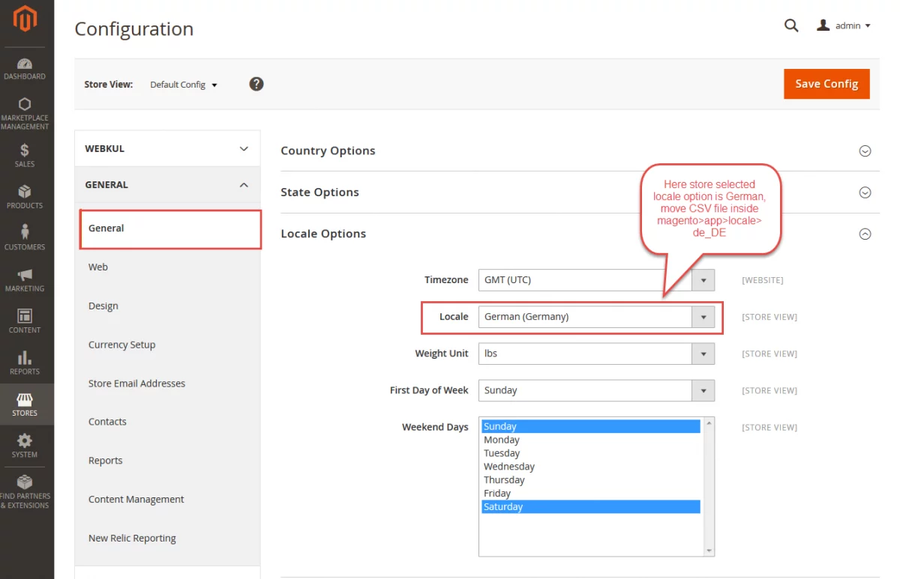
- Go to Stores → Configuration → General → General → Locale Options.
- Choose your target locale (e.g., German (Germany) or Spanish (Spain)).
- Save configuration.
CSV Dictionary Translation (i18n)
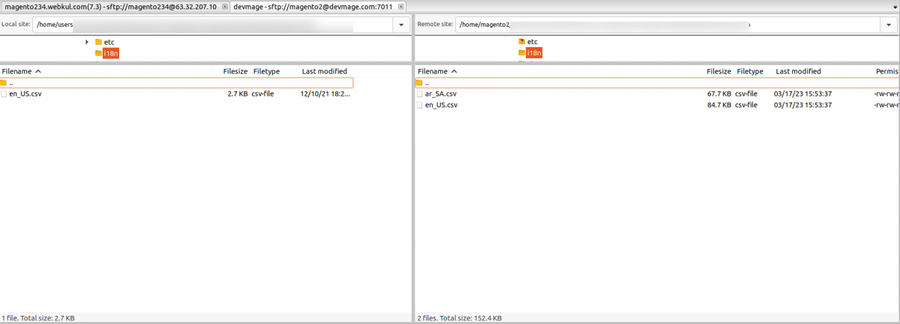
- Open
app/code/Webkul/Hipercalzado/i18n/in your Magento installation directory. - Duplicate
en_US.csvand rename it to your target locale code (e.g.,de_DE.csvores_ES.csv). - Translate the strings on the right side of the comma:
"Hipercalzado Connect","Hipercalzado Connect" "Sync From Hipercalzado","Sincronizar desde Hipercalzado" "Hipercalzado Product ID","ID de producto Hipercalzado" - Save the file and flush cache:
php bin/magento cache:flush.