Activation
After installing the extension, you must activate the module license and configure global system settings.
Module License
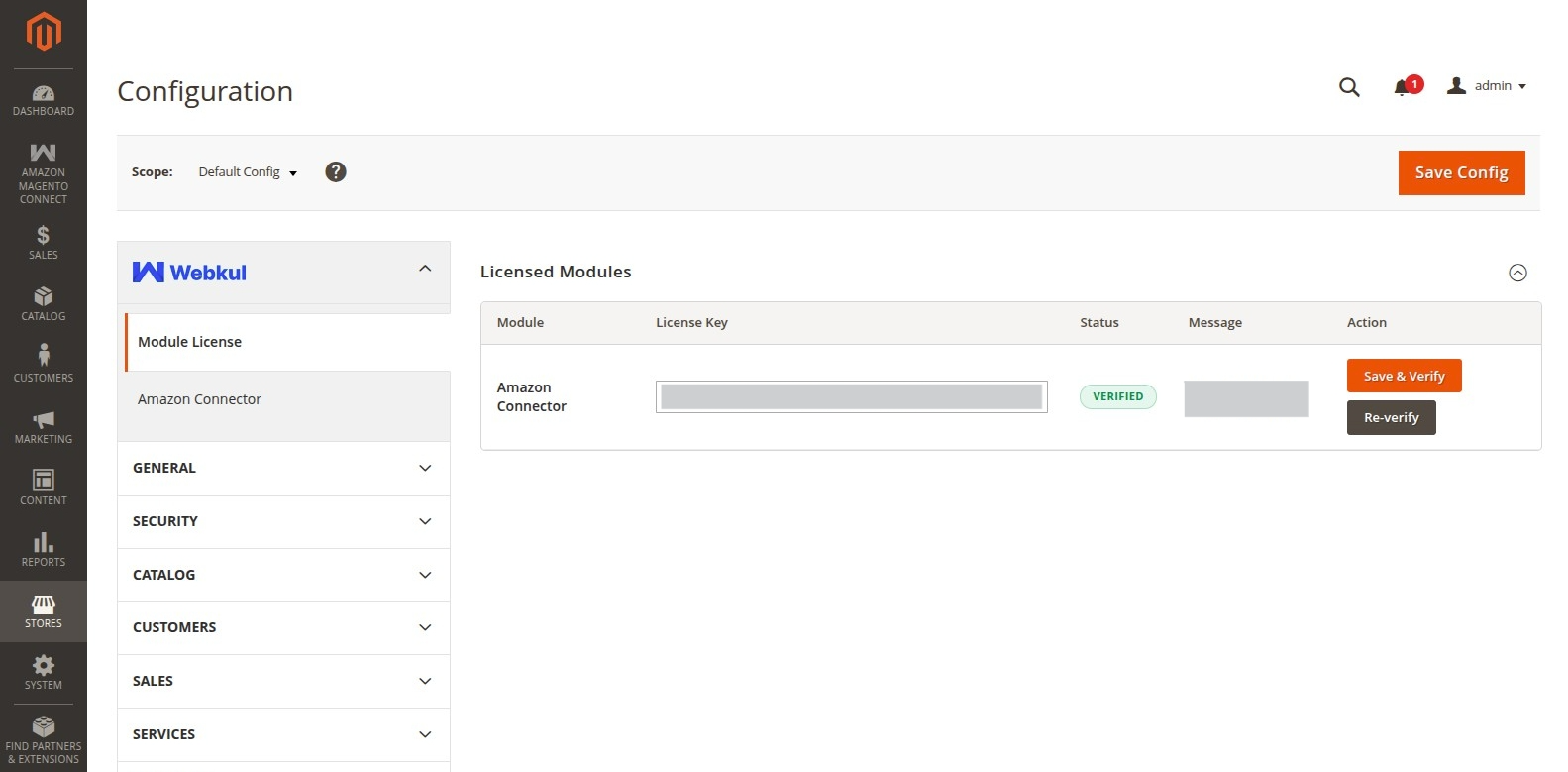
To verify your extension:
- Navigate to Stores > Configuration > Webkul > Module License.
- Locate Amazon Connector for Magento 2 in the list of installed Webkul modules.
- Enter the License Key you received upon purchase.
- Click Save & Verify to activate the extension.
Global System Configuration
Navigate to Stores > Configuration > Webkul > Amazon Connector (or Amazon Magento Connect > Configuration Settings) to set global extension parameters.
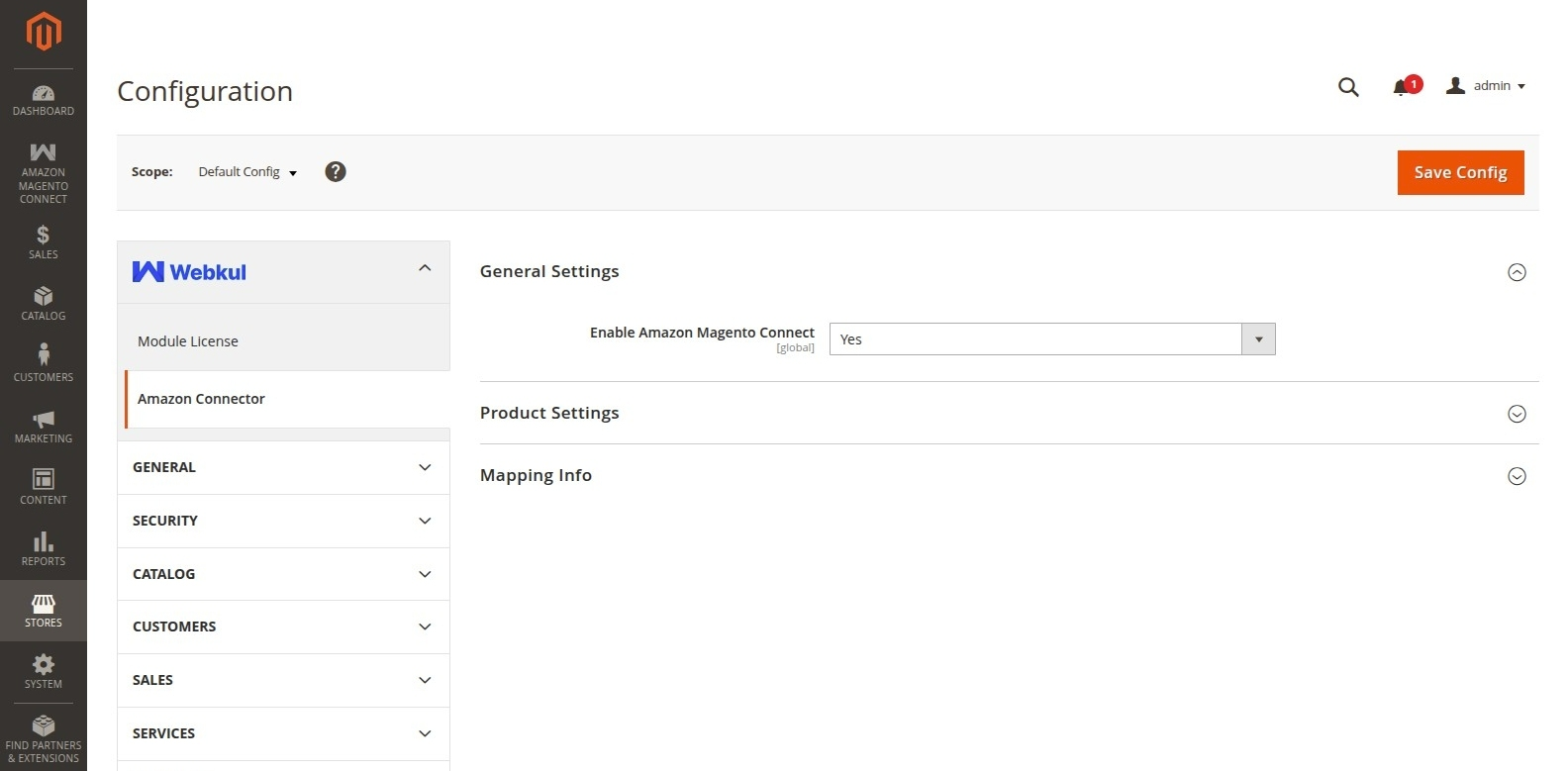
General Settings
- Enable Amazon Magento Connect: Select Yes to turn on Amazon Connector operations.
Product Settings
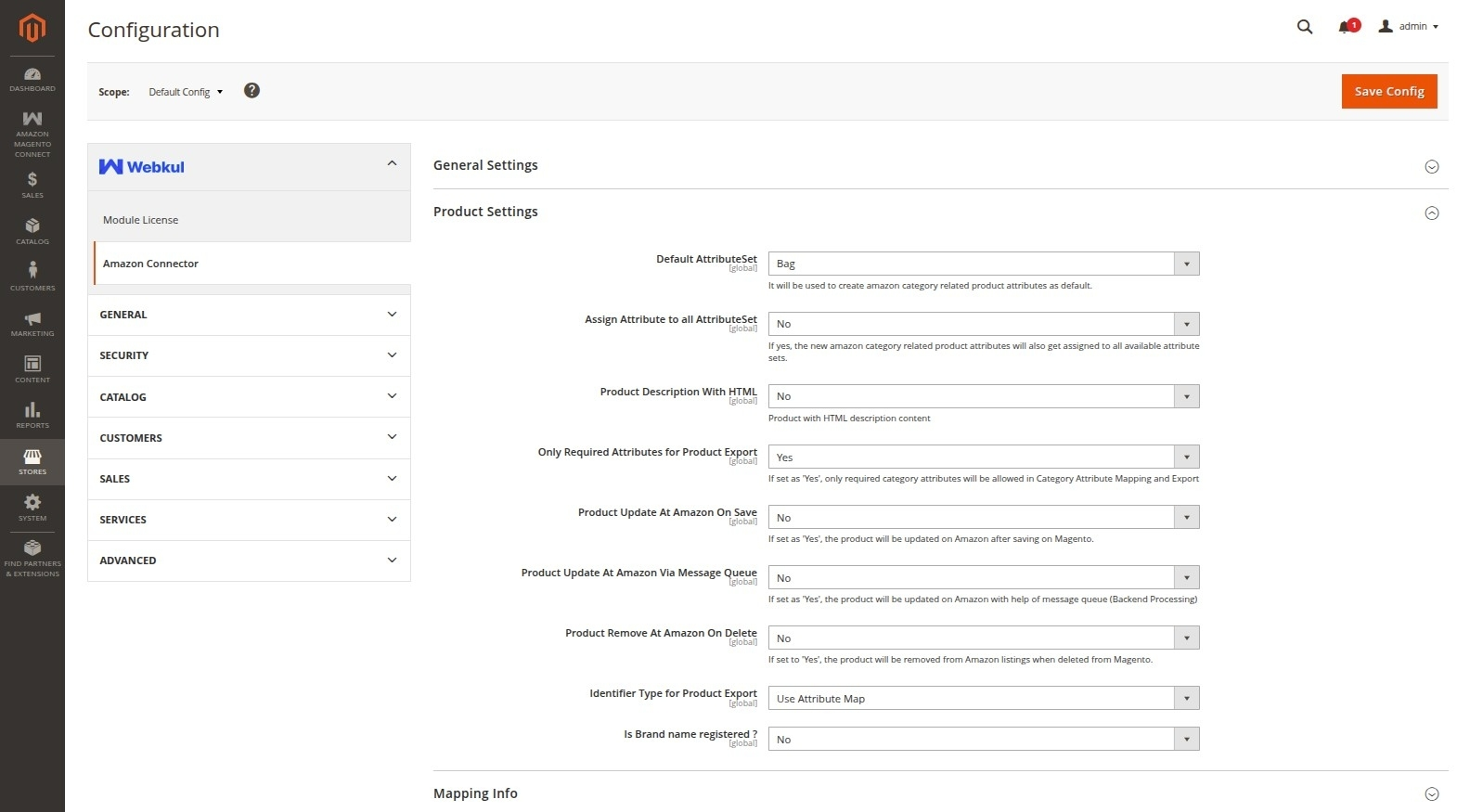
- Default AttributeSet: Select the default Magento product attribute set (e.g., Default) assigned to products imported from Amazon.
- Assign Attribute to all AttributeSet: Set to Yes to assign new Amazon category-related attributes to all available attribute sets.
- Product Description With HTML: Enable or disable importing products with HTML content in descriptions.
- Only Required Attributes for Product Export: If set to Yes, only required category attributes are allowed in Category Attribute Mapping and Export.
- Product Update At Amazon On Save: Enable automatic real-time product updates to Amazon when products are saved in Magento.
- Product Update At Amazon Via Message Queue: Enable asynchronous product updating on Amazon via backend message queue processing.
- Product Remove At Amazon On Delete: If set to Yes, deleting a product in Magento automatically removes its listing from Amazon.
- Identifier Type for Product Export: Select the product identifier type (e.g., ASIN, UPC, EAN, ISBN) used when exporting products to Amazon.
- Is Brand name registered?: Specify whether your brand name is registered on Amazon.
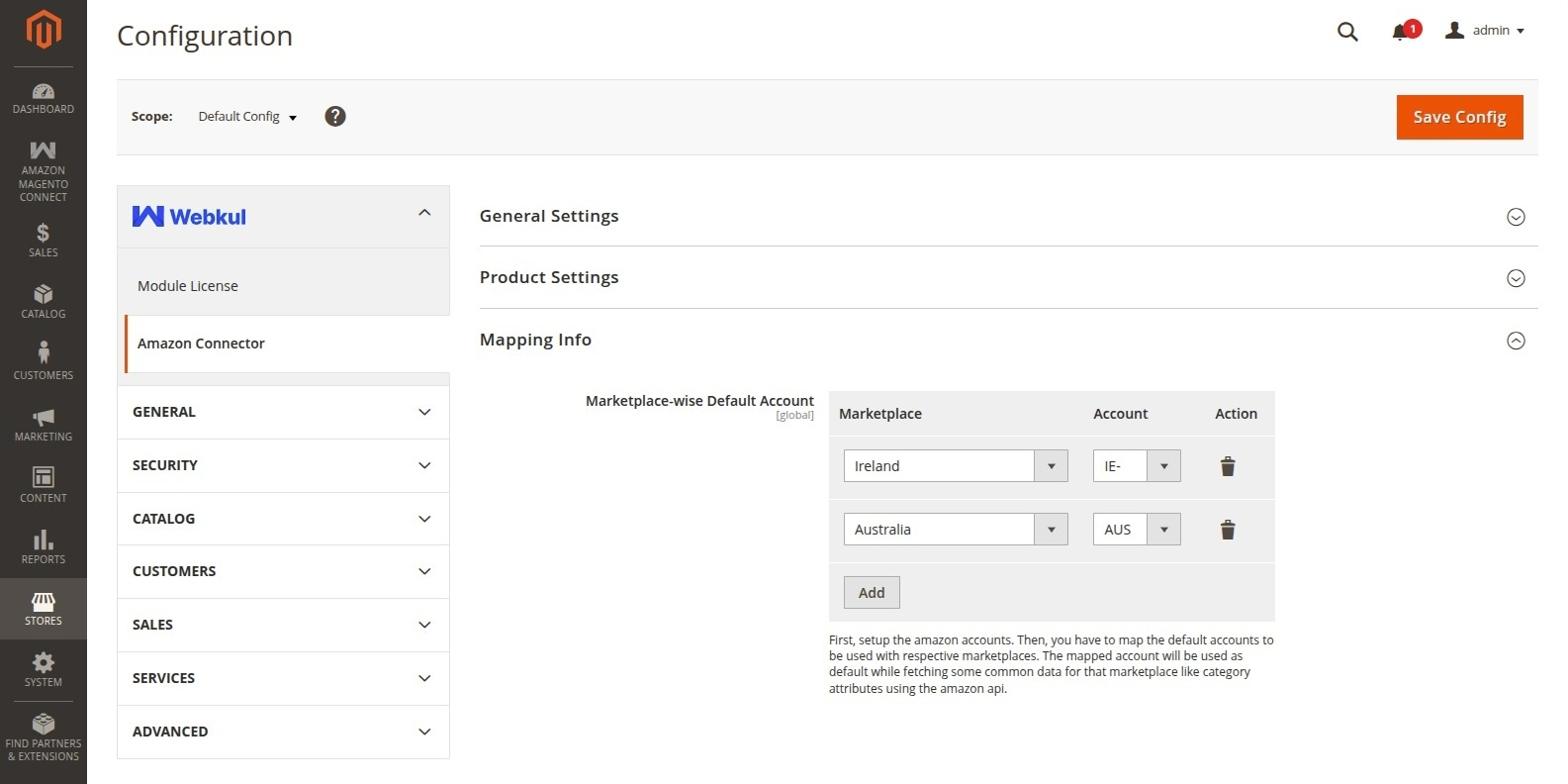
Mapping Info
- Marketplace-wise Default Account: Map default Amazon accounts to their respective marketplaces (e.g., Amazon.com, Amazon.co.uk) to fetch marketplace-specific category attributes and common API data.